Imagine crafting a game world where every move, every score, every epic battle lives eternally on the blockchain, tamper-proof and accessible to anyone with a wallet. That's the promise of fully on-chain games, and Dojo Engine on Starknet makes it feel less like rocket science and more like assembling Lego bricks with superpowers. While MUD shines on Ethereum, Dojo's ECS architecture delivers scalable magic tailored for Starknet's zero-knowledge prowess. In this Dojo Engine tutorial, we'll dive into building models, entities, components, and systems to kickstart your MUD on-chain games journey, blending Dojo's strengths with the broader ecosystem.
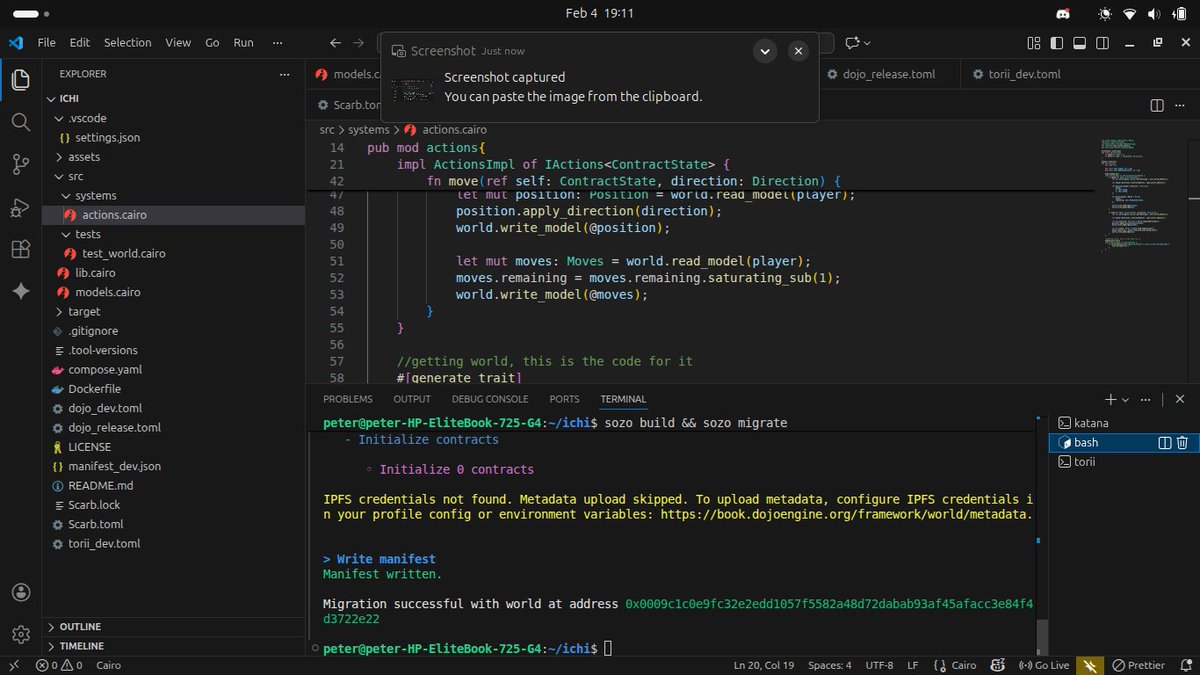
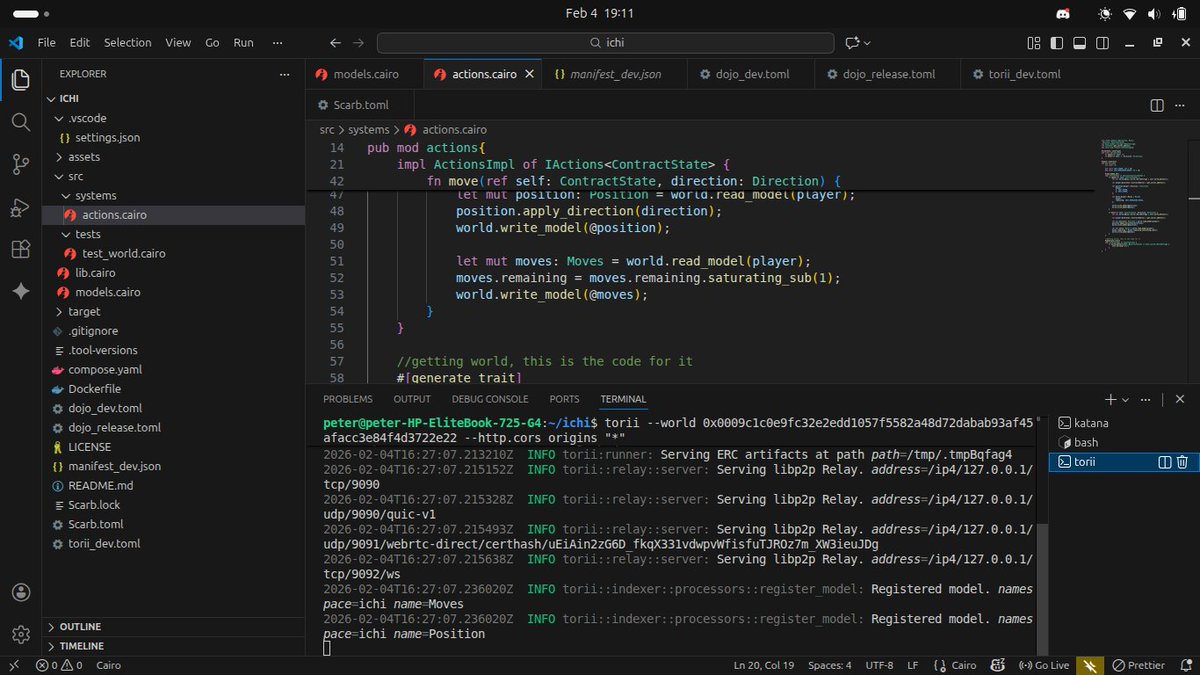
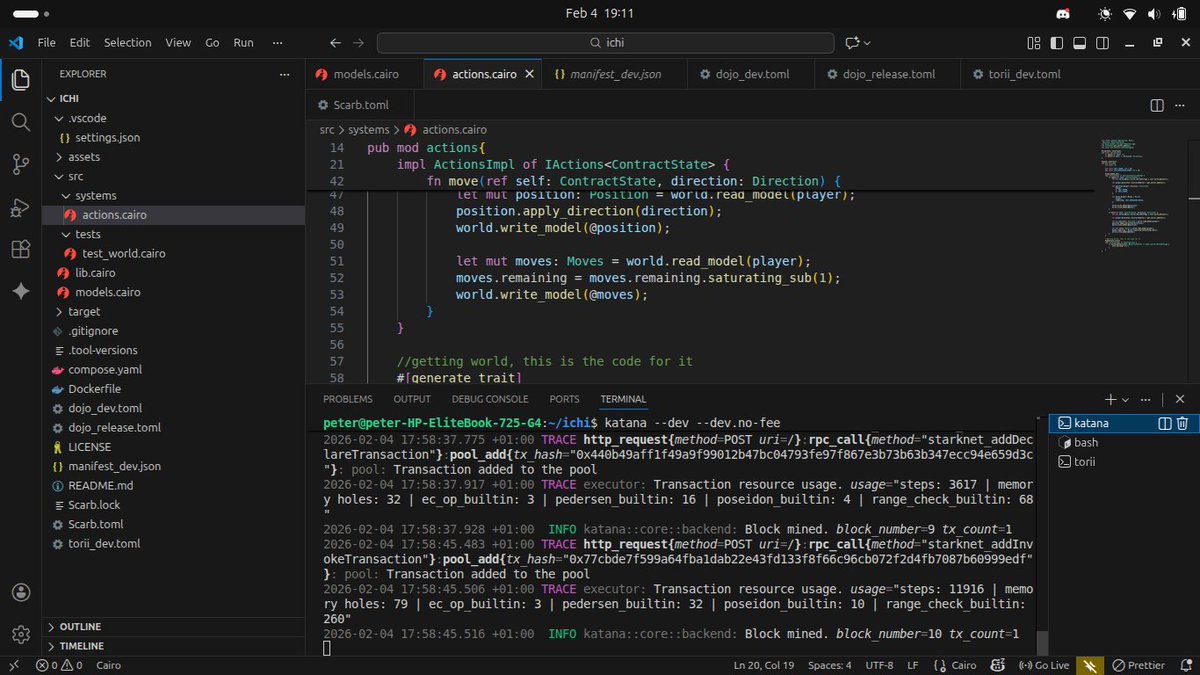
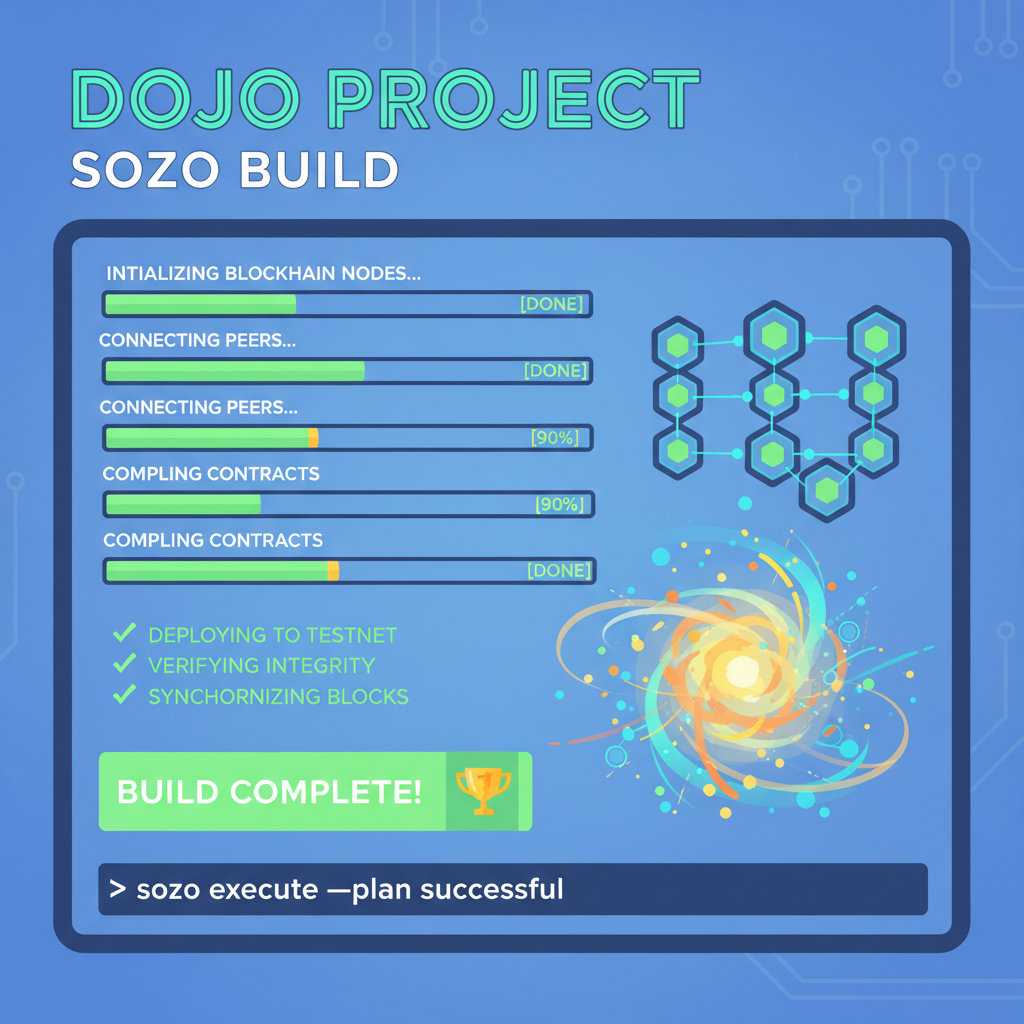
I used Sozo to build the projects and migrate(deploy) to Katana, a lightweight local blockchain on the @ohayo_dojo environment. I read from the world contract and also wrote to it. Then I spun up Torii and interacted with it using @GraphQL query. And that was it for the day. https://t.co/xzhwgV0mL9
Dojo isn't just another framework; it's a narrative woven from the chaos of traditional game dev into the order of blockchain. Born from the need for modularity in high-performance games, its Entity Component System (ECS) breaks down complexity: entities as unique IDs, components as data bundles, models as structured schemas, and systems as logic engines. This setup echoes Web2 giants like Unity but thrives on-chain, enabling parallel execution and infinite scalability.
ECS Unveiled: Entities, Components, and the Dojo World
At Dojo's heart lies the World, a dynamic contract managing entities and their components. Entities are mere identifiers - think of them as blank slates awaiting definition. Components attach data, like position or health, while models define their structure in Rust-like Cairo syntax. Systems then query and mutate these, executing game logic transactionally on Starknet.
This separation fuels composability. Want a moving character? Attach a Position component to an entity, then let a starknet dojo systems handle velocity. It's modular poetry, sidestepping monolithic contracts that choke under load. Developers love it for rapid iteration, players for true ownership - no servers, just blockchain truth.
Launch Your Dojo Adventure: Install & Initialize with Sozo CLI
Install the Dojo Toolchain
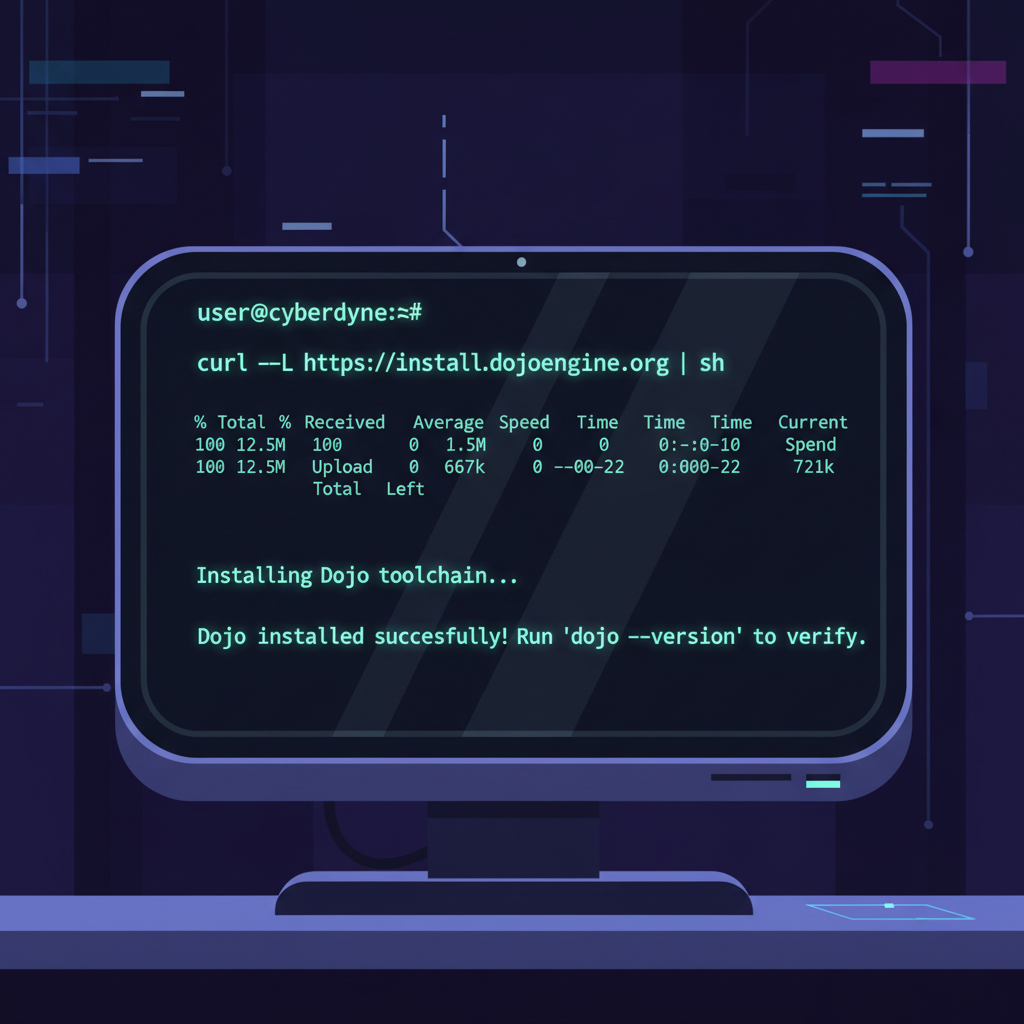
Kick off your on-chain gaming journey by installing the Sozo CLI toolchain, the command-line powerhouse for managing Dojo projects. Run this curl command in your terminal:
```bash
curl -L https://install.dojoengine.org | bash
```
After installation, restart your terminal to ensure everything is loaded—think of it as powering up your development dojo.
Scaffold Your New Project
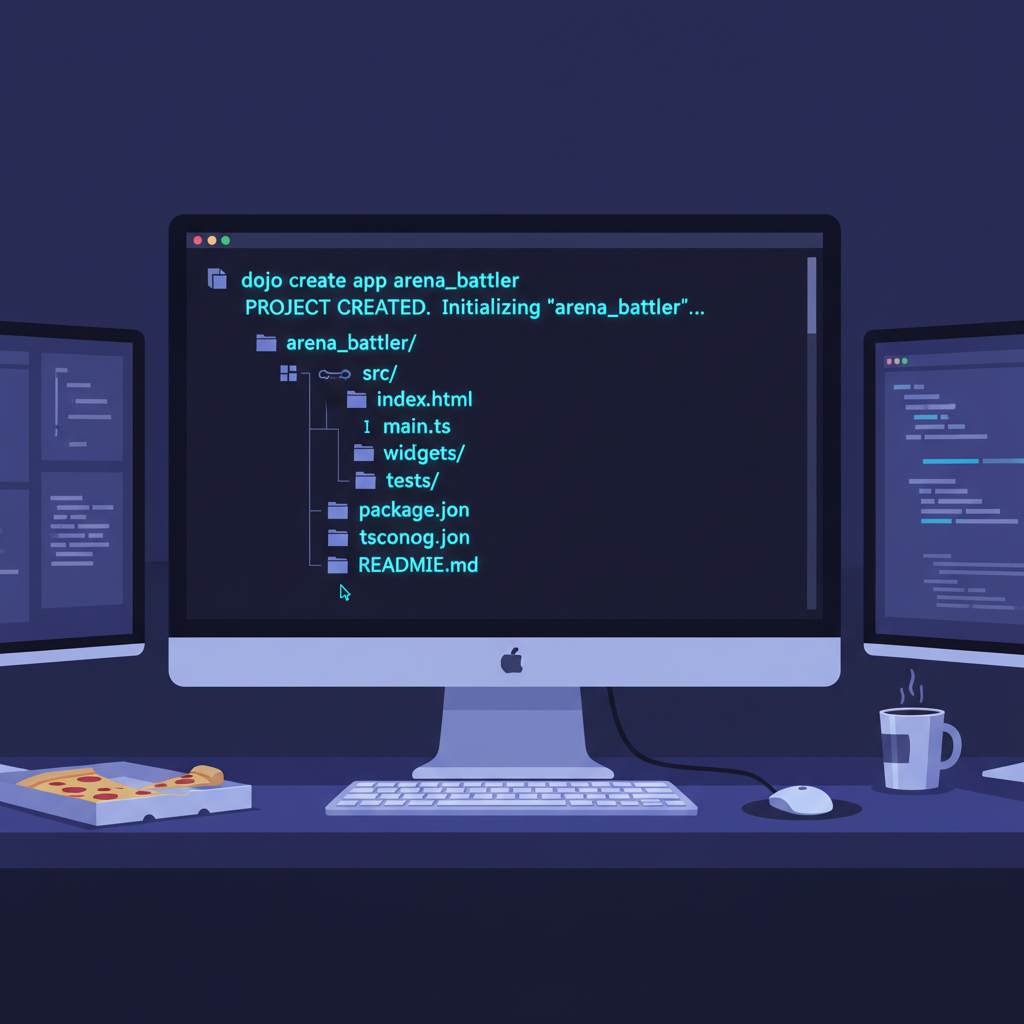
With Sozo ready, create a fresh Dojo project scaffolded for battle-ready development. Execute:
```bash
sozo new arena_battler
```
This generates a complete structure for models, entities, components, and systems—your canvas for MUD-style on-chain games.
Enter the Arena
Navigate into your project's heart:
```bash
cd arena_battler
```
Here, you'll define entities, craft components, and unleash systems, immersing yourself in the ECS architecture that powers scalable on-chain worlds.
Build and Prepare
Compile your setup by building the project:
```bash
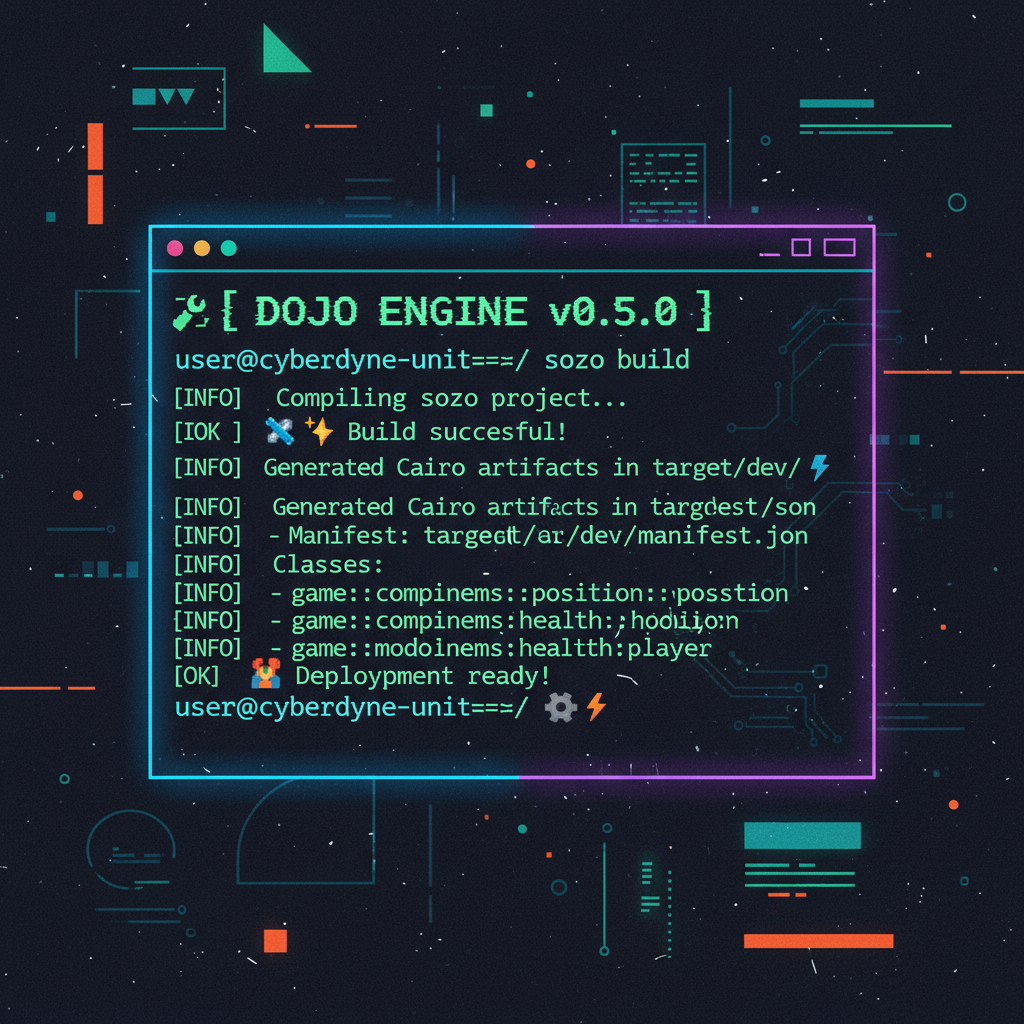
sozo build
```
This generates essential contracts and readies your environment for modeling entities, components, and systems—bridging your code to Starknet's on-chain reality.
Fire up Katana for local testing, mimicking mainnet without gas fees. Migrate your world, and Torii starts indexing state changes for client sync. It's a seamless loop: code, test, iterate. Early adopters rave about slashing dev cycles from weeks to days.
Modeling Data: From Position to Power-Ups
Components are Dojo's DNA. Define a Position model with i32 x and y fields, derive Component trait, and attach to entities via systems. Here's the rhythm: query entities with certain components, apply logic, emit events for off-chain rendering. For our arena, add Velocity: dx, dy fields drive movement.
Dojo models entities components shine in multiplayer scenarios. Systems like move_system iterate queries, updating positions atomically. No race conditions, pure parallelism. Extend to health, inventory - each a lean component, queryable independently. This granularity powers complex interactions, like collision detection via spatial queries.
As you layer systems atop models, patterns emerge. A spawn_system creates entities with starter components; combat_system queries combatants, resolves damage. Dojo's executor ensures determinism, vital for on-chain fairness. We're just scratching the surface - next, we'll wire systems for real game loops.
Picture a battlefield where heroes clash, their stats updating in real-time across wallets worldwide. That's the arena we'll build next, threading systems through our models to birth dynamic gameplay.
Systems in Motion: Logic That Powers the Arena
Systems are Dojo's beating heart, querying the World for entities sporting specific components, then mutating them with Cairo-fueled precision. Unlike MUD's event-driven flows on Ethereum, starknet dojo systems leverage Starknet's parallel proving for butter-smooth execution, even in crowded games. Start simple: a move_system that nudges positions based on velocity.
The Move System: Bringing Entities to Life
In the heart of our MUD game lies the `move` system, a simple yet powerful function that breathes motion into entities. It queries the on-chain world for an entity's `Position` and `Velocity` components, seamlessly integrates the velocity deltas into the position coordinates, and persists the update—all within a single, atomic transaction. This ensures that even in the decentralized chaos of on-chain execution, your entities glide smoothly without glitches or inconsistencies.
Behold the elegant Cairo implementation:
```cairo
#[dojo::system]
use super::models::{Position, Velocity};

fn move(
    ctx: Context,
    entity_id: u128,
) {
    let position = get!(ctx.world, (entity_id), Position);
    let velocity = get!(ctx.world, (entity_id), Velocity);

    set!(
        ctx.world,
        (entity_id),
        Position {
            x: position.x + velocity.dx,
            y: position.y + velocity.dy,
        }
    );
}
```
Notice how `get!` and `set!` handle the storage introspection and mutation with zero boilerplate, leveraging Dojo's magic under the hood. This system is typically triggered per entity from spawners, actions, or off-chain orchestrators, forming the kinetic core of your game's physics.
This system's beauty lies in its query specificity - it ignores bystanders, focusing laser-sharp on movers. Scale up to combat: query Health and Damage components, subtract on hit, despawn the fallen. Dojo's sandbox executor runs these offline first, ensuring on-chain success without surprises. I've seen prototypes evolve from static boards to frenetic brawls this way, all verifiable on explorers.
Entities tie it together. Spawn one with world. spawn(entities: vec!
Spawning an Entity with Position and Health Components
With your Position and Health models defined, it's time to spawn an entity into the Dojo world. This is where the magic happens—bringing structured data to life on-chain. The `spawn` method takes a vector of entity IDs and a matching vector of models, attaching components in order. Here's how to create an entity at the origin with full health:
This concise call populates your game world with an entity ready for systems to manipulate. Notice the parallel vectors: each entity gets the corresponding models, enabling efficient batch spawning for scalable on-chain games.
). No bloat - just IDs linking modular data. Query mutated: and mut (Position, and Velocity) for movers, or ( and Health, and Damage) for fights. This composability lets you remix mechanics, like adding PowerUp components mid-battle for temporary buffs.
Ignite Your Dojo Game: Build, Migrate & Run the Full Loop with Katana and Torii
Build Your Dojo Project
Kick off the magic by compiling your models, components, and systems into deployable contracts. Run `sozo build` in your project directory—this insightful step transforms your Rust-like code into Starknet-ready artifacts, setting the foundation for your on-chain adventure.
Spin Up Katana Locally
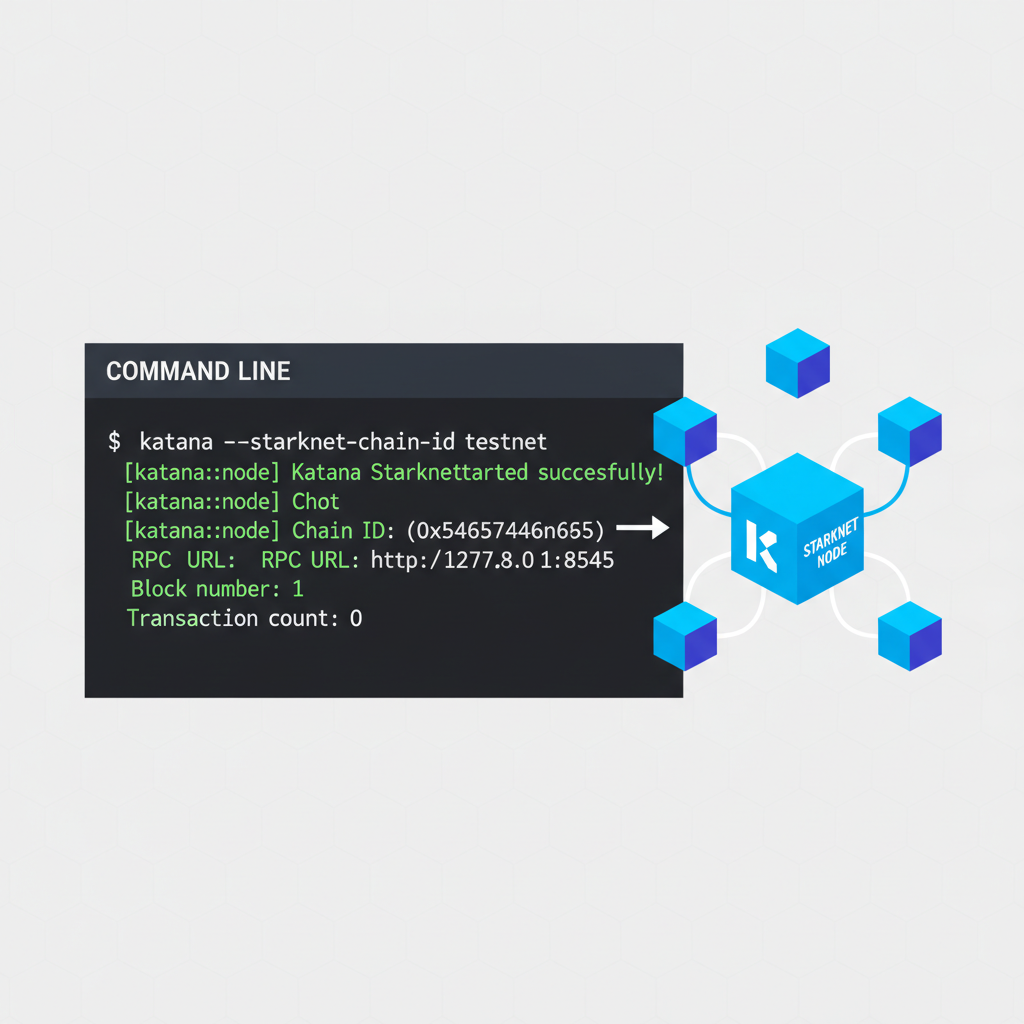
Bring your local Starknet node to life with `katana --disable-fee --allowed-origins '*'` . This accessible powerhouse simulates the blockchain environment, letting you prototype rapidly without real fees or mainnet waits—perfect for iterating on your game's ECS logic.
Migrate and Deploy Your World
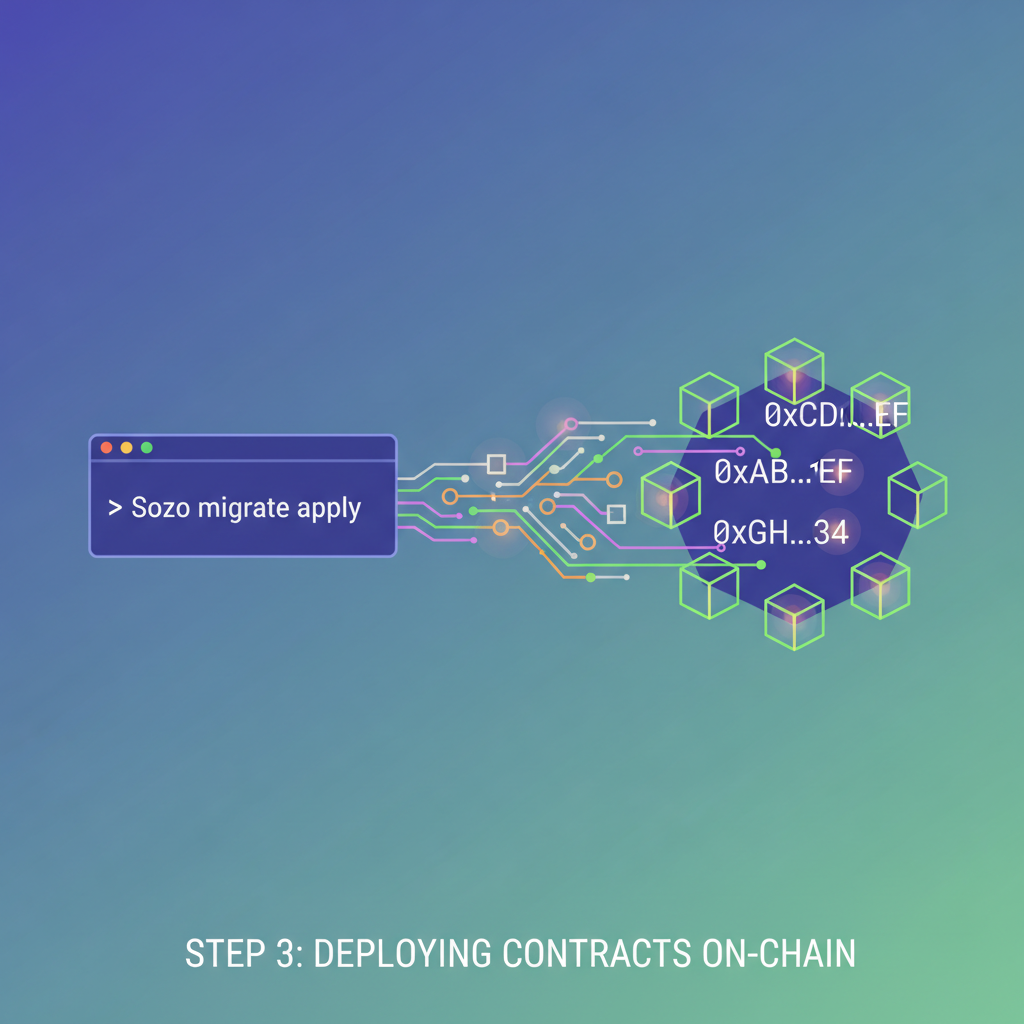
Seal the deal by applying your migrations: `sozo migrate apply`. Watch as your Dojo World contract deploys to Katana, instantiating models and components on-chain. Note the World address output—it's your game's beating heart, ready for systems to interact.
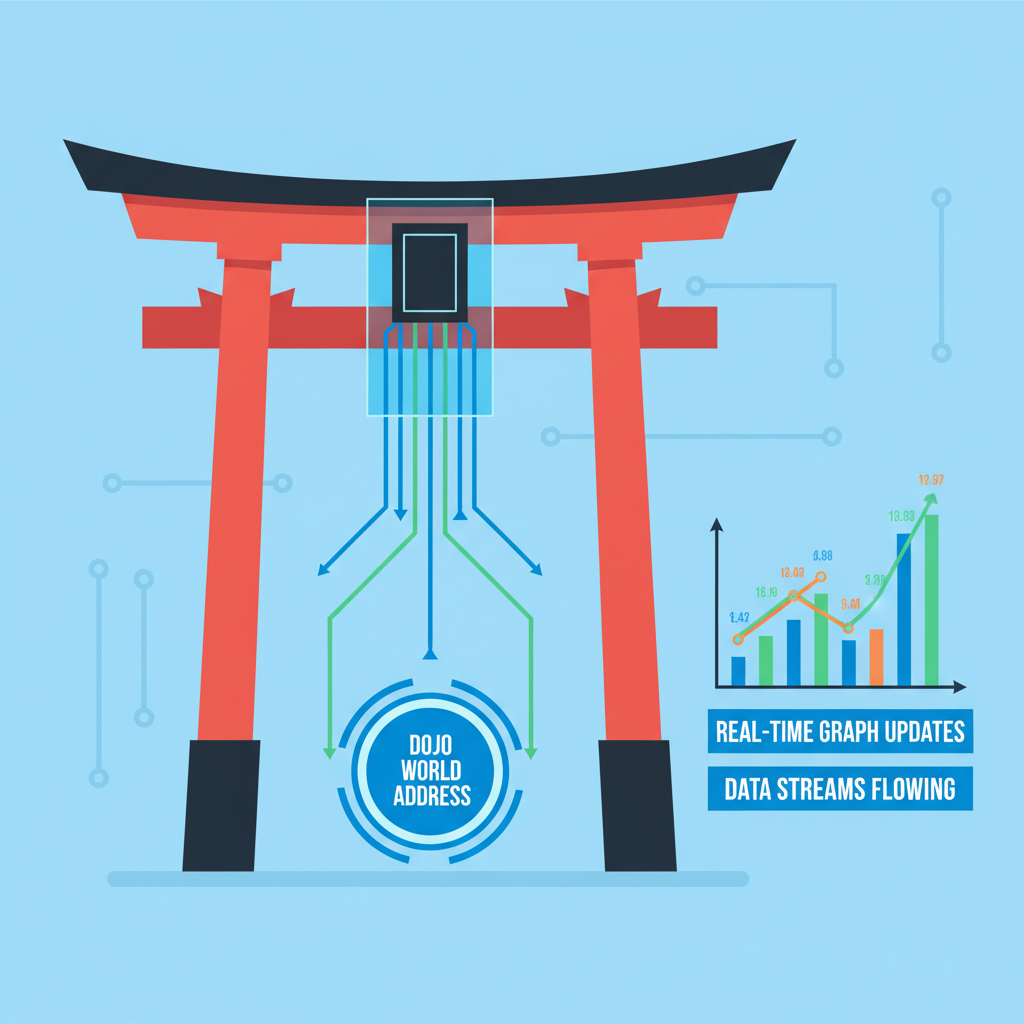
Launch Torii for Real-Time Indexing
Connect the dots with `torii --world --allowed-origins '*'` , replacing from the migration step. Torii's elegant indexer streams state changes, empowering your client to render dynamic game worlds instantly—like a narrative bridge from chain to screen.
Query and Test Your Systems
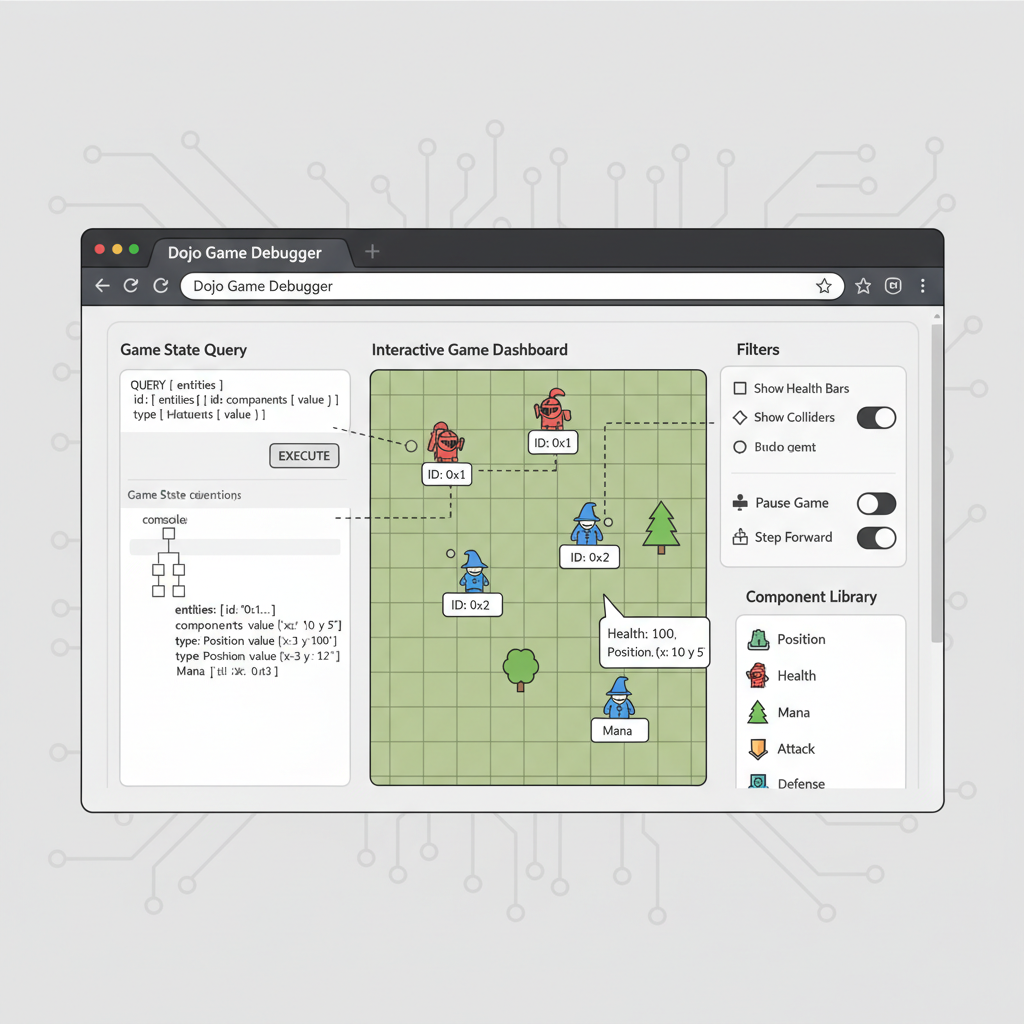
Dive into action by querying your deployed systems via a client (like the Dojo explorer or custom frontend). Send transactions to invoke systems, fetch entity states, and verify logic—unlocking the thrill of a fully on-chain game loop in motion.
With Katana humming locally, tweak systems endlessly. Torii pipes state to your frontend - React, whatever - via subscriptions. No polling nonsense; events flow instantly. Prototype an arena: spawn fighters, trigger moves, watch health drain. It's addictive, that shift from code to living world.
Entities Assemble: From Blueprint to Blockchain Battle
Now, orchestrate the chaos. A spawn_system kicks off rounds, minting entities per player wallet. Link ownership via an Owner component - u64 address mapping. Players call execute via transactions, systems react. Collision? Spatial hashing via Index components groups nearby foes, ripe for queries.
Dojo's World contract centralizes it, deployable as one unit. Migrate once, iterate systems independently. Compare to MUD: Dojo feels nimbler on Starknet, with ZK proofs slashing costs for high-volume games. Yet they share DNA - ECS for build on-chain game dojo dreams, where state is sovereign.
Edge cases? Gas bounds handled by batched executes; persistence via snapshots. Frontend hooks via Torii's GraphQL, rendering entities client-side. I've watched indie devs ship MVPs in marathons, players grinding true assets. This isn't hype - it's the Web3 gaming pivot, dojo engine tutorial style.
Layer in events for flair: emit Moved, Hit, Died. Off-chain audio cues sync perfectly. Scale to thousands: parallel systems shine, no bottlenecks. Your mud on-chain games inspired project? Dojo elevates it, Starknet-ready.
Grab Sozo, scaffold today. From models sketching dreams to systems unleashing them, you've got the toolkit. Arena awaits - code your legend on-chain.




No comments yet. Be the first to share your thoughts!