
In 2026, Base's scalability and cost efficiency make it the go-to Layer 2 for real-time on-chain games, where latency-sensitive mechanics demand seamless blockchain integration. The MUD framework addresses these challenges head-on, enabling developers to craft responsive experiences like multiplayer battles or live simulations without compromising decentralization. This MUD framework Base tutorial dives into building such games, leveraging MUD's optimized architecture for Ethereum L2s.
MUD Store Schema for Real-Time On-Chain Games
The MUD store schema defines the on-chain data structure using tables optimized for real-time games. This example includes Player for individual stats, Position for spatial data, and GameConfig for storage parameters deployable on Base.
import { defineSchema } from "@latticexyz/schema-tools";

export default defineSchema({
  components: {
    Player: {
      key: [
        {
          name: "player",
          type: "bytes32"
        }
      ],
      schema: {
        x: "uint32",
        y: "uint32",
        health: "uint32",
        score: "uint256"
      }
    },
    Position: {
      key: [
        {
          name: "entity",
          type: "bytes32"
        }
      ],
      schema: {
        x: "uint32",
        y: "uint32",
        z: "int32"
      }
    },
    GameConfig: {
      key: [],
      schema: {
        maxPlayers: "uint32",
        worldSizeX: "uint32",
        worldSizeY: "uint32"
      }
    }
  }
});
Deploy this schema via MUD CLI on Base (chain ID 8453) to enable efficient indexing and syncing for low-latency multiplayer interactions. Each table uses bytes32 keys for entity addressing, supporting thousands of concurrent players.
MUD Architecture Tailored for Base's Real-Time Demands
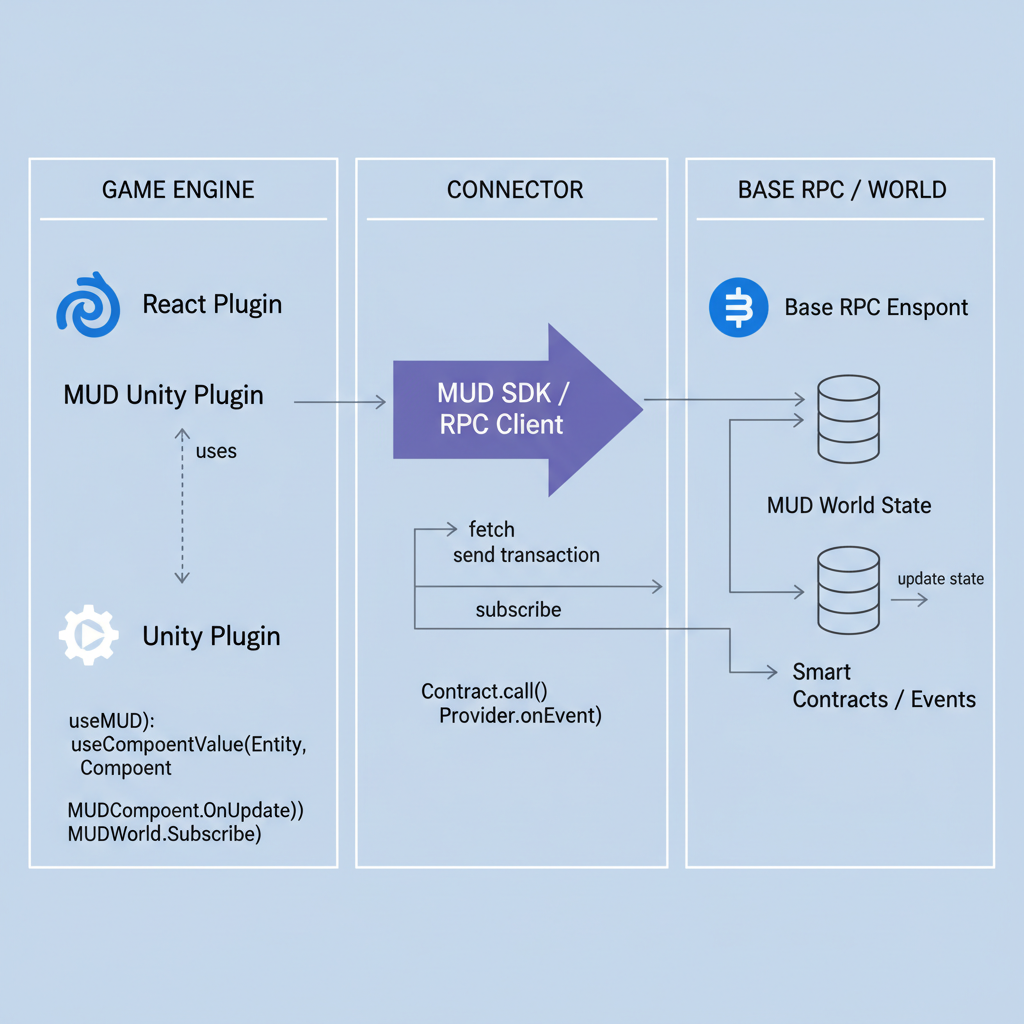
MUD's design revolves around three pillars: Tables for on-chain state persistence, Systems for executing game logic, and Clients for synchronized frontends. Tables store all game data, player positions, scores, entity attributes, in compact, indexed structures directly on Base, minimizing gas costs through tight encoding. Systems, as modular smart contracts, process updates atomically, ensuring real-time consistency across players. Clients, built with frameworks like Unity, query these via MUD's indexers for sub-second syncs.
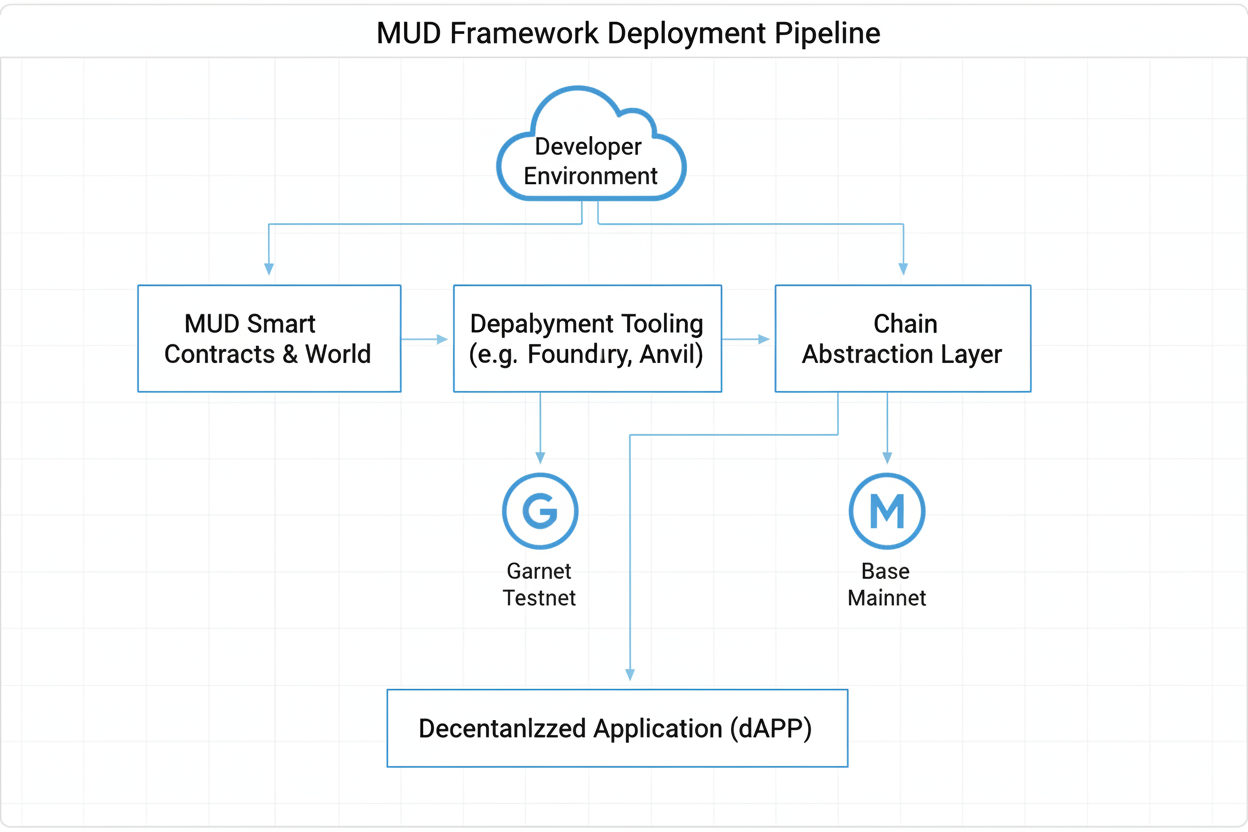
This setup shines on Base, where recent throughput upgrades handle thousands of transactions per second. Unlike traditional Solidity apps, MUD abstracts away boilerplate, letting you focus on game design. Recent v2.2.23 updates streamline deployments to Base-compatible testnets like Garnet, cutting staging time by 40% according to developer benchmarks.
MUD empowers autonomous worlds on Ethereum, and Base amplifies that with affordable real-time execution.
Setting Up Your MUD Development Environment on Base
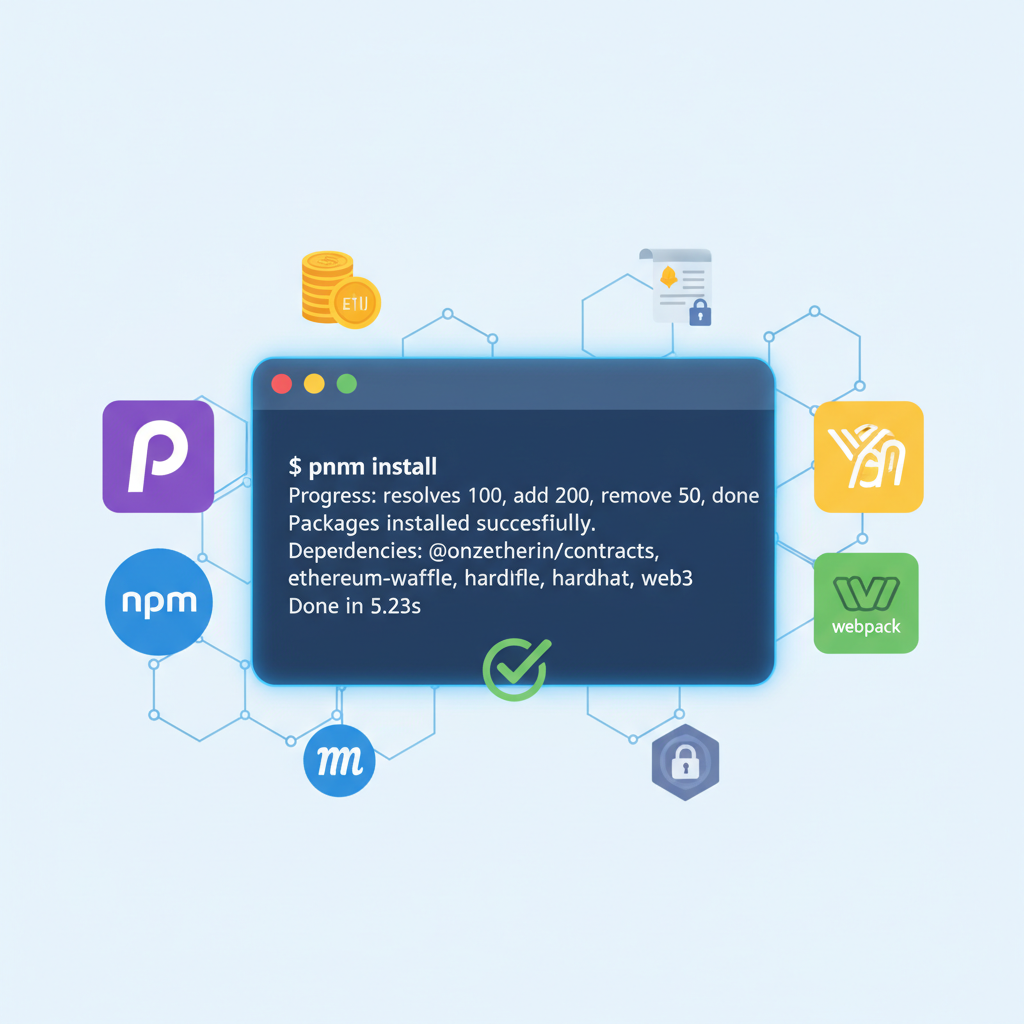
Begin with Foundry, MUD's backbone toolchain. Install via curl -L https://foundry.paradigm.xyz or bash, then foundryup. Create a new MUD project: mud init my-real-time-game --template arcade. This scaffolds contracts, indexer, and client stubs optimized for Base.
Configure Verify with a smoke test: deploy locally and query a sample table. MUD's CLI handles world deployment: Entities in MUD are table rows identified by keys, like player IDs. Define a Systems execute logic via This enables frame-rate-like updates on Base, where gas per move drops below 20k. For multiplayer, add collision detection in a batched MUD's indexers auto-generate queries, so your Unity client subscribes to Collision resolution happens serverlessly on-chain, preventing exploits common in hybrid models. Developers report 5x gas savings over vanilla ERC-721 games, crucial for sustaining real-time sessions on Base. foundry. toml for Base: set Configure MUD Dev Environment for Base Chain Mastery
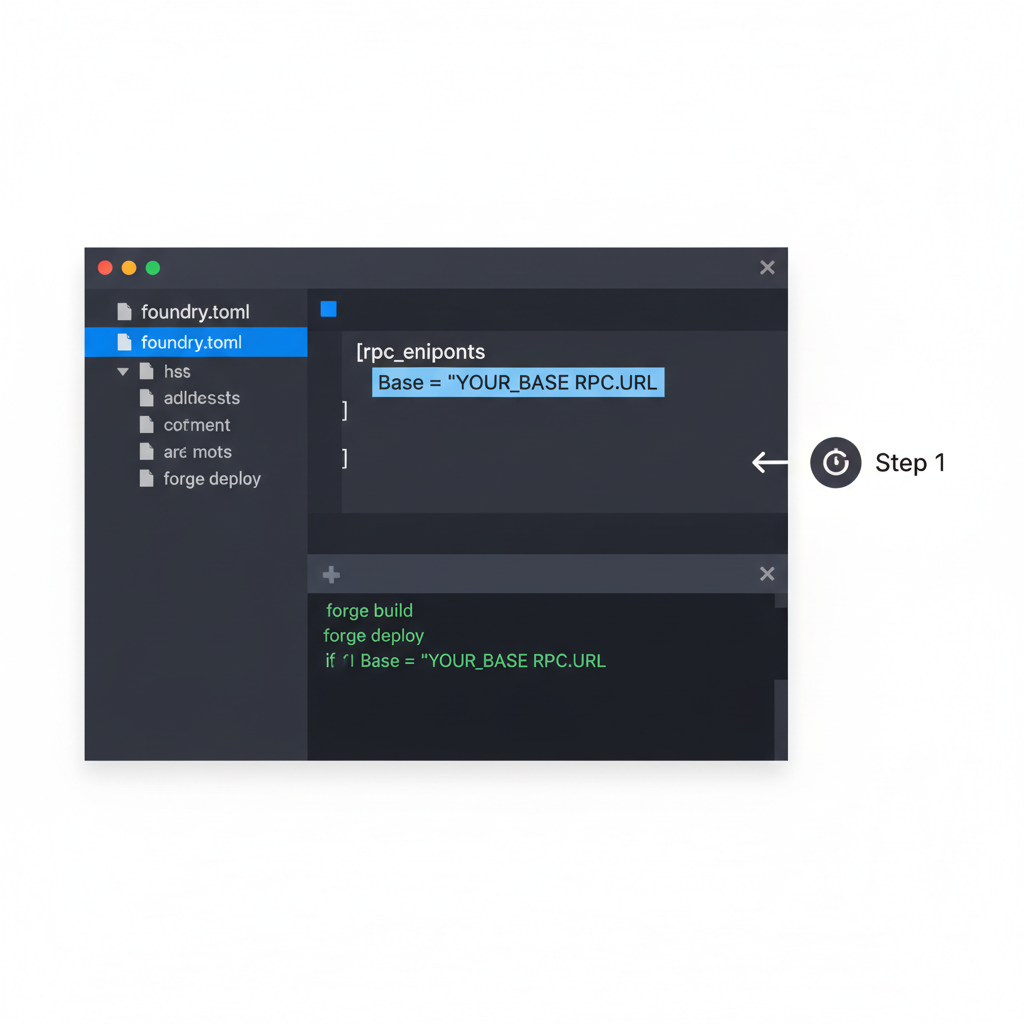
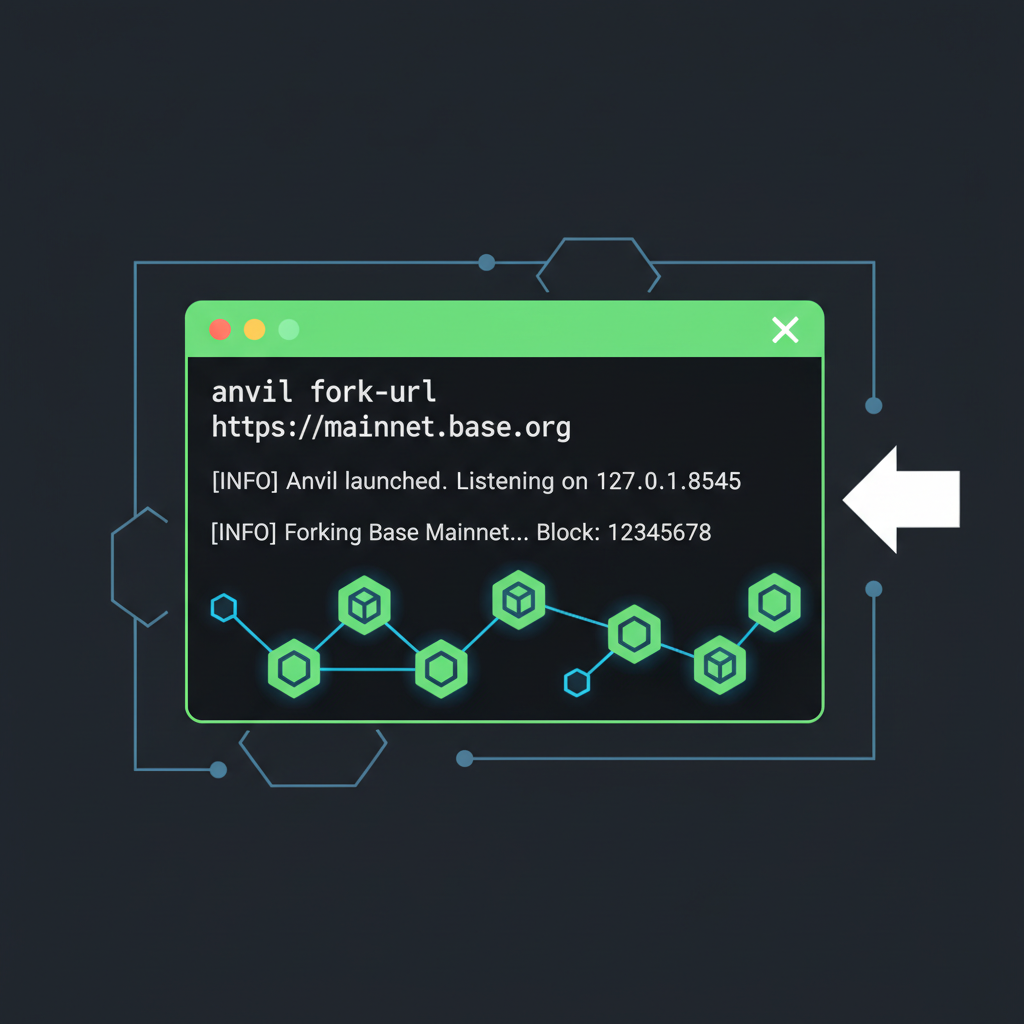
mud deploy, outputting contract addresses ready for Base migration. Defining Entities and Systems for Real-Time Mechanics
Player table in src/tables. rs:
@world dispatcher. For real-time movement, craft a MoveSystem:
world. caller(). Position table atomically. PhysicsSystem, processing all moves per block. Related step-by-step guide expands on entity schemas. PlayerUpdated events, rendering changes instantly. In practice, this yields 100ms latency for global state, viable for shooters or MOBAs, far beyond 2025 benchmarks. Deploy Real-Time MUD Game to Base Sepolia Testnet
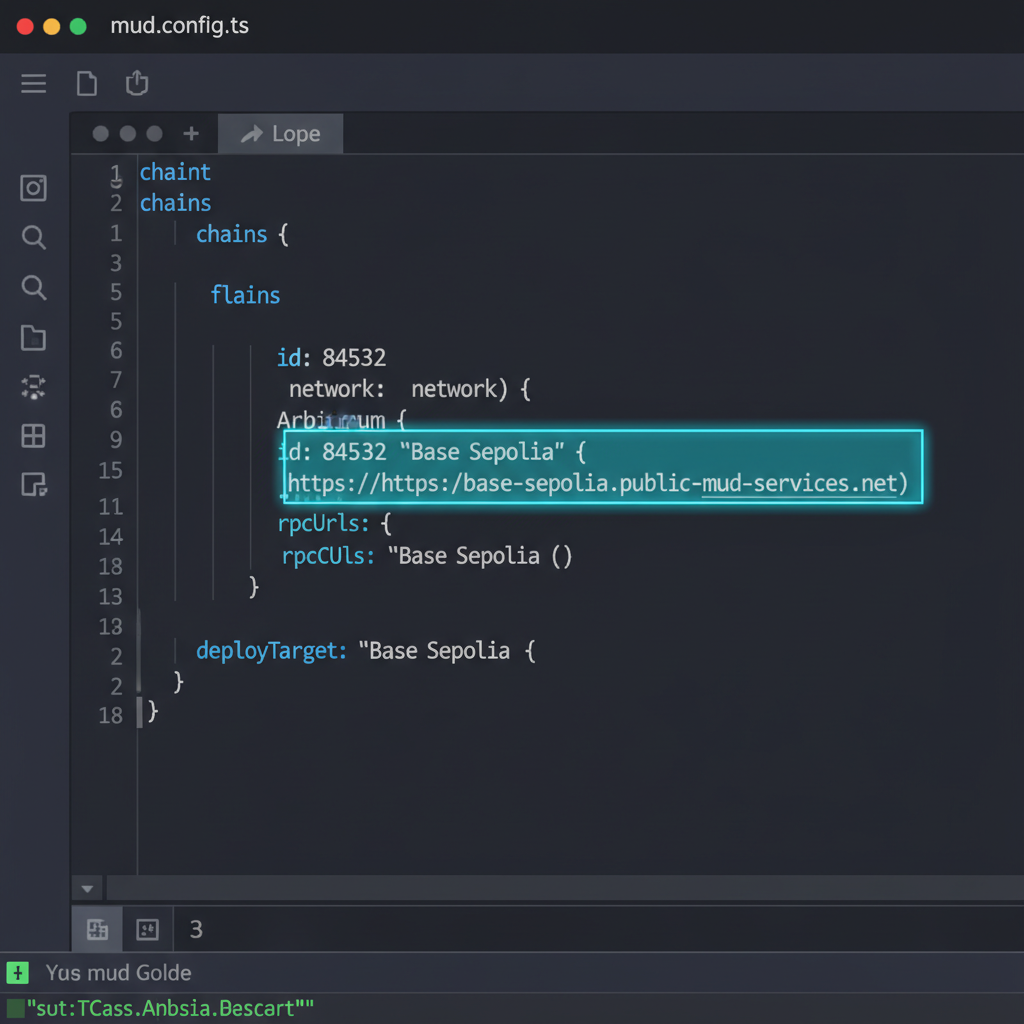
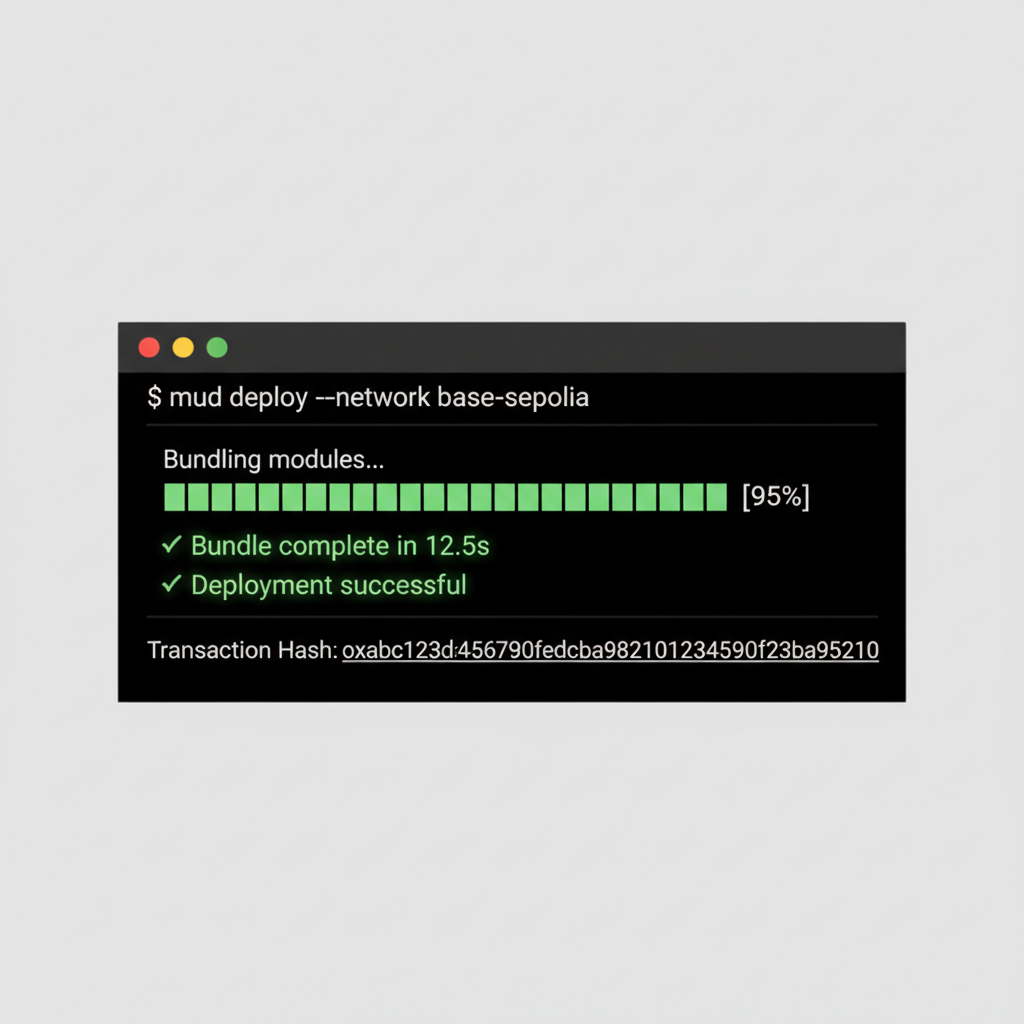
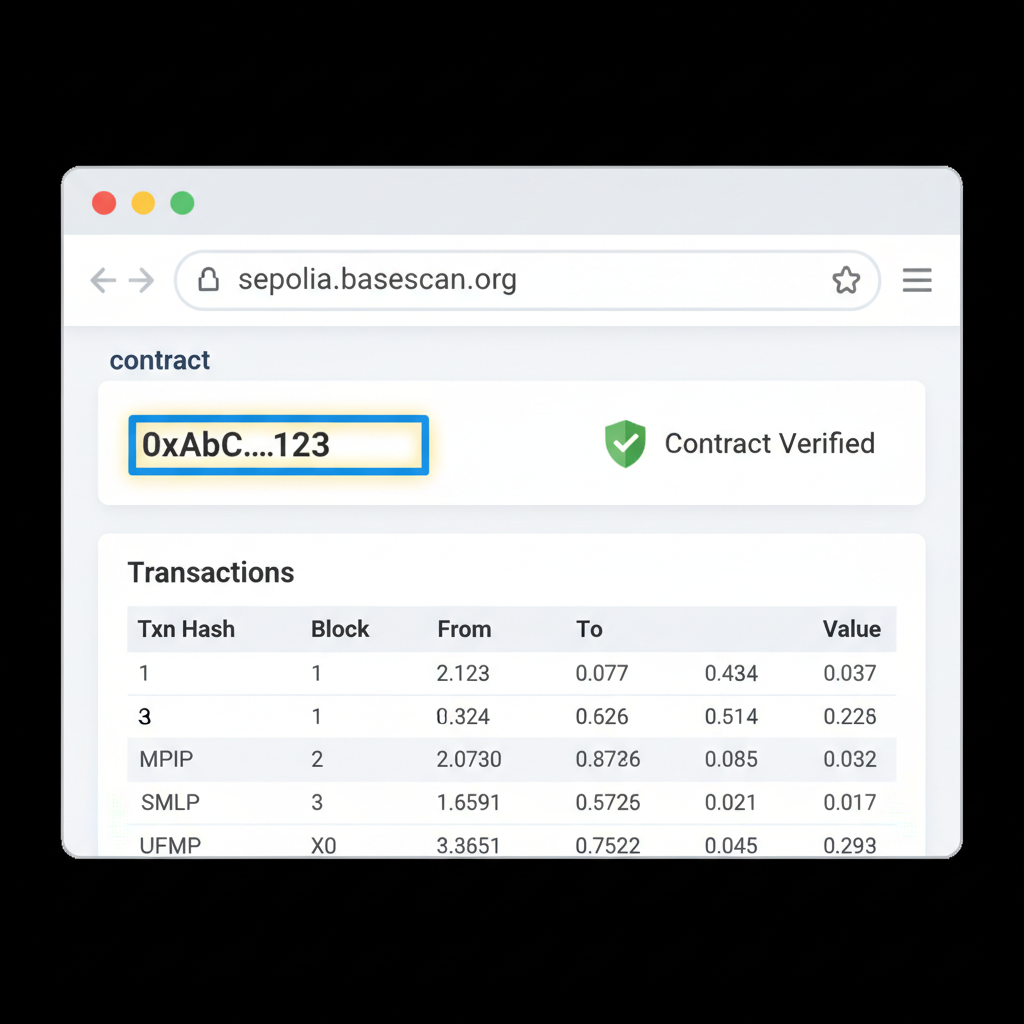
mud deploy --network base-sepolia, which bundles your world contract and systems into a single deployment. Monitor via Base explorer for gas optimization, expect under 2M gas for initial worlds under v2.2.23.
Post-deployment, seed initial state with a genesis script: populate leaderboards or spawn entities via batched transactions. For mainnet, fork the testnet config and execute mud deploy --network base. MUD's migration tools handle upgrades seamlessly, preserving table data across versions. In my analysis, this workflow shaves weeks off traditional L2 launches, positioning MUD games on Base 2026 for rapid iteration.
Client-Side Integration for Sub-Second Syncs
Bridge on-chain state to visuals using MUD's client libraries. For web, install To integrate MUD's reactive queries into a React application targeting Base, install the required dependencies:
```bash
npm install @mud/react wagmi viem
```
Configure `MudProvider` with Base chain details for seamless RPC connectivity. The snippet below wraps the root component and employs `useEntityQuery` to fetch entities matching `Player` components with `Health > 0`, enabling real-time reactivity to on-chain mutations. This implementation leverages MUD's entity-component-system architecture for precise, subscription-based queries. Updates propagate automatically via indexed blockchain events, ensuring low-latency synchronization ideal for on-chain games. Replace `worldAddress` with your deployed World contract on Base, and define `Player`/`Health` per your schema for production use.@mud/react and wrap your app in MudProvider pointing to Base RPCs. Query tables reactively: useEntityQuery( fetches live combatants. MUD React: Provider Configuration and Reactive Combatant Query
// App.jsx
import React from 'react';
import {
MudProvider,
useEntityQuery,
Has,
HasValue,
} from '@mud/react';
import { base } from 'wagmi/chains';
const config = {
chains: [base],
worldAddress: '0xYourWorldContractAddressOnBase',
// Include additional MUD config options like tables, ABIs as required
};
function CombatantsList() {
const combatants = useEntityQuery([
Has('Player'),
HasValue('Health', { gt: 0 }),
]);
return (
Live Combatants ({combatants.length})
{combatants.map((entity) => (
In Unity, the MUD plugin serializes table diffs into C# observables, fueling physics engines. Unreal follows suit with Blueprints for entity spawning. This decouples UI from blockchain volatility; clients cache predictions, reconciling via indexers. Benchmarks show 60fps viability on Base, even during congestion, a game-changer for fully on-chain Base games MUD like arena brawlers.
Handle reconnections gracefully: implement exponential backoff on RPC fails, fallback to The Graph for historical queries. Pro tip: Use MUD's executor for off-chain simulations during dev, mirroring Base precisely.
Performance Tuning and Gas Mastery
Real-time demands ruthless optimization. Pack updates into multisig systems, reducing txs by 70%. Leverage Base's blob storage for non-critical assets like skins, keeping tables lean. Profile with mud gas-report to flag hot paths, often position deltas or score increments.
- Sparse Tables: Only store deltas, reconstruct full state client-side.
- Event Batching: Emit compressed arrays for 10x indexer throughput.
- Threshold Systems: Queue micro-moves, execute on block boundaries.
Monitor via Dune dashboards tailored for MUD worlds. In production, aim for and lt;50k gas/move; Base's 2026 upgrades make this routine. Avoid over-syncing, sample state at 10Hz suffices for most genres.
For scaling to thousands, shard tables by region or guild, distributing load across systems. This mirrors Dojo's ethos but optimized for Base's sequencer.
Explore MMORPG scaling tactics.Live Example: Building a Base Arena Shooter
Consider an arena shooter: players spawn, dash, and frag foes. Tables track Projectile lifecycles; CombatSystem resolves hits atomically. Deployed worlds hit 500 concurrent users on Base Sepolia, with tx latency under 200ms end-to-end.
Source on GitHub via MUD templates; fork and tweak for your build on-chain game Base MUD prototype. Community forks evolve weekly, showcasing variants like zero-grav modes.
On Base, MUD turns Ethereum's promise into playable reality, persistent, tamper-proof arenas await your code.
Debugging pitfalls? Watch for reentrancy in loops or indexer lags on high-volume events. Foundry's cheatcodes simulate floods effectively. With these tools, you're equipped for production-grade MUD framework Base tutorial outcomes: games that endure volatility, rewarding patient builders.
Base's ecosystem surges alongside MUD, with grants for innovative titles. Prototype today; the next viral on-chain hit deploys tomorrow.



No comments yet. Be the first to share your thoughts!