
In the evolving landscape of blockchain gaming, pixel art stands out as a gateway for indie developers to experiment with fully on-chain mechanics. MUD framework, now at version 2.2.23, empowers creators to deploy pixel-based games on testnets like Garnet and Conla without the friction of traditional Web2 stacks. This MUD pixel art game tutorial breaks down the process, focusing on practical implementation for solo devs aiming to launch transparent, player-owned worlds.
Build Pixel Art On-Chain Game with MUD in 5 Minutes
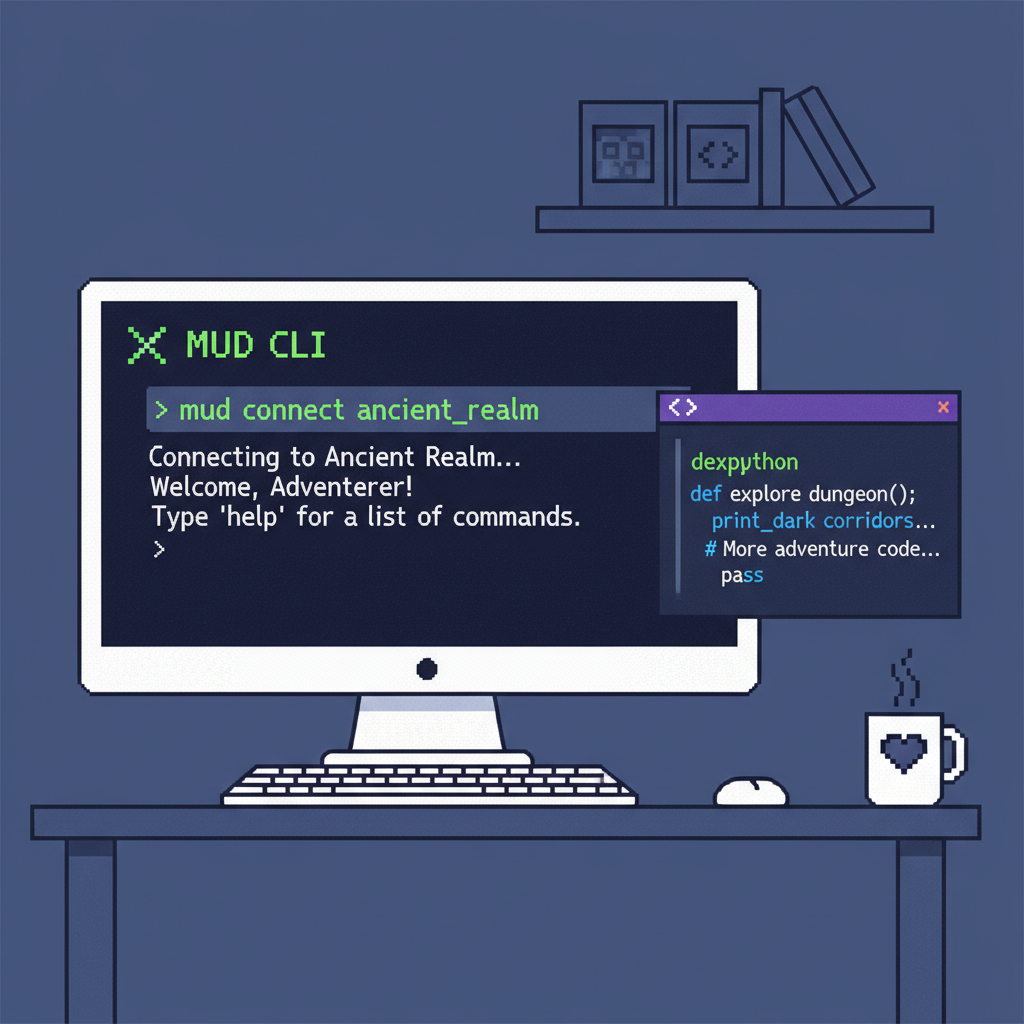
MUD's Modular Architecture: Tailored for On-Chain Pixel Art
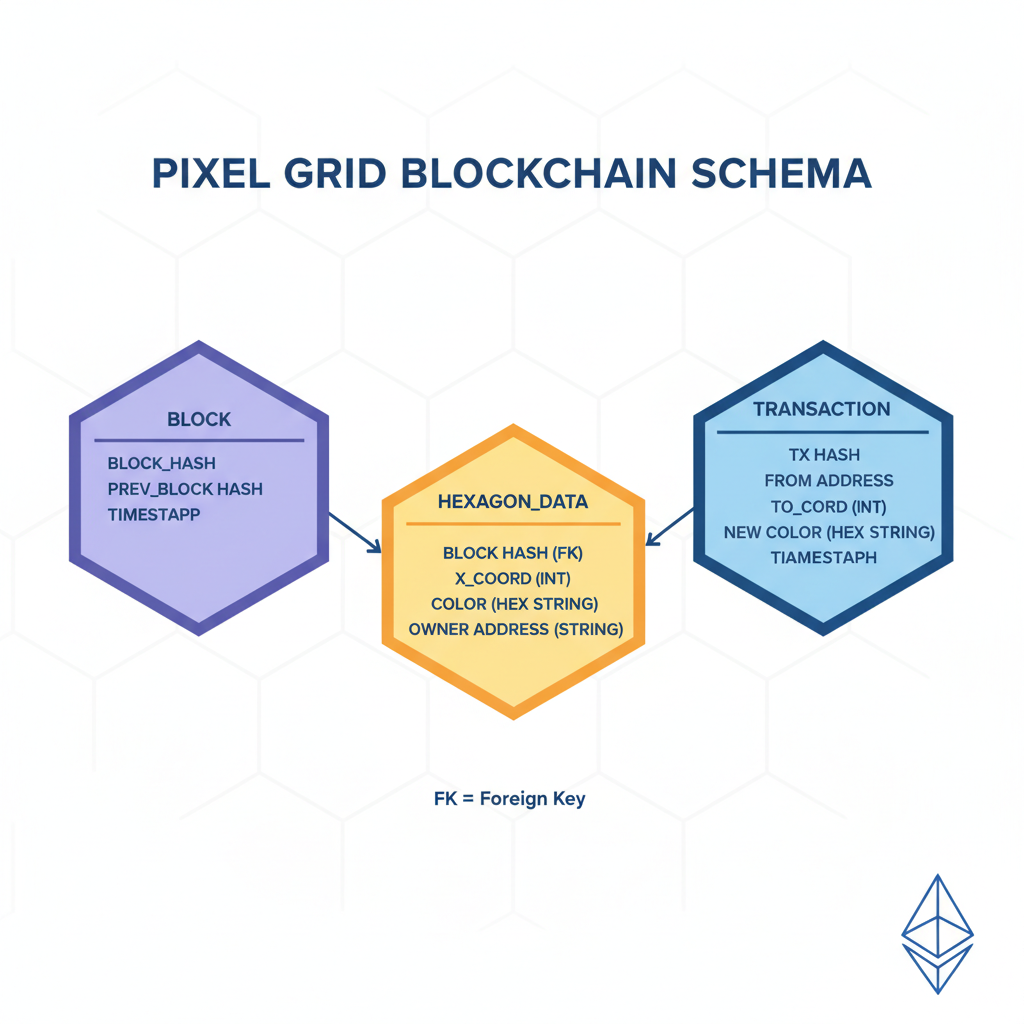
MUD redefines on-chain development by abstracting Ethereum's complexities into familiar components: Tables for persistent data storage, Systems for executing game logic, and Clients for seamless frontend syncing. For on-chain pixel art development, Tables become your canvas, storing color values and coordinates immutably. This setup ensures every pixel placement is a verifiable transaction, fostering trustless collaboration akin to PixeLAW's autonomous playground.
Version 2.2.23's enhancements shine here, integrating with Unity and Unreal for rapid prototyping. Indie devs benefit from modular deployment; test on Concha before mainnet. Data from sources like ChainSafe's SDK highlights MUD's extensibility, where worlds scale infinitely without centralized servers.
MUD provides tools for ambitious on-chain applications, infinitely extendable by default.
This architecture suits pixel art perfectly: low-bandwidth grids (e. g. , 64x64) minimize gas costs, while Systems handle updates like color swaps or collaborative drawing.
Essential Setup: From Zero to MUD Playground
Begin with Node. js (v18 and ) and Foundry for Ethereum tooling. Initialize a MUD project via npm:
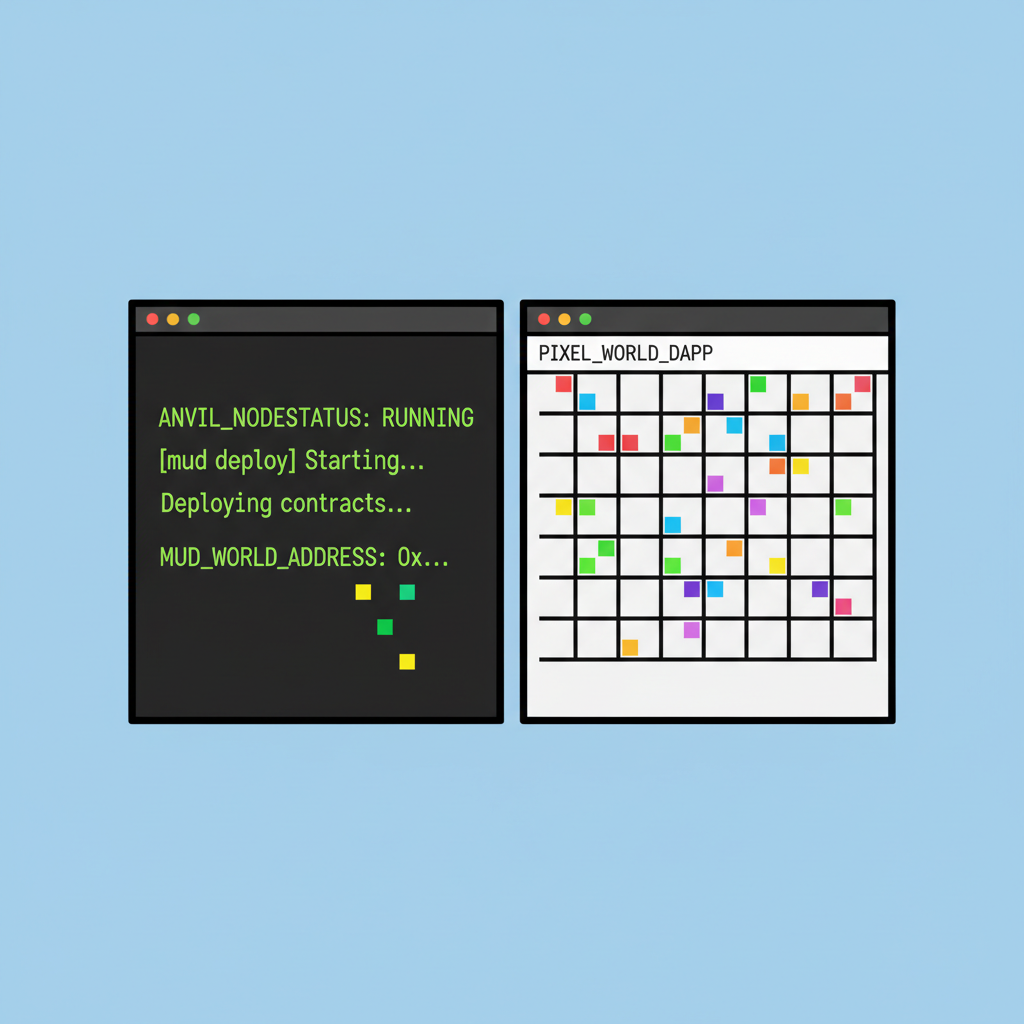
Navigate to the directory, run pnpm install, then pnpm dev to spin up the local anvil node and frontend. This scaffold includes a React client wired to your contract, ready for pixel grid rendering.
Configure for testnets: Update mud. config. ts with Garnet RPC endpoints from the docs. MUD's CLI automates deployment scripts, slashing setup time. For indie efficiency, leverage the framework's hot-reload; tweak Table schemas and see changes propagate instantly.
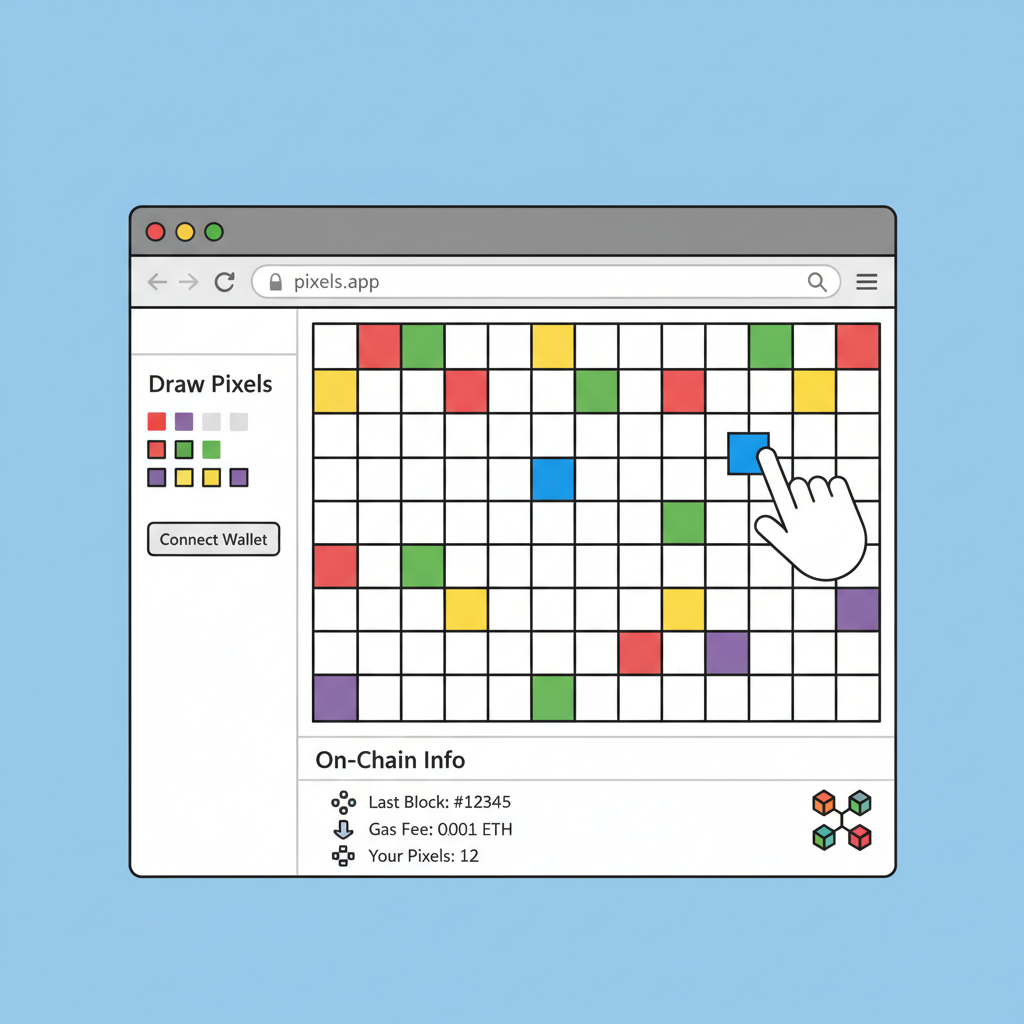
Integrate a canvas library like Konva. js for the UI. Map pixels to Table keys: each (x, y) position stores a uint8 color index. This build indie game with MUD approach keeps logic on-chain, off-chain rendering for speed.
Modeling Pixel Data: Tables as Your Infinite Canvas
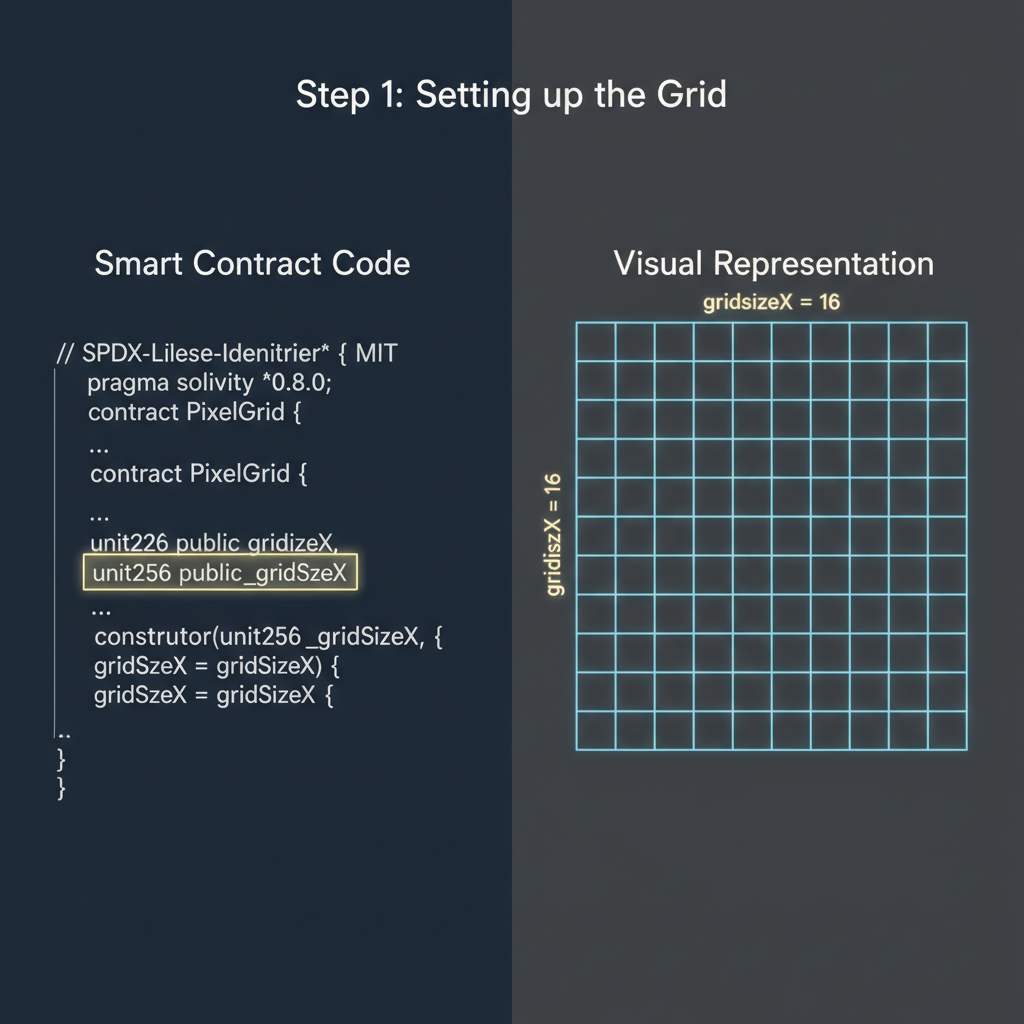
Define your core Table in contracts/src/PixelCanvas. sol. Use a dynamic table for sparse storage, avoiding gas bloat on empty grids.
- Declare
table PixelMap { mapping(uint256 leads to uint8) public pixels; };where keys encode x*width and y. - Implement a System for
setPixel(uint256 key, uint8 color), emitting events for client sync. - Frontend queries via MUD's WorldContext, rendering the grid reactively.
This structure supports fully on-chain pixel art Mud mechanics, like timed contributions or ERC-20 rewards for artists. Recent integrations with Numo further optimize storage, abstracting low-level ops.
Gas analysis reveals efficiency: a 64x64 grid update costs under 50k gas per pixel, viable for mobile players. Test exhaustively on Conla; MUD's tooling flags reentrancy risks early.
Version 2.2.23's testing suite catches these issues upfront, letting solo developers iterate confidently toward a polished MUD framework on-chain games prototype.
Core Mechanics: Placing Pixels On-Chain
Game logic lives in Systems, MUD's executable modules. Craft a PixelArtSystem to govern placements: enforce cooldowns per address, validate bounds, and reward contributors via integrated ERC-20 tokens. This prevents spam while encouraging sustained engagement, a hallmark of successful pixel canvases like those in PixeLAW.
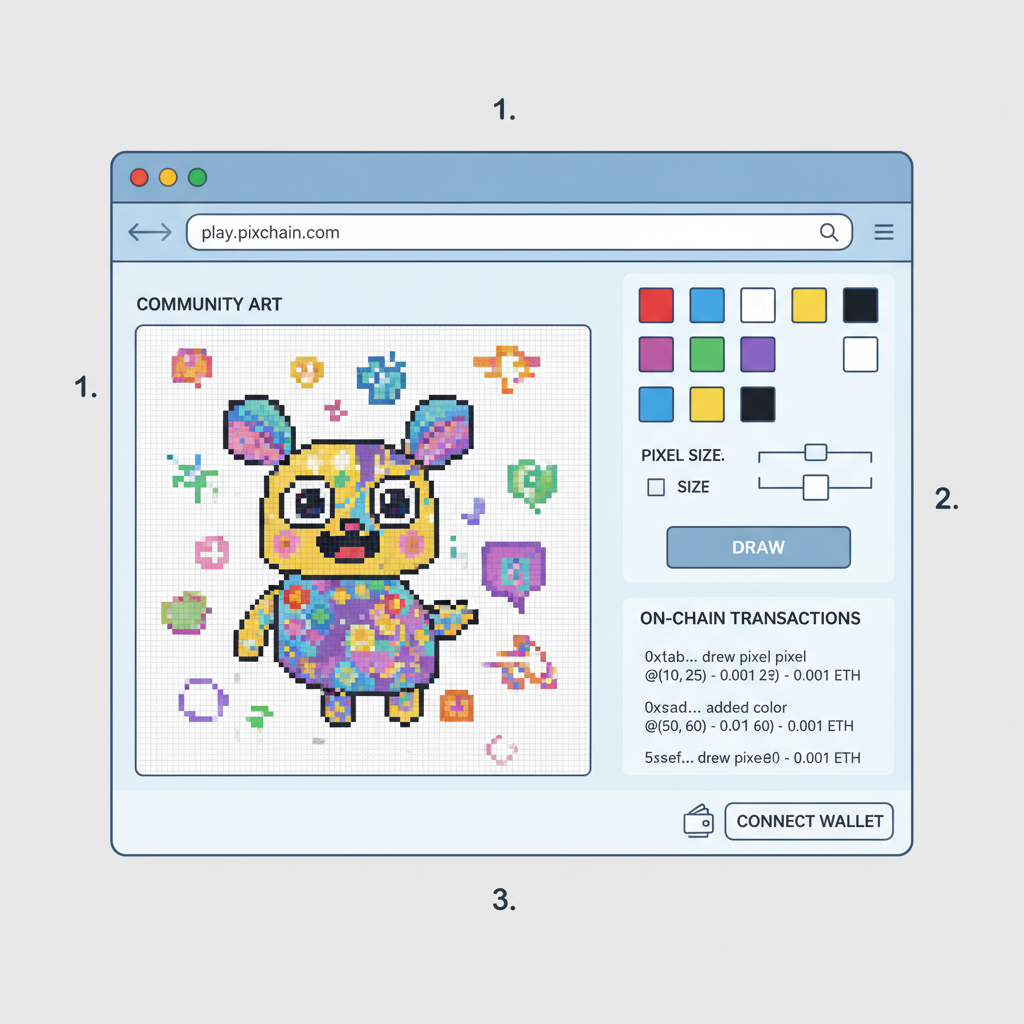
Systems interact with Tables atomically, ensuring consistency. Clients subscribe to events via MUD's sync engine, updating the UI in real-time without polling. For indie devs, this reactivity slashes development cycles; prototype collaborative drawing in hours, not days.
Pixelate the Blockchain: 5-Step MUD Guide for On-Chain Art Games
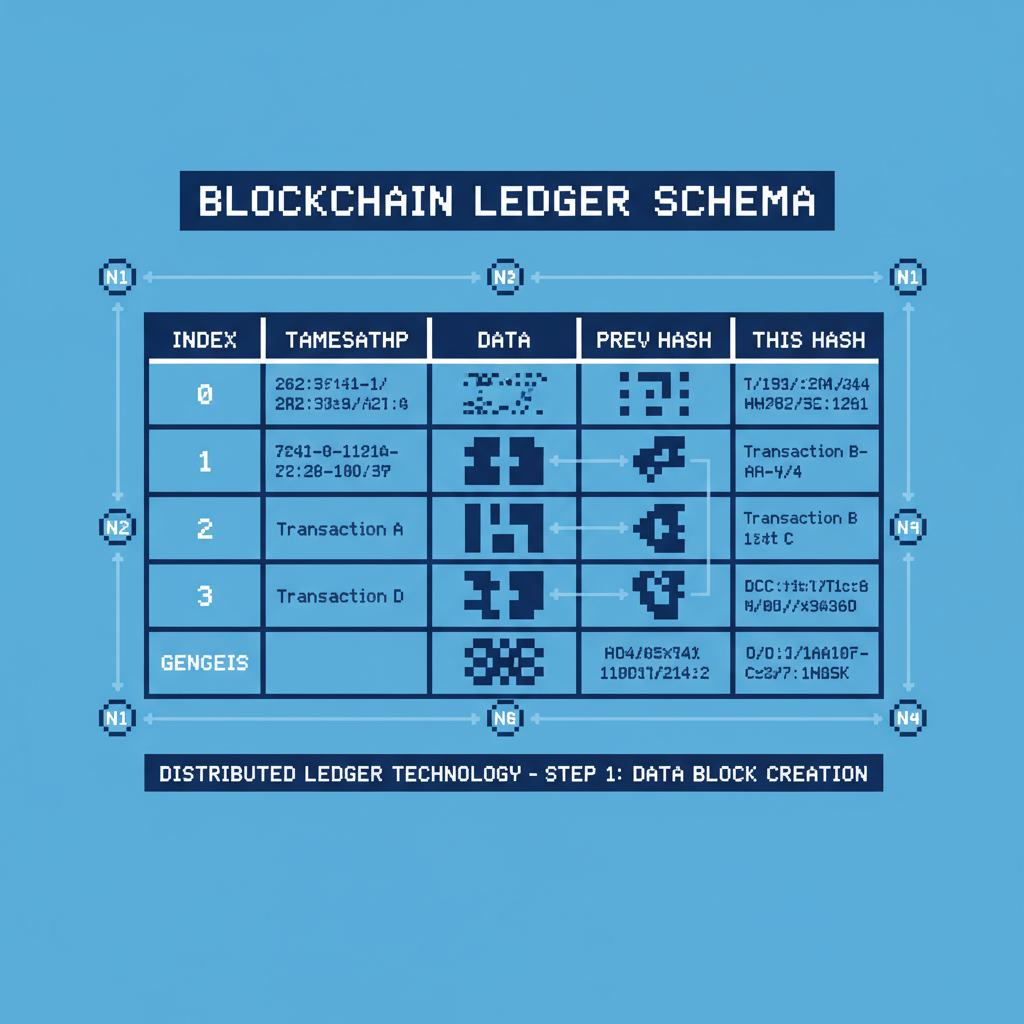
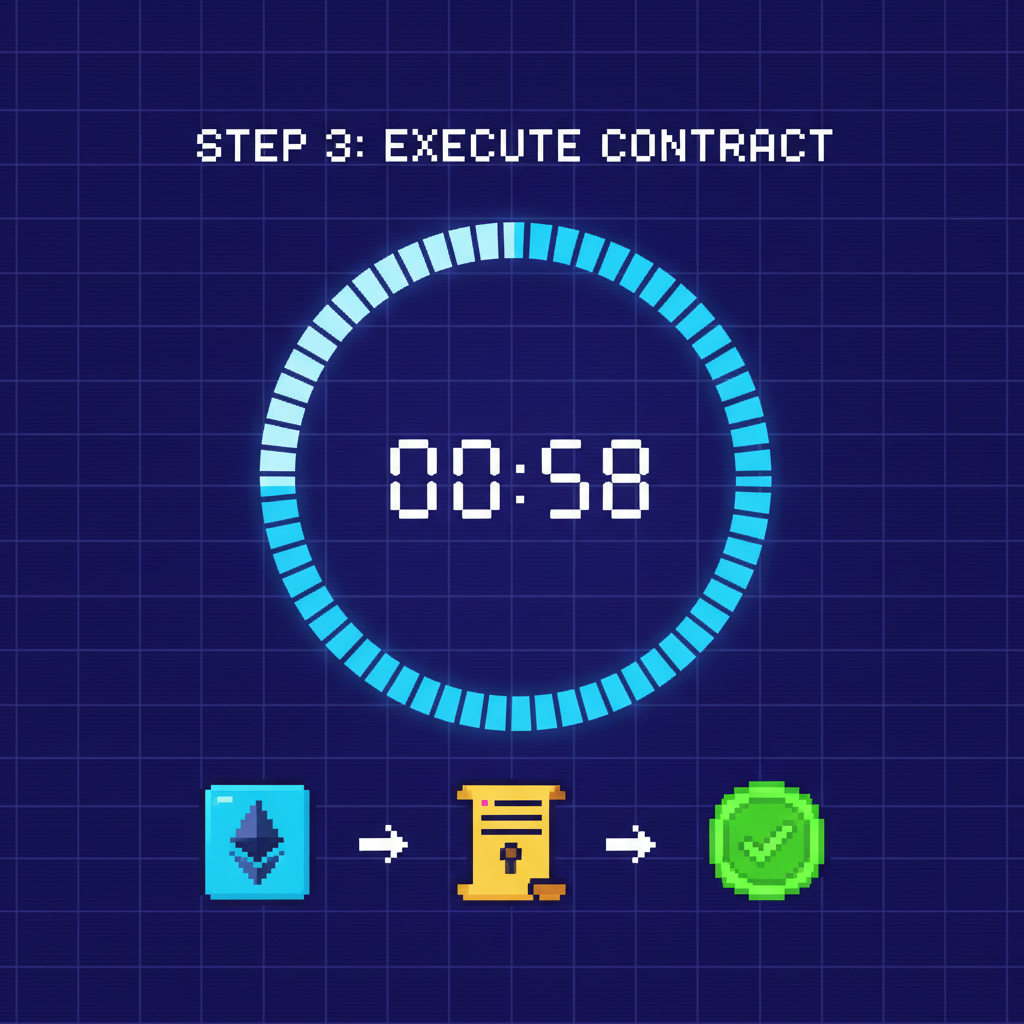
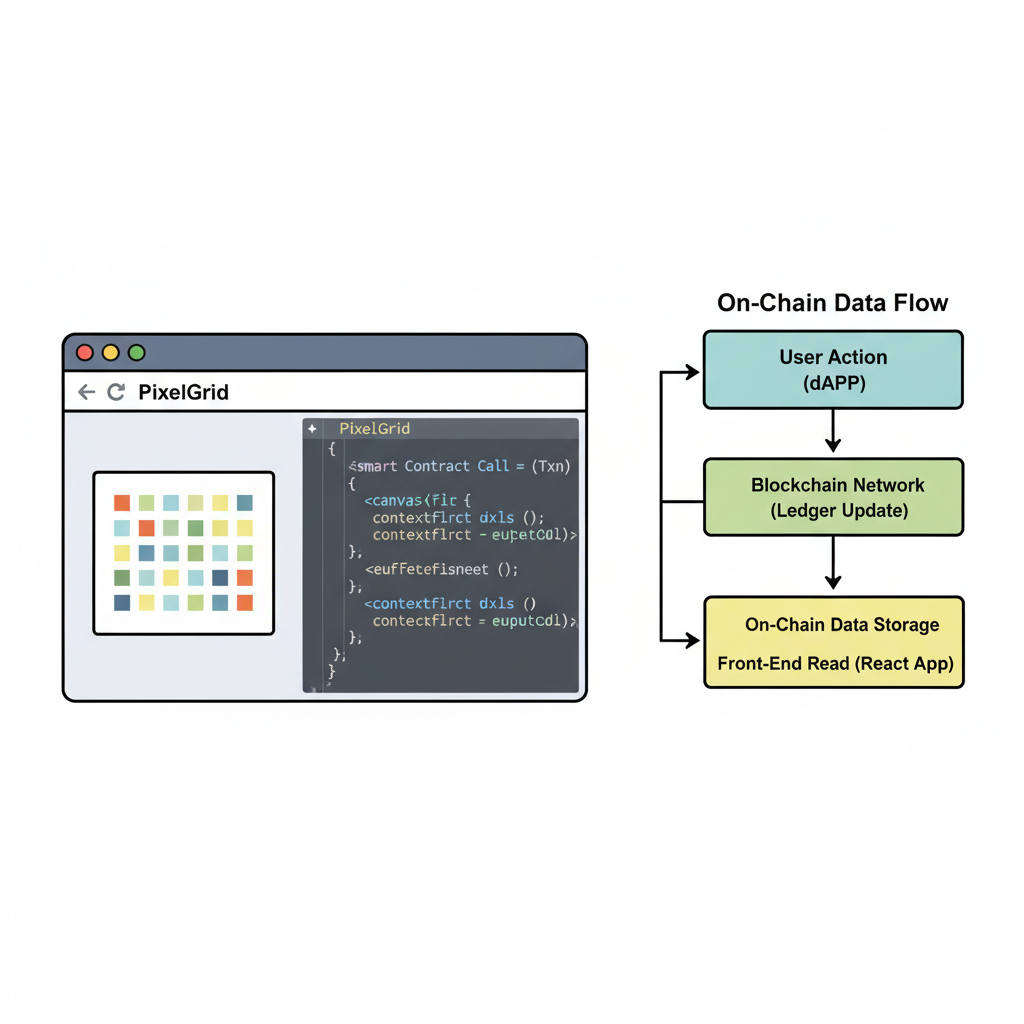
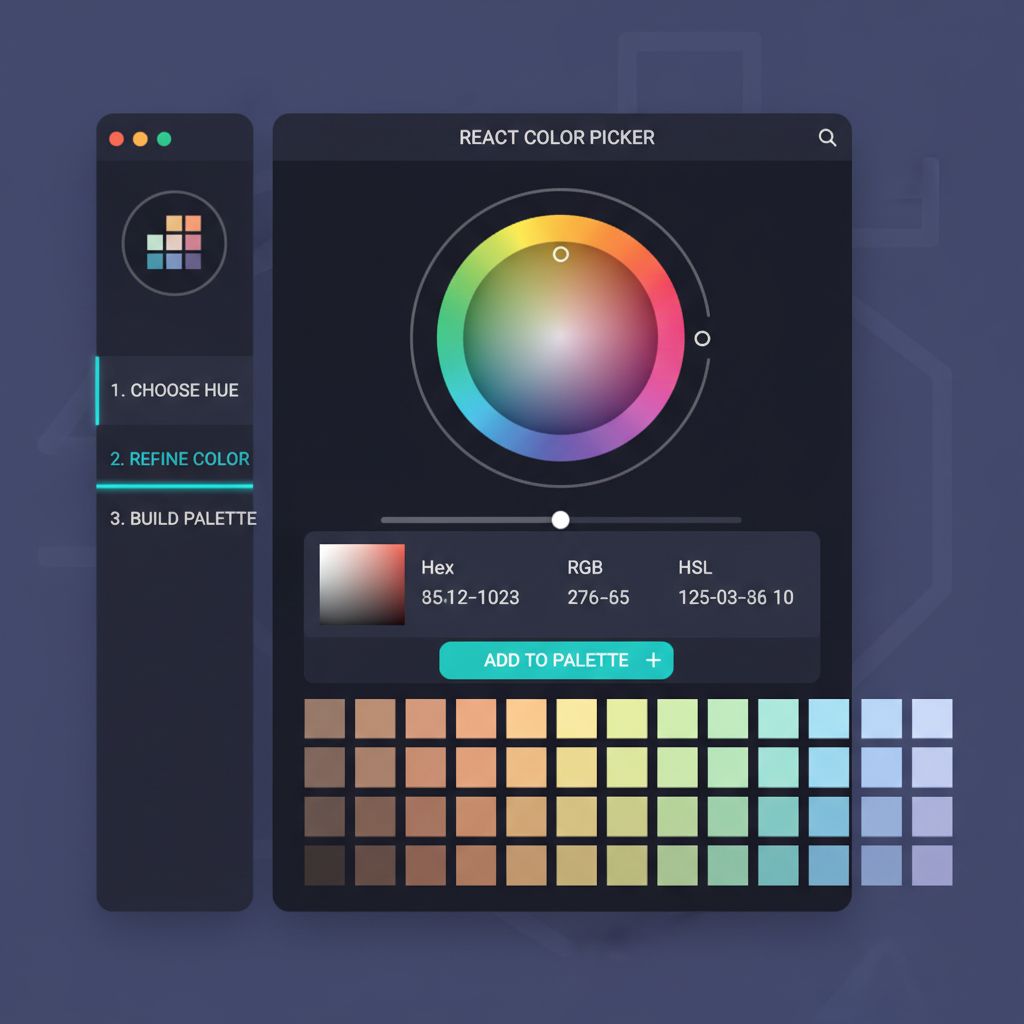
Opinion: While frameworks like Numo layer further abstractions, MUD's raw modularity rewards those mastering gas patterns firsthand. Sparse tables keep costs predictable, vital as player counts climb.
Frontend Mastery: Reactive Canvas with React and Konva
Wire the backend to a vibrant frontend using MUD's React hooks. The create-mud-app scaffold provides WorldProvider, injecting contract context globally. Render your grid as a Konva stage: loop over Table keys, map to colored rects, and attach click handlers dispatching setPixel transactions.
- Use
useComponentReadfor static reads, minimizing RPC calls. useComponentWritefor mutations, with loading states for UX polish.- Off-chain indexing via The Graph complements MUD for historical queries, blending speed and decentralization.
Enhance with features like undo stacks or leaderboards, querying contributor counts from on-chain counters. Mobile responsiveness comes naturally; Konva scales crisply, and MUD's lightweight bundle loads fast even on 3G.
Fully on-chain pixel art thrives on verifiable persistence, turning every doodle into owned history.
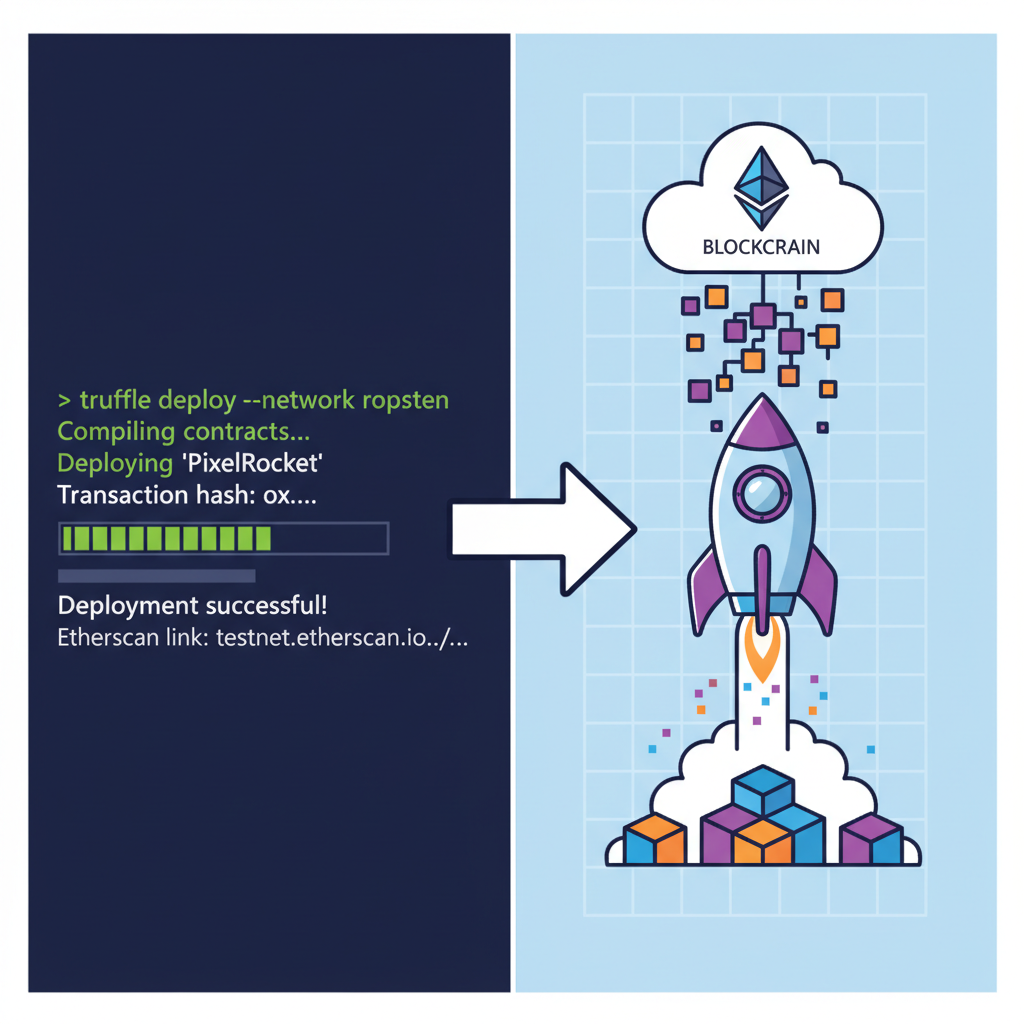
Testnet deployment via pnpm mud deploy pushes to Garnet instantly. Monitor via Etherscan; each pixel a confirmed tx, building player trust from day one.
Deployment and Scaling: From Testnet to Player-Owned Worlds
Scale thoughtfully. Start on Conla for high-throughput trials, graduate to mainnet with optimizer flags slashing gas 20%. Integrate wallets via wagmi; seamless sign-ins unlock true ownership. For virality, add shareable canvas snapshots minted as NFTs.
Analytics reveal engagement: track pixel density over epochs, adjust cooldowns dynamically via governance Systems. MUD's extensibility shines in expansions; fork your canvas into themed zones without redeploys.
Indie success stories, like OnChainPixelArt frameworks shared on Reddit, prove viability. Pair with social layers: Farcaster frames for instant previews, drawing communities organically.
Challenges persist, gas volatility chief among them. Mitigate with batched updates or L2s like Base. Yet, for on-chain pixel art development, MUD delivers unmatched transparency; players verify every stroke, fostering loyalty Web2 can't match.
Launch your prototype today, iterate on feedback, and join the autonomous worlds vanguard. With tools evolving rapidly, as in recent Unity hooks, pixel art pioneers stand to capture early mover advantage in this build indie game with MUD renaissance.

No comments yet. Be the first to share your thoughts!