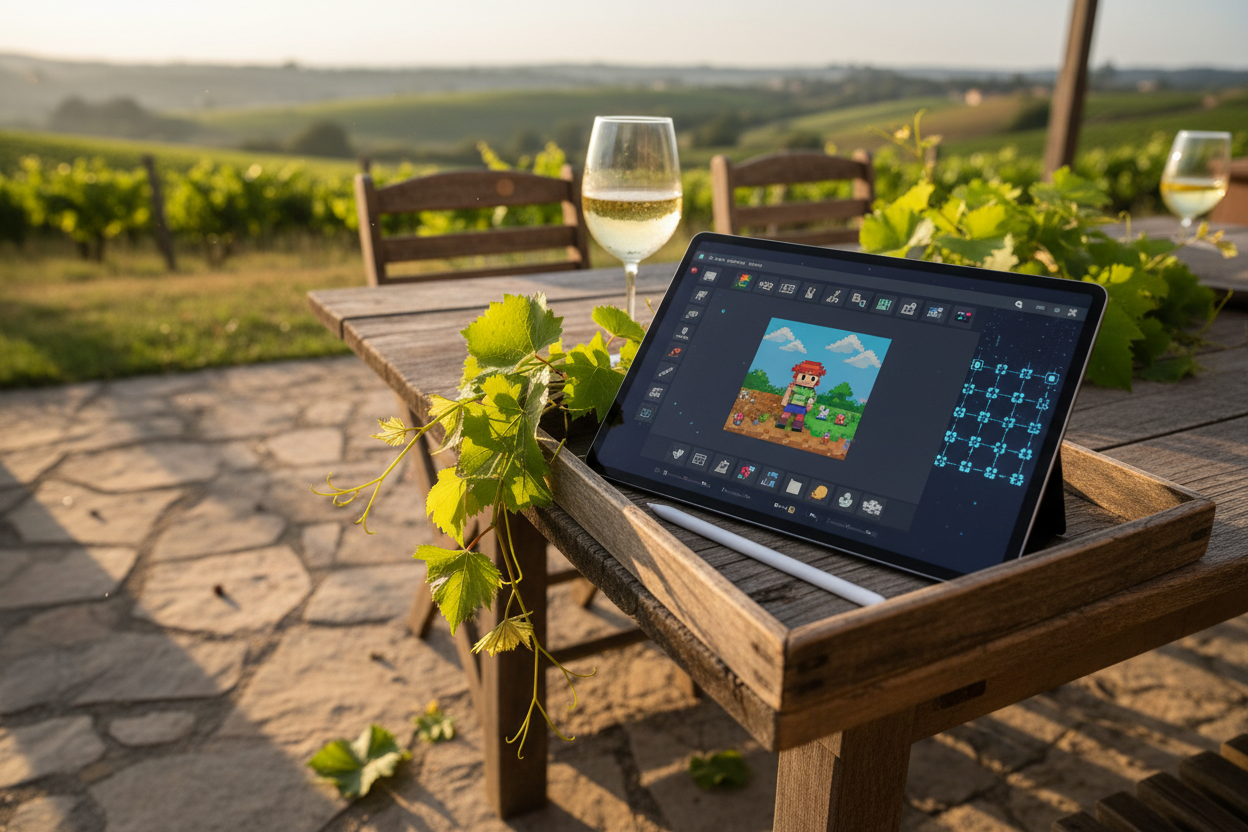
Picture this: a lone pixel, glowing eternally on the blockchain, placed there by your hand in a shared digital canvas. That's the allure of pixel art on-chain games, where every dot tells a story owned by the community. As indie game devs rediscover the joy of low-res charm amid the Web3 boom, the MUD framework emerges as the perfect canvas stretcher. This mud pixel art game tutorial dives into building your first one, blending nostalgic visuals with Ethereum's unyielding persistence.
MUD isn't just another toolkit; it's a narrative engine for autonomous worlds. Born from the frustrations of traditional on-chain state wrangling, it hands you tables for data, systems for logic, and clients for silky frontends. For pixel art, this means every color change commits to Ethereum (or testnets like Garnet), visible to all, forever. No servers, no downtime, just pure, extendable fun. Devs love it for abstracting gas fees and sync woes, letting creativity flow.
Why MUD Ignites Pixel Art's On-Chain Spark
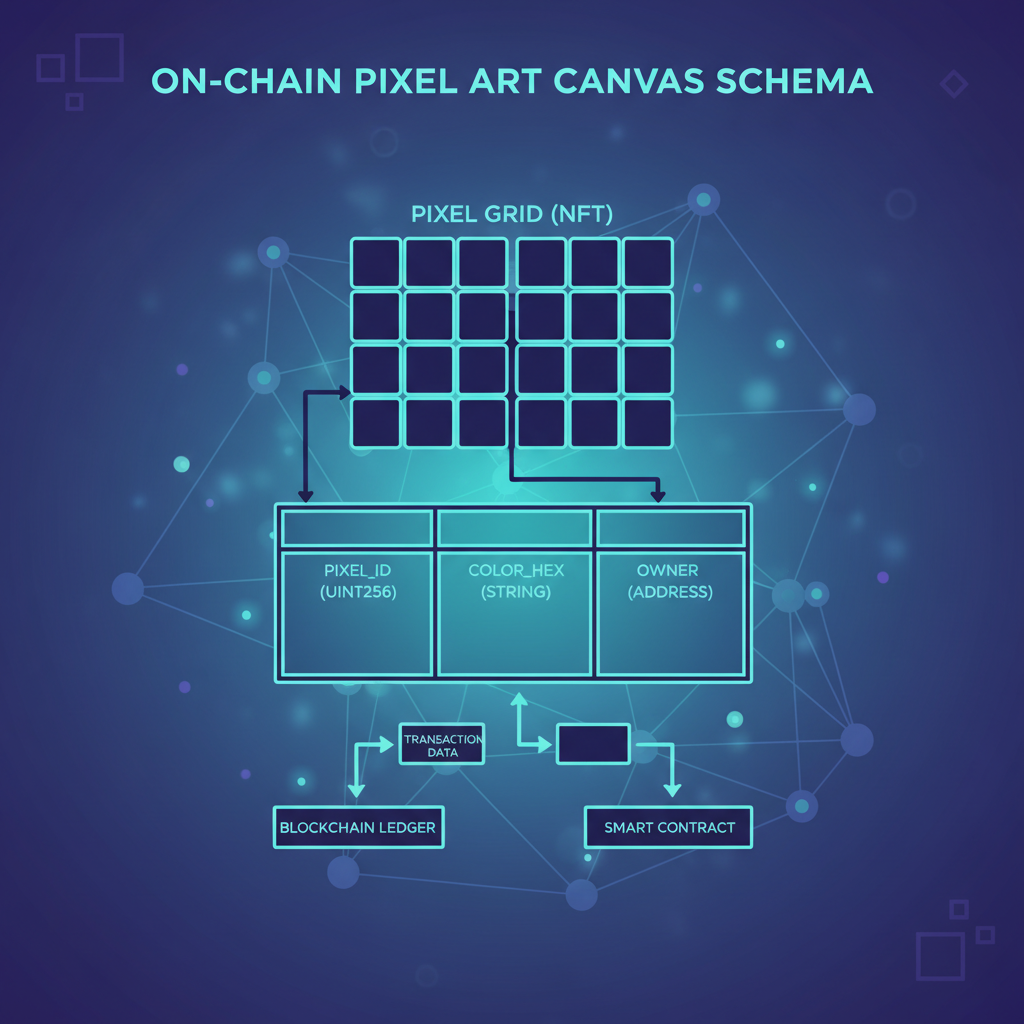
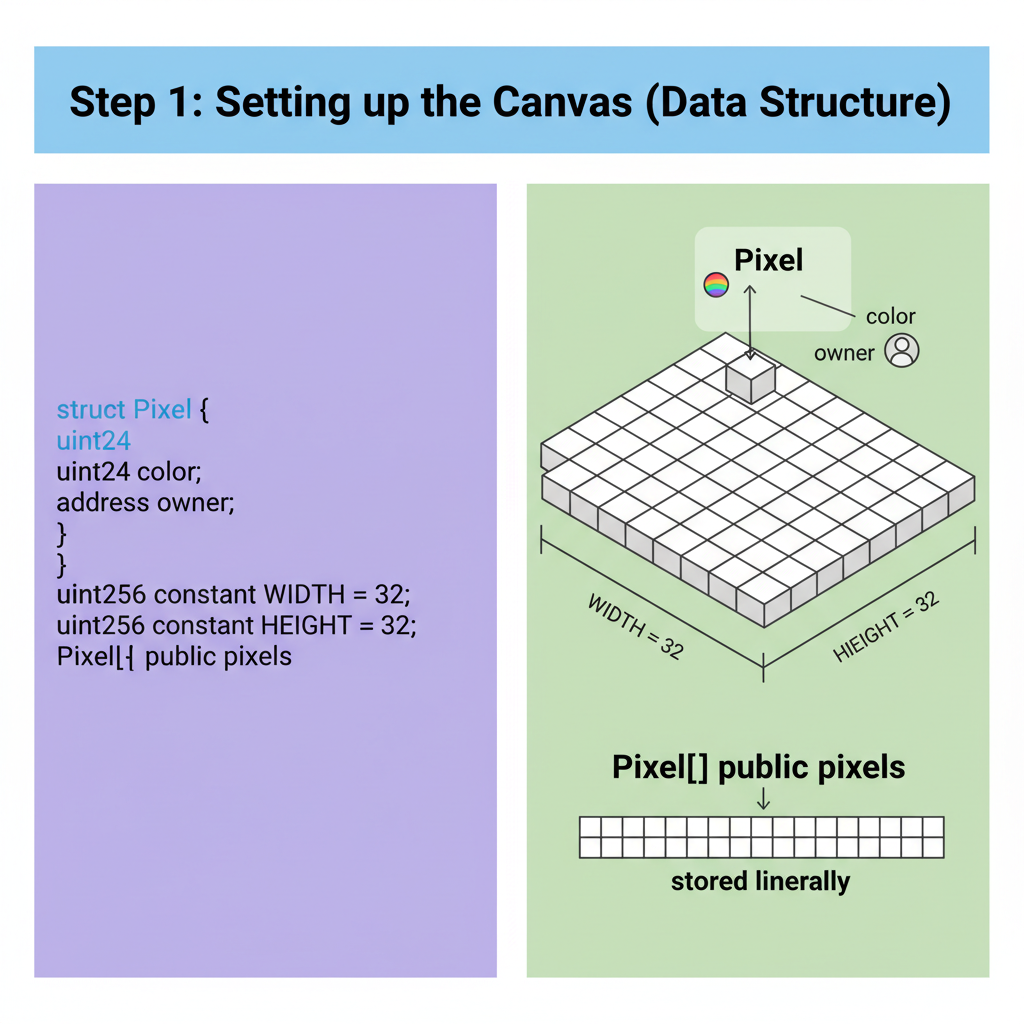
Pixel art thrives on simplicity, and MUD matches that vibe. Traditional games hoard state off-chain; here, tables store your canvas grid as immutable bytes. Imagine a 32x32 grid where each cell holds RGB values and owner addresses. Players 'paint' via transactions, systems validate rules like cooldowns or costs, and clients render it live. Recent upgrades mean Unity or browser clients sync in real-time, no polling nightmares.
Build Your First On-Chain Pixel Art Game with MUD in 5 Minutes
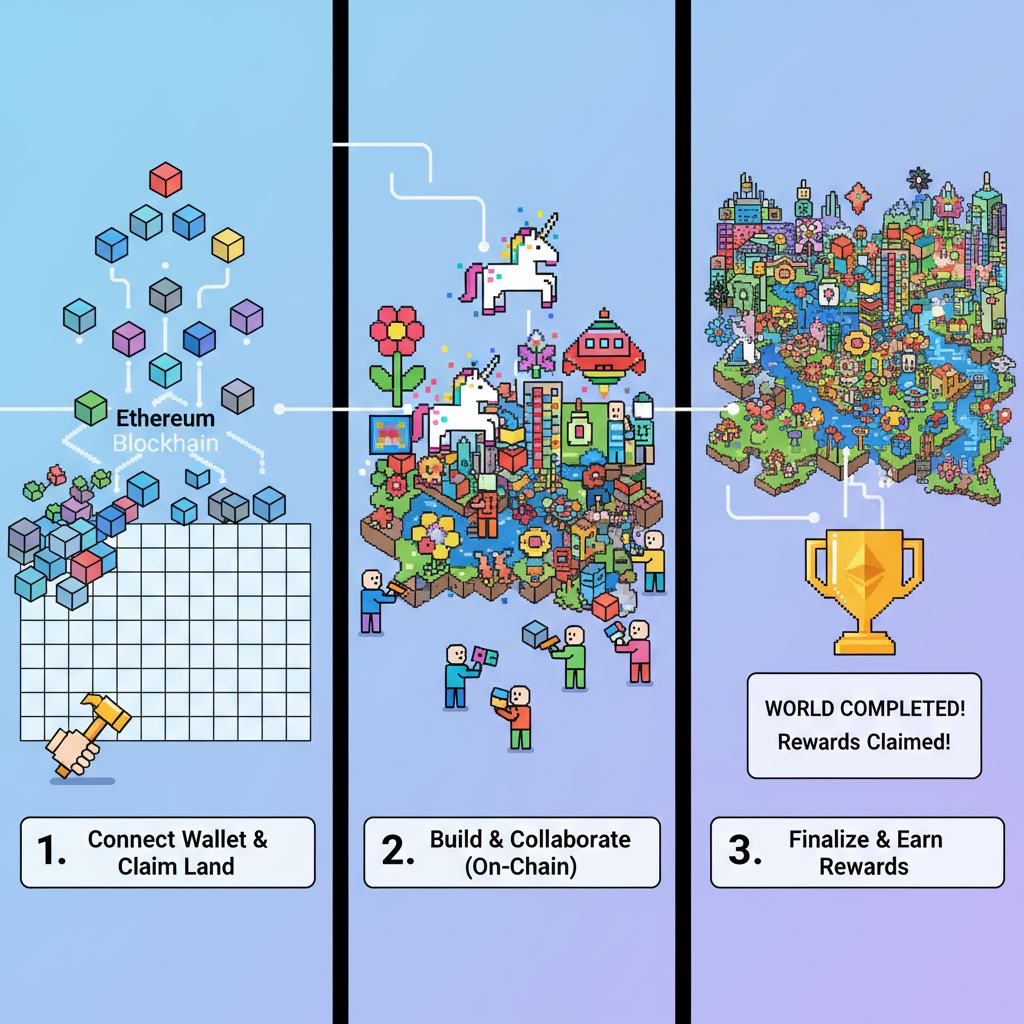
This setup shines for build on-chain pixel art game mud projects. Think collaborative murals like Reddit's r/place, but tokenized and autonomous. Projects like OnChainPixelArt already paste pixel code straight to contracts; we'll build from scratch, layering MUD's power. It's indie-friendly too, echoing pixel passion from Kodeco tutorials, now blockchain-bound.
MUD is the first fully on-chain game engine in the EVM ecosystem.
That quote from MetaCat's learnings captures it: MUD turns EVM into a game dev playground, especially for mud framework indie game development.
Scaffolding Your Pixel Canvas with MUD Tables
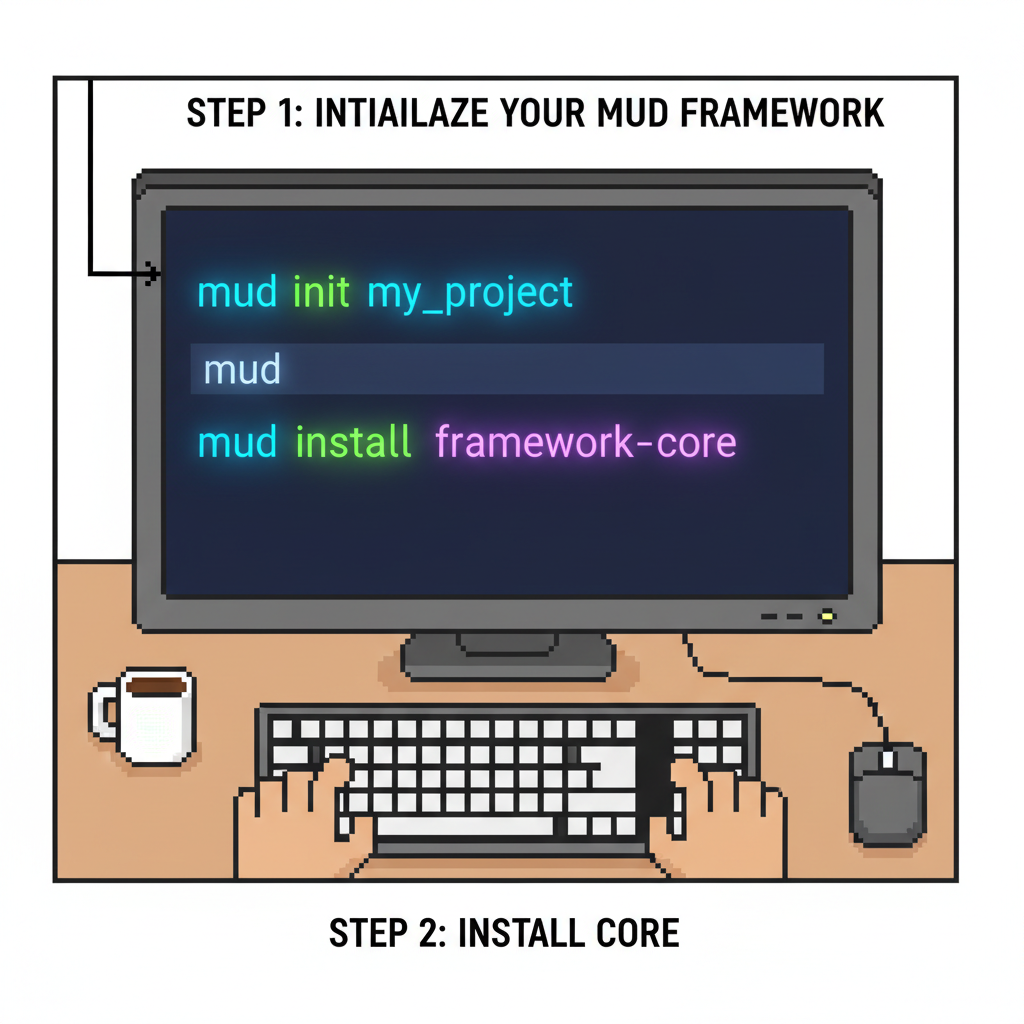
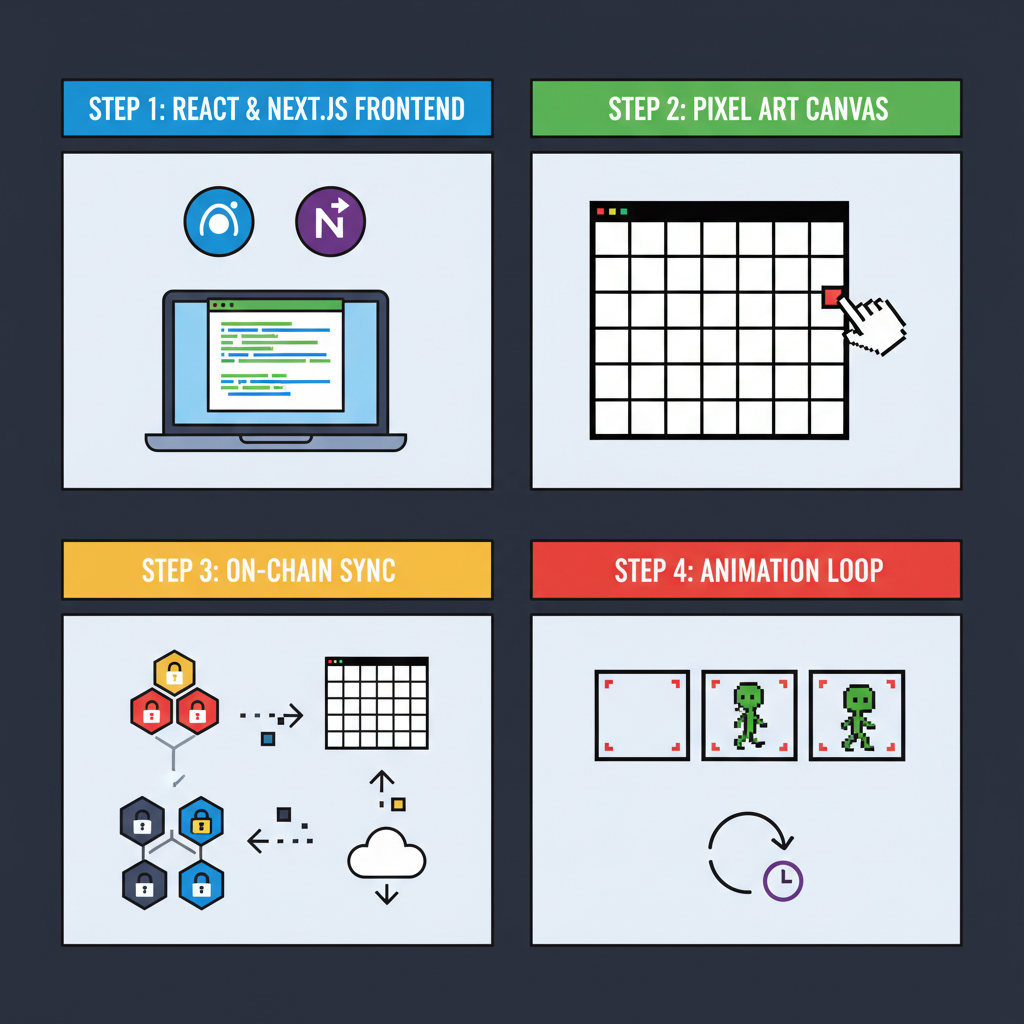
Let's roll up sleeves. First, ensure Node. js and Foundry installed; they're your forge. Clone MUD's starter: run npx create-mud@latest my-pixel-art in terminal. This spins up a full-stack skeleton with contracts, indexers, and Next. js frontend.
Core: define your pixel table. In contracts/src/PixelArt. sol, extend MUD's Tableland-like storage:
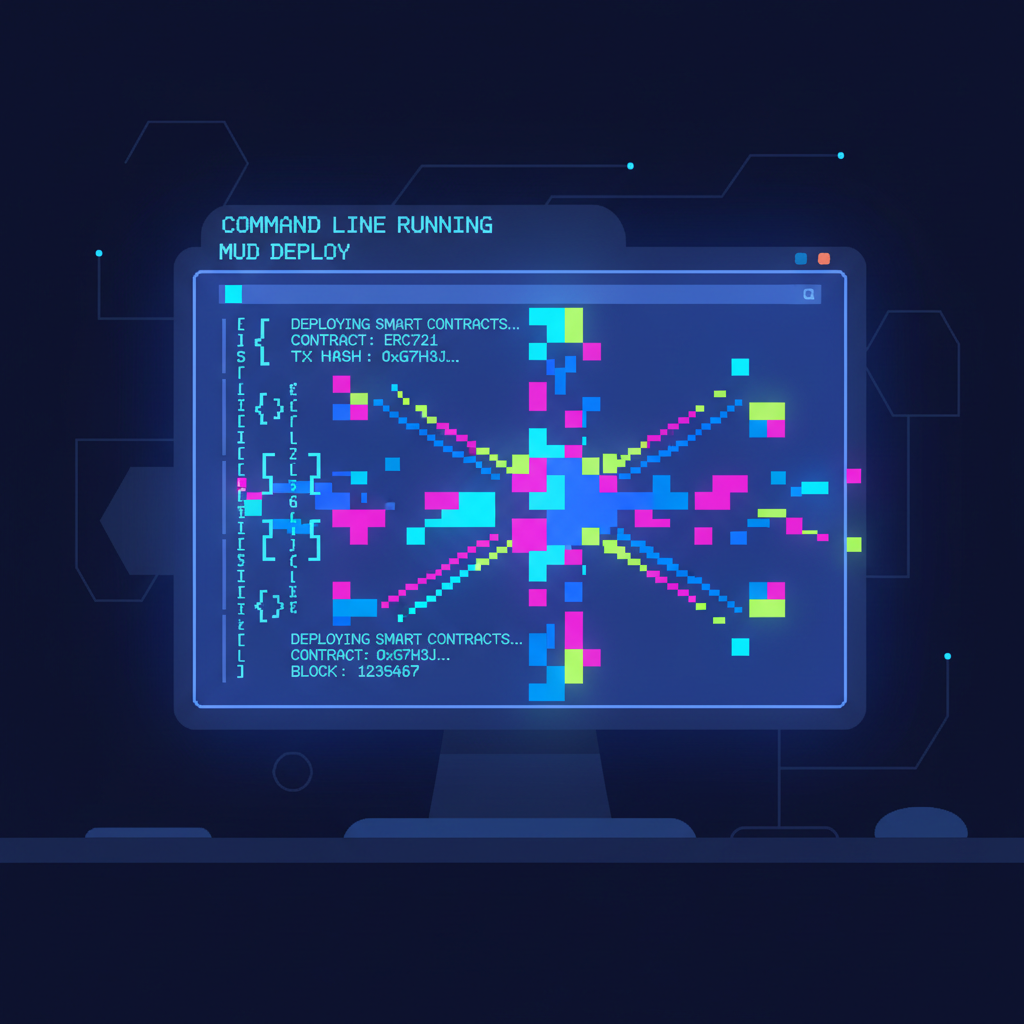
//Simplified table schema uint256 indexed x; uint256 indexed y; bytes24 color;//Packed RGB and alpha address owner; uint256 timestamp;Tables auto-generate events and hooks. Deploy to Conla testnet for free iterations; MUD's CLI handles it: mud deploy. Watch gas melt away compared to raw Solidity.

Next, systems orchestrate painting. Craft PaintSystem. sol: check ownership, enforce one-pixel-per-block, emit updates. Clients subscribe via MUD's RPC, rendering a
Animating Pixels: Client-Side Magic Meets Blockchain
Frontend's where narrative blooms. MUD's wagmi integration hooks state queries effortlessly. In React, use useEntityQuery for the grid:
const { pixels } = useEntityQuery({ table: PixelArtTableId, schema: PixelArtTable, });//Map to canvas pixelsPixel art assets? Whip up sprites in Aseprite or Piskel, export PNGs, then hash for on-chain verification if paranoid. For shared canvases, players upload via IPFS, pinned by systems. SurvivalTactics shows MUD-Unreal sync; adapt for 2D glory in Phaser or PixiJS.
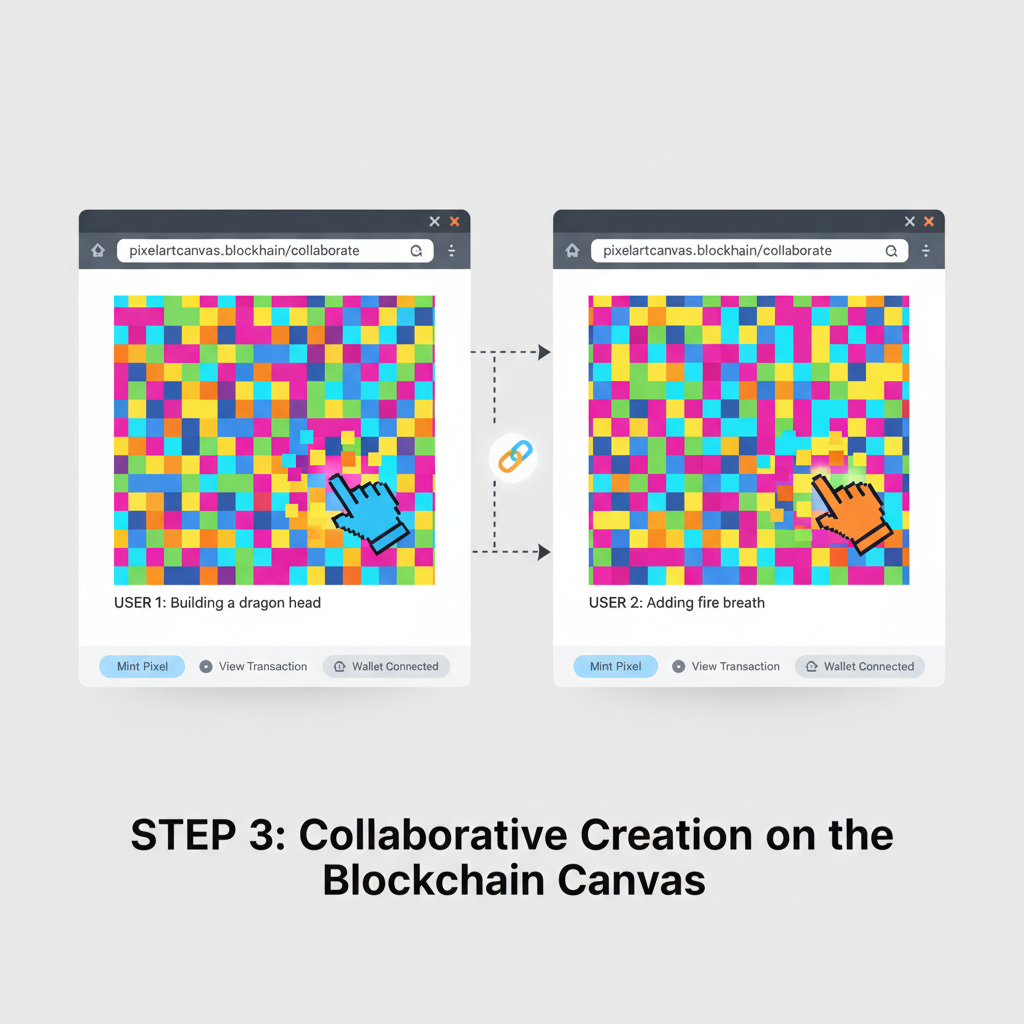
Clicking a pixel shouldn't feel like filing taxes. MUD's useSendTransaction hook bundles actions into user-friendly buttons, estimating gas on the fly. Players connect wallets, hover a grid spot, and wham: a transaction paints it, systems validate, table updates, canvas refreshes. For that retro glow, layer shaders in PixiJS, pulling colors from chain data. It's mesmerizing watching communal art emerge, pixel by contentious pixel.
Crafting the Paint System: Rules of the Canvas
Systems are MUD's secret sauce, pure logic without storage bloat. In your PaintSystem, enforce game rules: one paint per user per minute, color palette limits, maybe ERC-20 costs for premium shades. Here's a taste:
This modular approach scales beautifully. Want asymmetry? Layer in ZK proofs via Circom, hiding player strategies while MUD handles public state. Devs blending these rave about info-hidden worlds, perfect for competitive pixel battles.
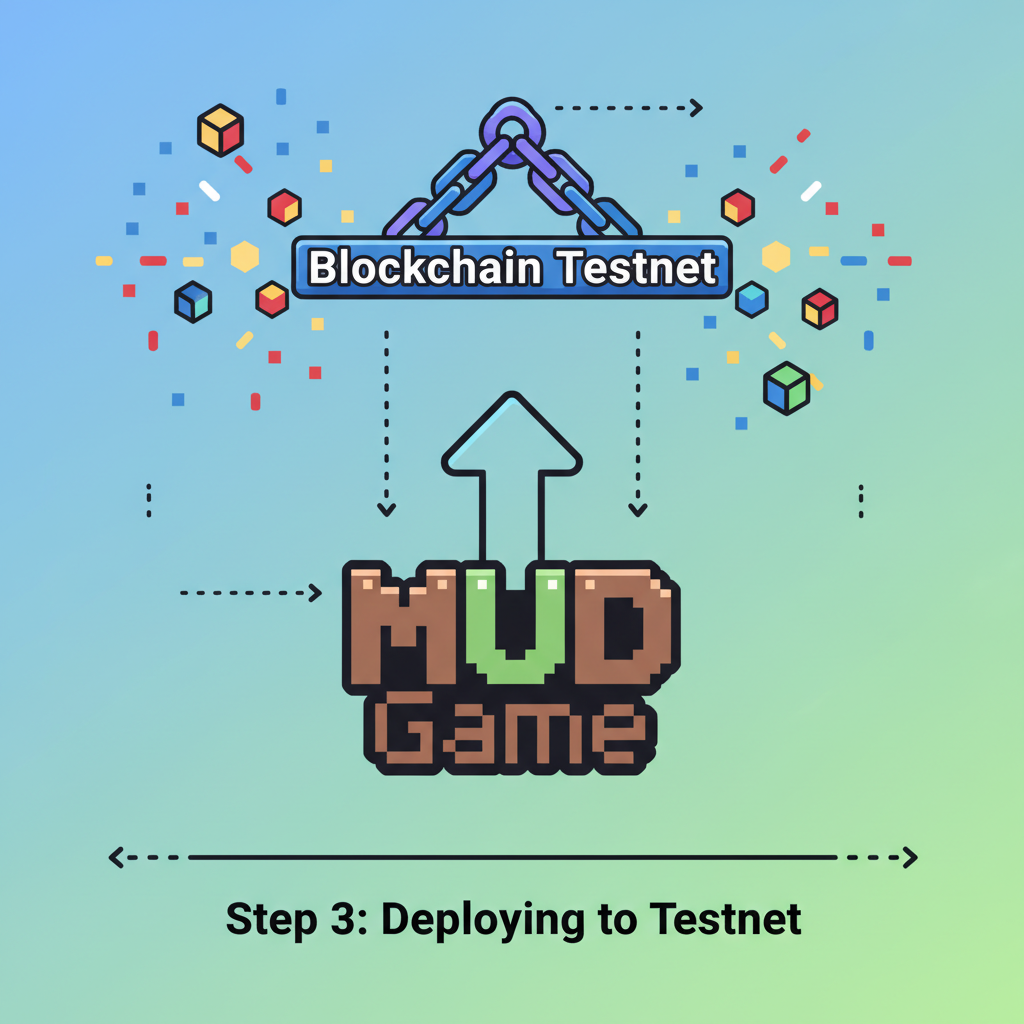
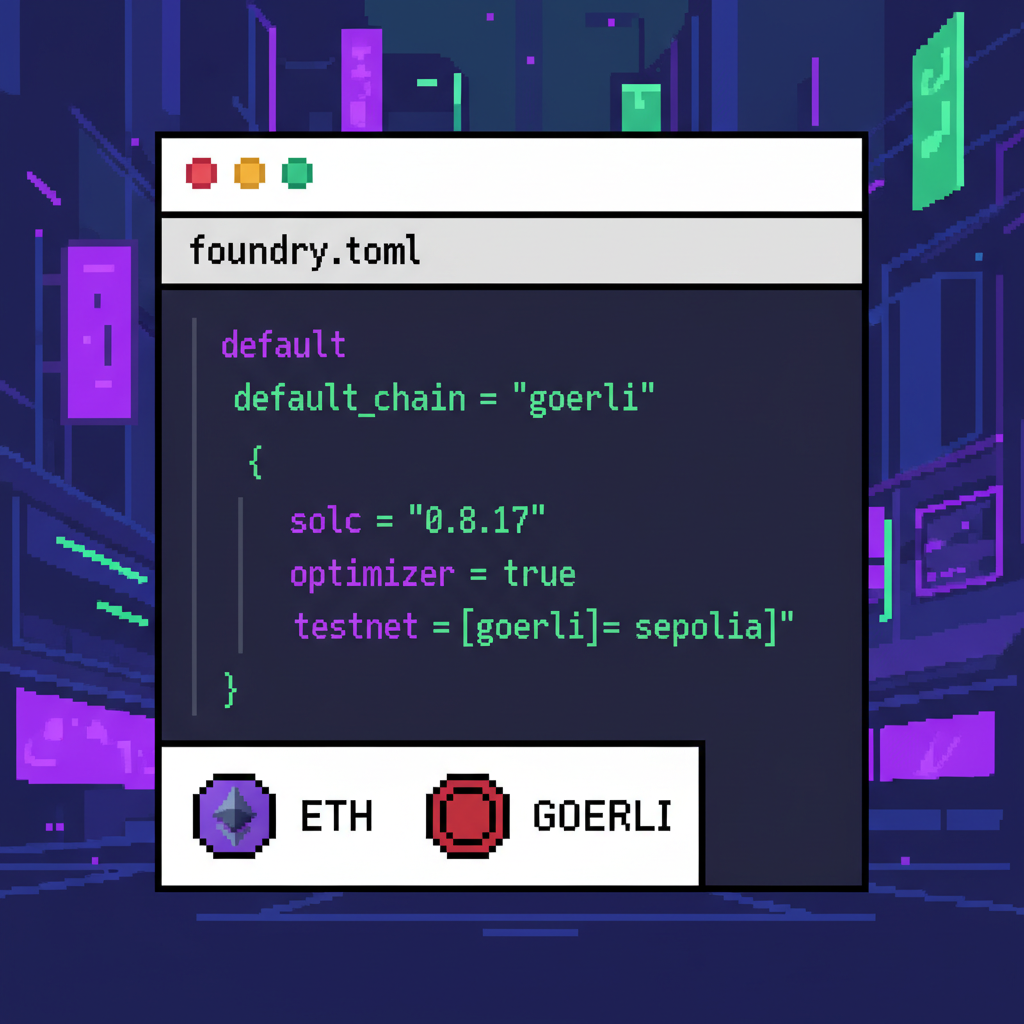
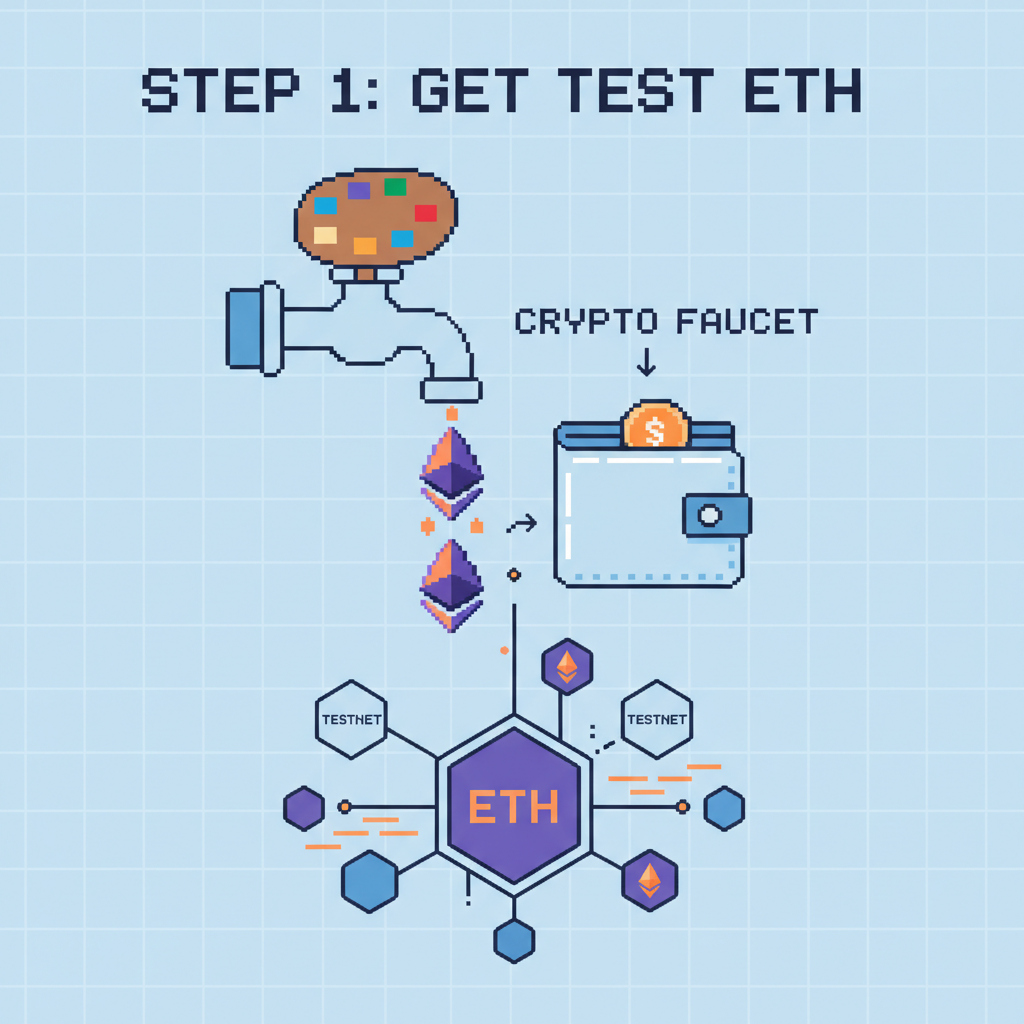
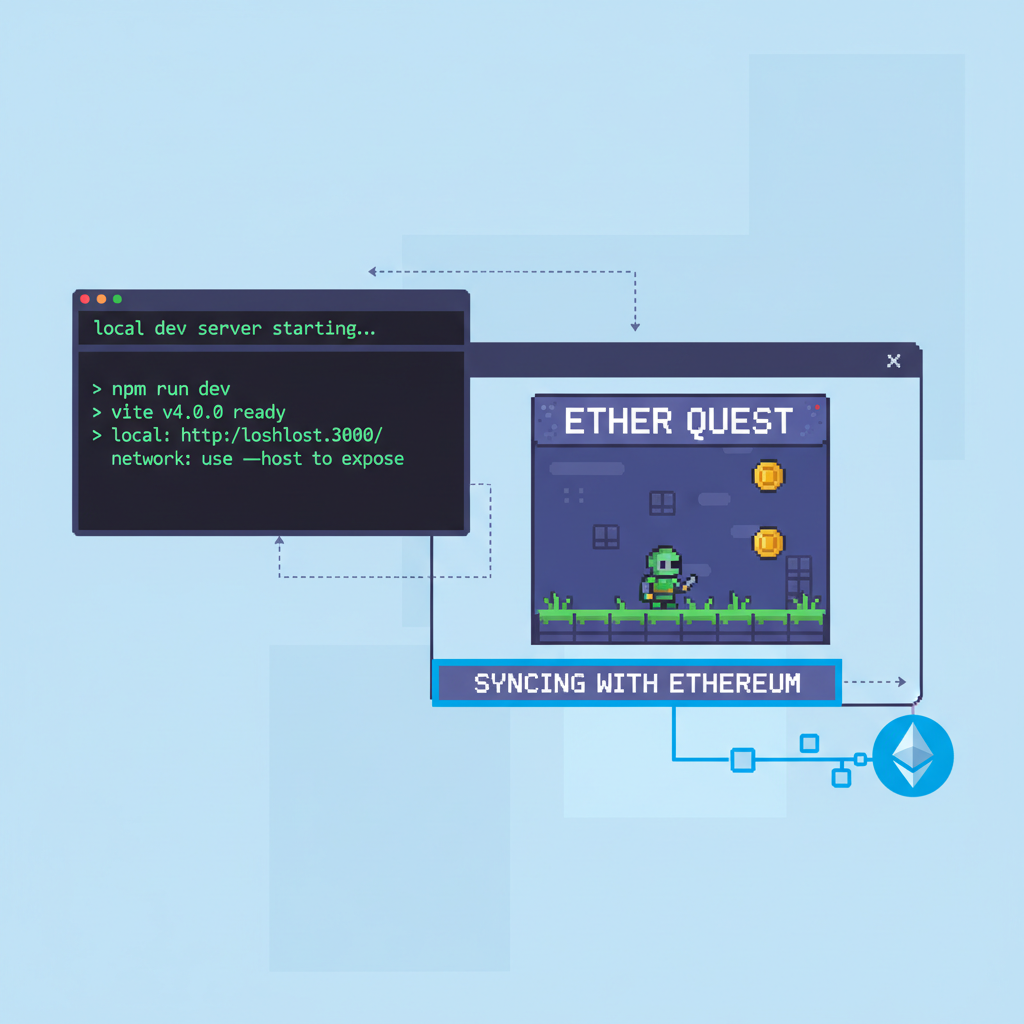
Deploy next. Fire up mud dev for local anvil chain, tweak foundry. toml for Conla testnet faucets. mud deploy --network conla pushes tables and systems live. Indexers auto-sync to your frontend via The Graph or custom RPCs. Test multiplayer: spin two browsers, paint away, watch conflicts resolve on-chain. Gas? Pennies on testnets, priming you for mainnet murals.
Deploy Your Pixel Art Masterpiece: 5-Step MUD Launch to Conla Testnet
From Solo Sketch to Communal Masterpiece
Pixel art solo is therapy; on-chain, it's revolution. Add chat via another table, NFT mints for canvas snapshots, or leaderboards tracking paint counts. Integrate IPFS for exportable masterpieces, letting players frame their contributions as collectibles. MUD's extensibility means no rewrite for features; just new systems stack on.
Indie devs, take note: this mirrors Kodeco's pixel tutorials but immortalizes them. SurvivalTactics proves MUD-Unreal heft; for 2D, PixiJS clients hum at 60fps, syncing thousands of pixels. Recent Garnet testnet support slashes latency, making fully on-chain mud games pixel art viable for real-time skirmishes.
MUD vs. Vanilla Solidity for Pixel Art Games
| Aspect | MUD | Vanilla Solidity |
|---|---|---|
| State Management | Tables (standardized data structures for efficient on-chain game state) | Events (logs for state tracking, less efficient for queries) |
| Client Sync | Auto (real-time synchronization with clients like Unity/Unreal) | Manual (requires custom indexing and polling) |
| Gas Efficiency | Optimized (modular systems reduce costs for complex games) | High (monolithic contracts lead to higher fees) |
| Extensibility | Modular Systems (infinitely extendable with Systems and Tables) | Monoliths (harder to scale and modify) |
Troubleshoot pitfalls early. Sync lags? Bump indexer workers. Failed txs? Add user feedback via wagmi errors. For polish, theme your canvas: daily resets, themed events, or governance votes on rules. Communities form organically around these, echoing r/place's magic but owned by players.
Launch, Iterate, Conquer the Ecosystem
Push to Base or Optimism for cheap mainnet deploys; MUD CLI adapts seamlessly. Share on X, Farcaster, or ETHGlobal showcases. Metrics? Track tx volume, unique painters, canvas density. Numo's MUD wrappers hint at even smoother ops, but raw MUD suffices for prototypes.
Deepen with this expanded MUD guide, layering economies or AI agents. Pixel art's charm lies in constraints; MUD frees you to dream bigger. Your first commit sparks the next autonomous world. Grab Aseprite, code that grid, and paint the blockchain. The canvas awaits.

No comments yet. Be the first to share your thoughts!