
Dojo Engine Tutorial 2026: Build Entities Components and Systems for Starknet On-Chain Games

Imagine crafting a Starknet on-chain game where every move, every battle, lives eternally on the blockchain – no servers, no downtime, pure provable fun. That’s the power of Dojo Engine in 2026, and if you’re a dev hungry for the next big thing in starknet on-chain games, this Dojo Engine tutorial is your ticket. We’re diving straight into building entities, components, and systems that scale like crazy, using the Entity Component System (ECS) architecture that’s revolutionizing fully on-chain game systems.

Dojo isn’t just another framework; it’s the toolchain that lets you focus on game logic while Starknet handles the heavy lifting. Born from the Starknet ecosystem, it packs Katana for local testing, Sozo CLI for project management, and Torii for lightning-fast state queries via GraphQL. Forget the old days of clunky smart contracts – Dojo’s ECS splits data (components) from logic (systems) and ties them to entities, making your games modular and performant.
## Core Dojo ECS: Player Position, Health, Movement & Combat
Let’s crank up the excitement! 🚀 Here’s a prime example of Dojo ECS in action. We’re crafting components to track player **Position** (x, y coords) and **Health** (hit points). Then, we’ll wire up zippy systems for **movement** and **combat**—all running trustlessly on Starknet. Copy-paste ready—let’s build!
```cairo
// Define components for player position and health

#[dojo::model]
#[derive(Copy, Drop, Serde)]
struct Position {
    #[key]
    player: ContractAddress,
    x: u32,
    y: u32,
}

#[dojo::model]
#[derive(Copy, Drop, Serde)]
struct Health {
    #[key]
    player: ContractAddress,
    value: u32,
}

// System for player movement
#[system]
fn move_player(
    ctx: Context,
    delta_x: i32,
    delta_y: i32
) {
    let player = get!(ctx.world, ctx.signer(), (Position));
    let mut position = get!(ctx.world, ctx.signer(), Position);
    position.x = (position.x as i32 + delta_x).try_into().unwrap();
    position.y = (position.y as i32 + delta_y).try_into().unwrap();
    set!(ctx.world, (position));
}

// System for combat (damage another player)
#[system]
fn attack(
    ctx: Context,
    target: ContractAddress,
    damage: u32
) {
    let mut target_health = get!(ctx.world, target, Health);
    target_health.value -= damage;
    if target_health.value > 100 {
        target_health.value = 0;
    }
    set!(ctx.world, (target_health));
}
```
Boom! That’s your ECS foundation locked and loaded. Position your players, dodge attacks, and watch the blockchain magic unfold. Deploy this bad boy next and level up your on-chain game dev skills! What’s your first tweak gonna be? 💥
Why ECS in Dojo Crushes Traditional Game Dev on Blockchain
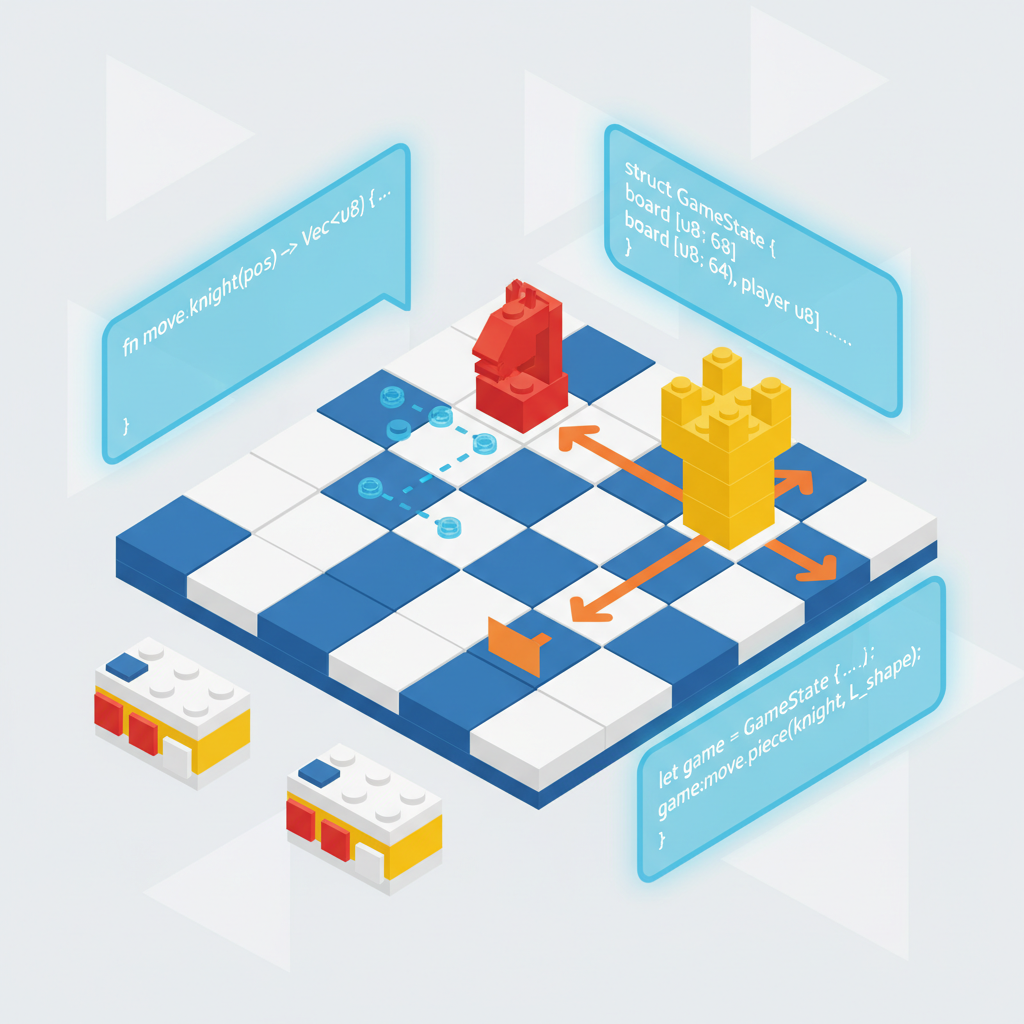
Picture this: in Web2 games, ECS powers hits like Unity titles by keeping data cache-friendly and logic reusable. Dojo ports that magic to Starknet, where build dojo game entities becomes dead simple. Entities are just IDs, components hold the state like position or health, and systems process the rules. This setup handles thousands of players without breaking a sweat, perfect for multiplayer madness.
Compared to MUD on Ethereum, Dojo shines on Starknet’s zero-knowledge proofs for cheaper, faster execution. I’ve traded tokens from early Dojo games, and the scalability? Night and day. Resources like this step-by-step guide show how it’s powering real projects. Check ‘Dojo by Example’ for code snippets that get you shipping fast.

Kickstarting Your Dojo World with Sozo CLI
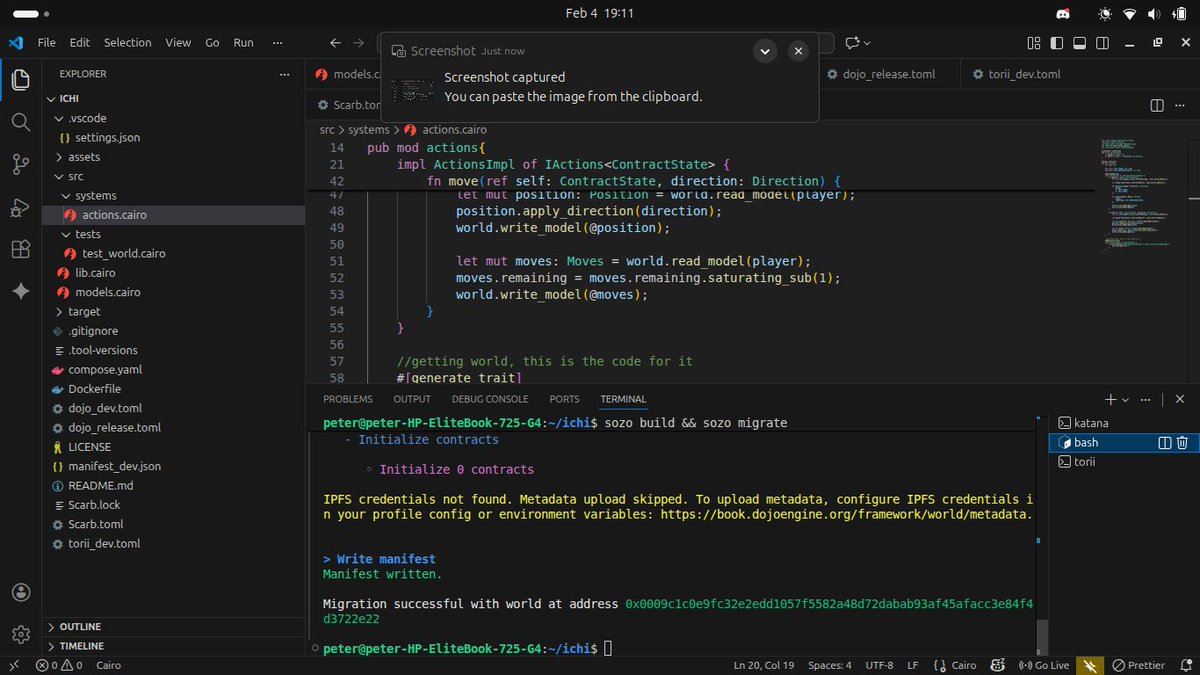
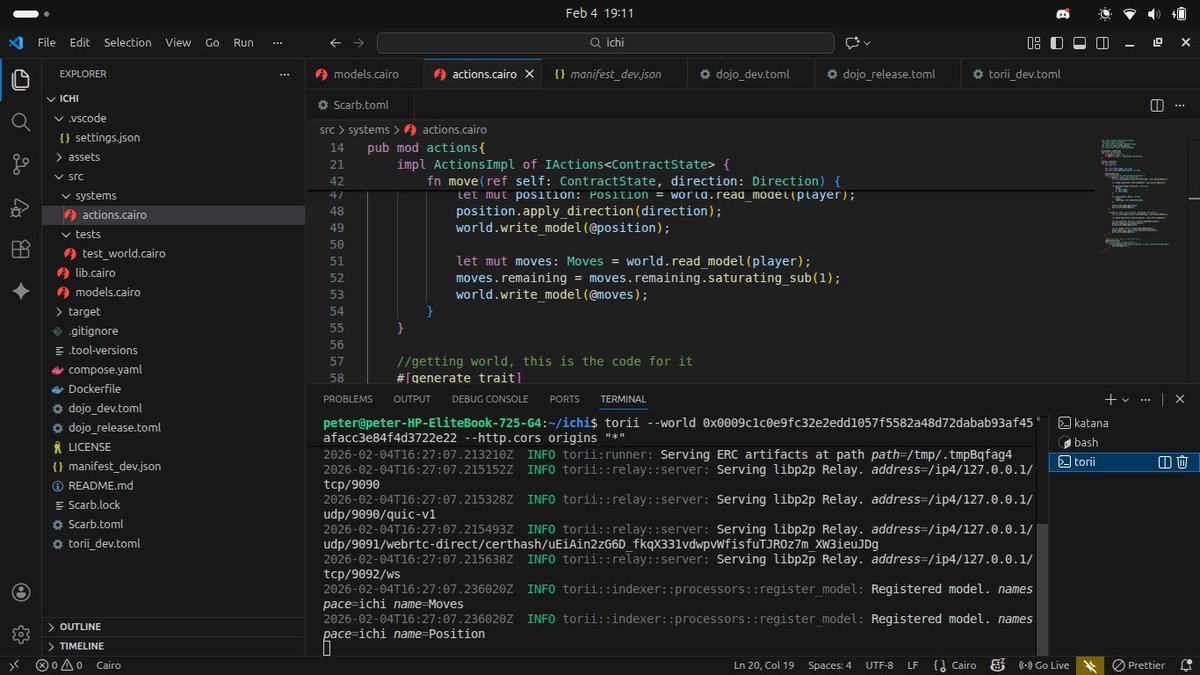
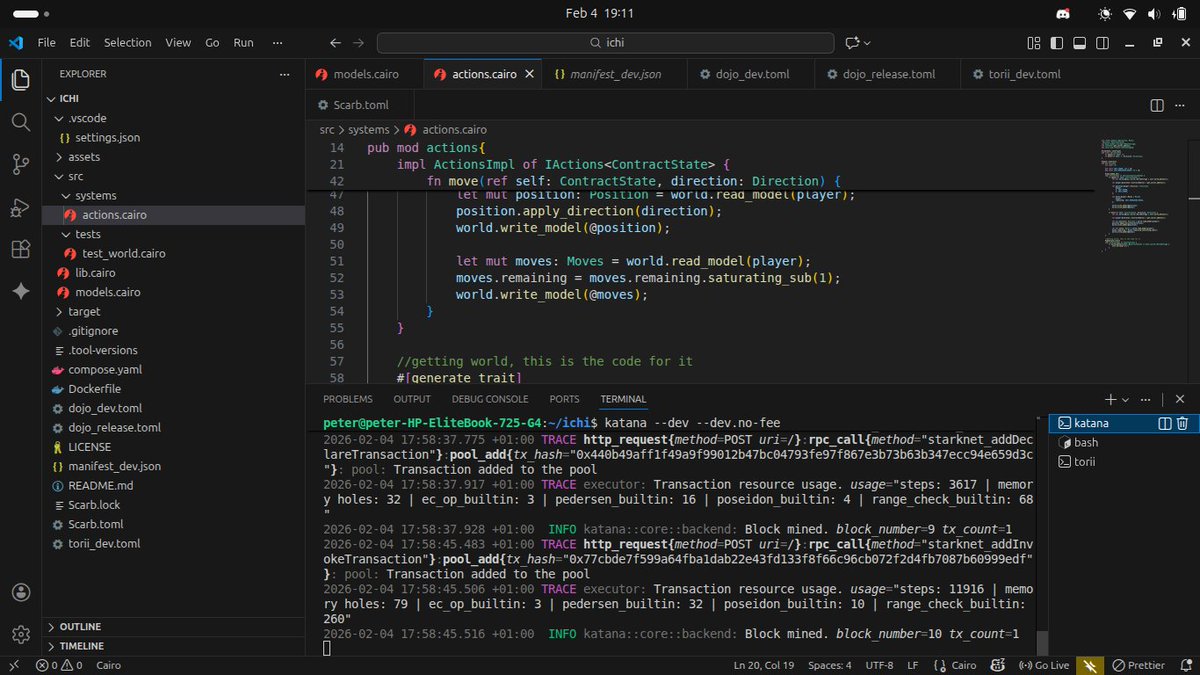
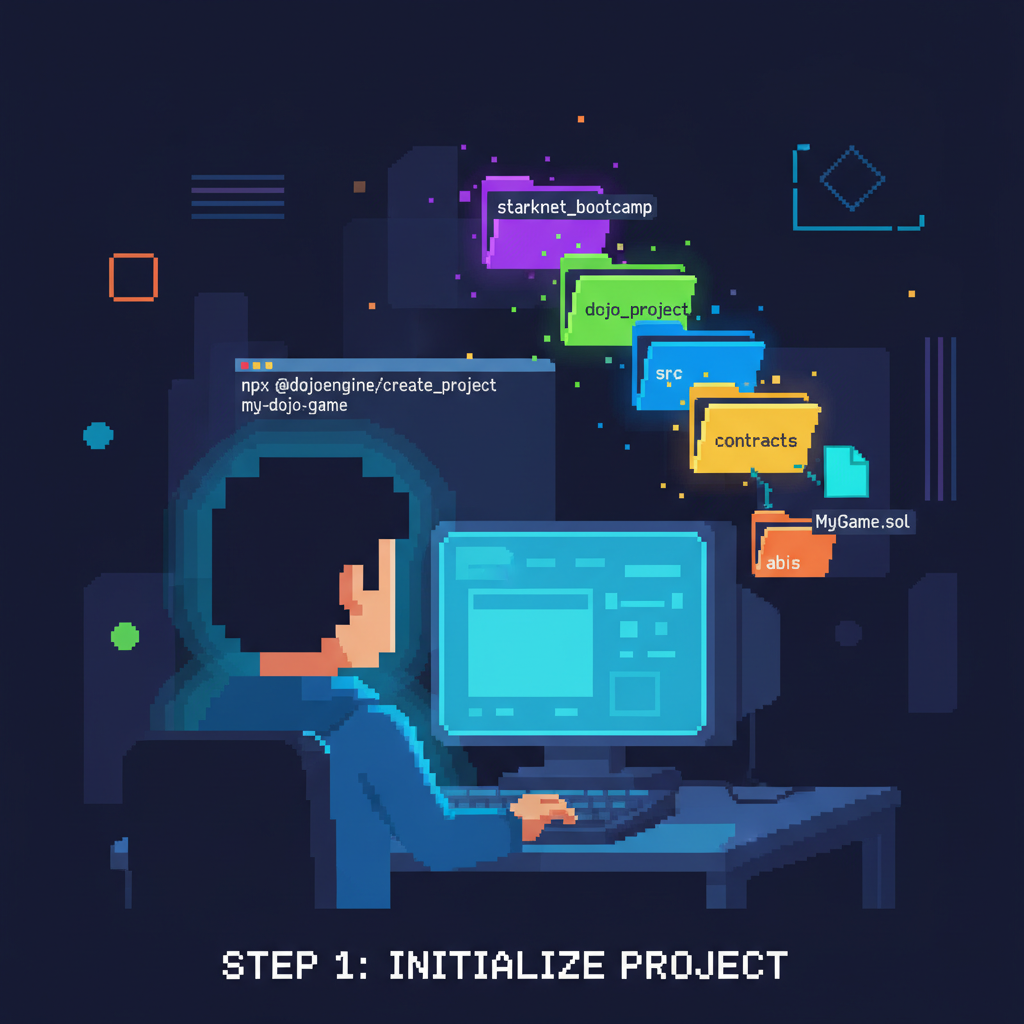
Enough talk – let’s build. Grab Rust and Cairo tools first, then install Sozo: cargo install --git https://github.com/dojoengine/sozo. Fire up a new world with sozo init my_game, and you’re in. This scaffolds your models, systems, and contracts. Katana runs your local chain: sozo start katana, mimicking Starknet for instant feedback loops.
sozo test to catch bugs early. Pro tip: integrate session keys for smooth player auth, as seen in Starknet Bootcamp sessions. Your dev environment now pulses with potential for mud dojo starknet development.
Crafting Entities and Components: Your Game’s DNA
Entities start as unique IDs, like a player’s avatar or a bullet. Define components in Cairo: think Position { x: u32, y: u32 }, Move { speed: u8 }. Register them in your world config, and boom – attach to entities via systems.
//Example: Position component #[component] fn position( entity: EntityId, ) leads to Position { get!(entity, (Position)) }Use world. entity( and EntityId: : from((PLAYER, id))) to spawn. This modularity lets you remix mechanics effortlessly – add Health to fighters, Inventory to explorers. Scale to hundreds of models without chaos. Dive into the Dojo book for theory, then hack ‘Dojo by Example’ for battle-tested patterns.
Systems come next, but master these foundations first. Your entities will swarm the chain, ready for action that players can’t fake. Stay tuned for systems that make it all tick.
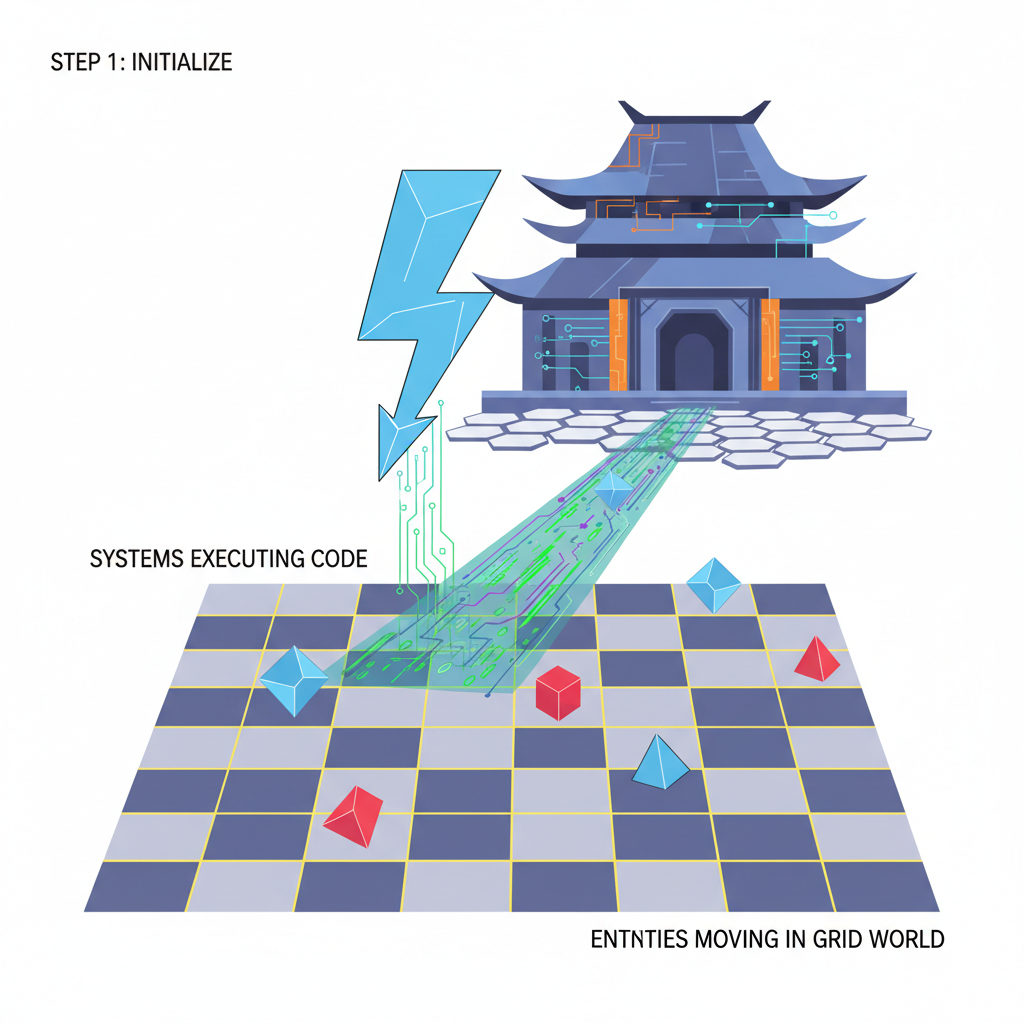
Now that your entities and components form the backbone, it’s time to inject the logic with systems – the beating heart driving every starknet on-chain games mechanic. These pure Cairo functions query components, execute rules, and update state atomically, all provably on-chain. No side effects, just crisp, composable behavior that scales with your wildest multiplayer visions.
Systems Unleashed: Logic That Powers Fully On-Chain Game Systems
Systems in Dojo are where the action happens. Declare one with #
🚀 Build Dojo Movement Magic: Update Positions with Cairo ECS!
```cairo
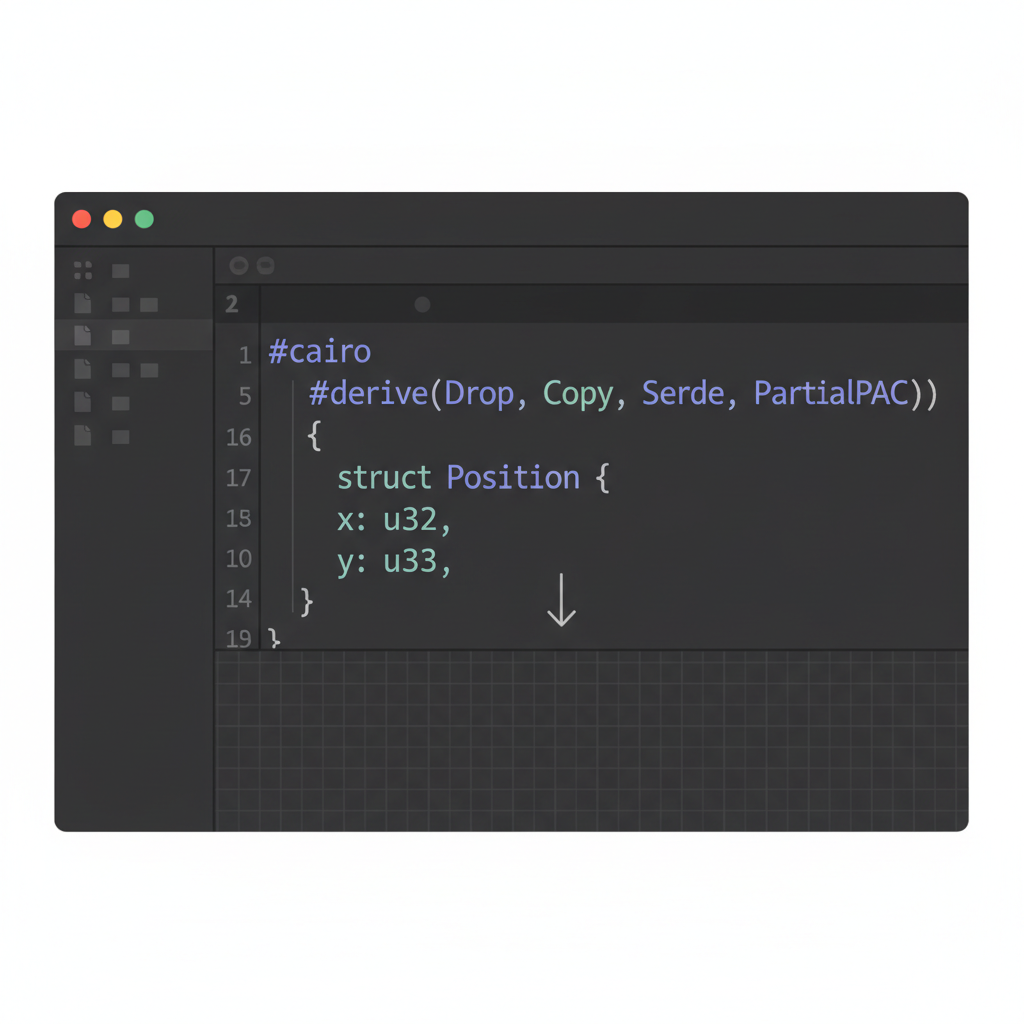
#[derive(Model, Copy, Drop)]
struct Position {
x: i32,
y: i32,
}
```
Boom—your entities now have spatial awareness!
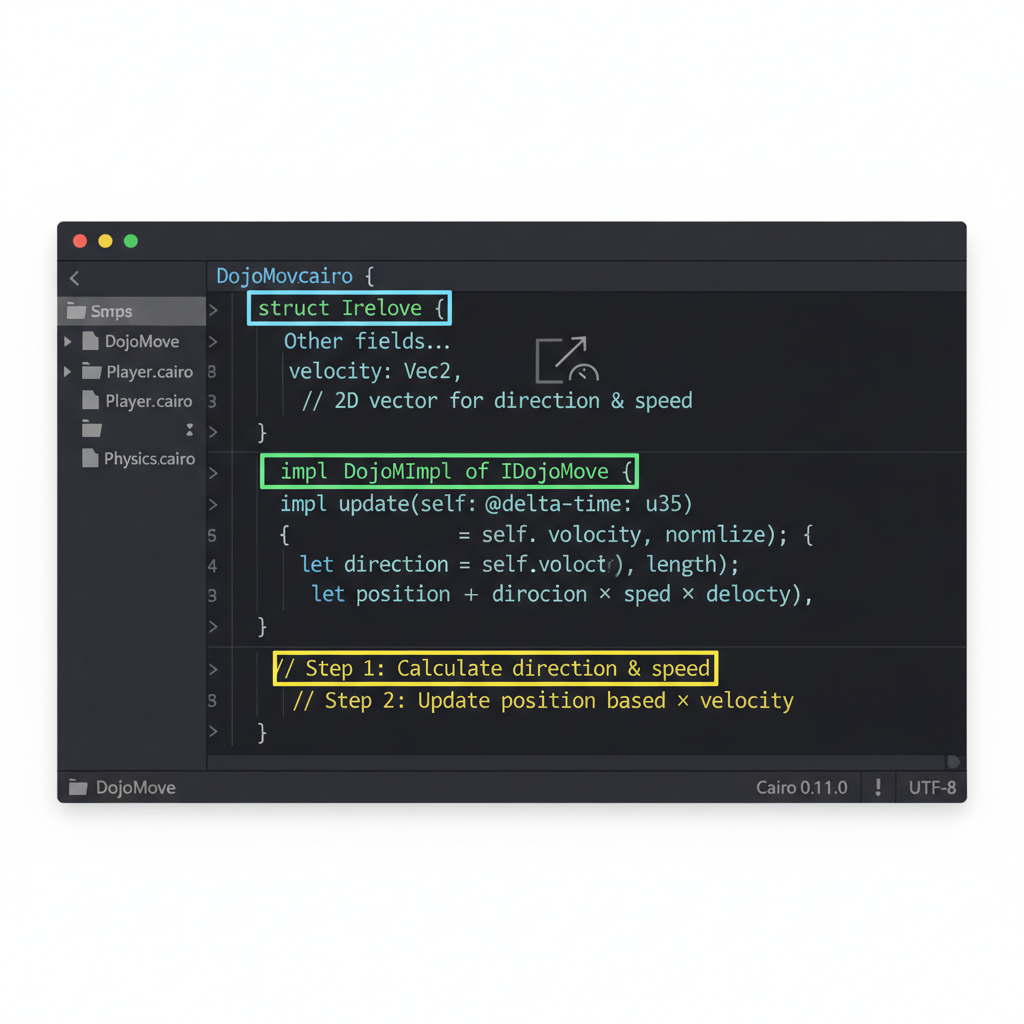
```cairo
#[derive(Model, Copy, Drop)]
struct Move {
direction: felt252,
speed: u8,
}
```
This transient component will drive your entities—insert it when players act, and we'll process it next! Energetic and ready to roll.
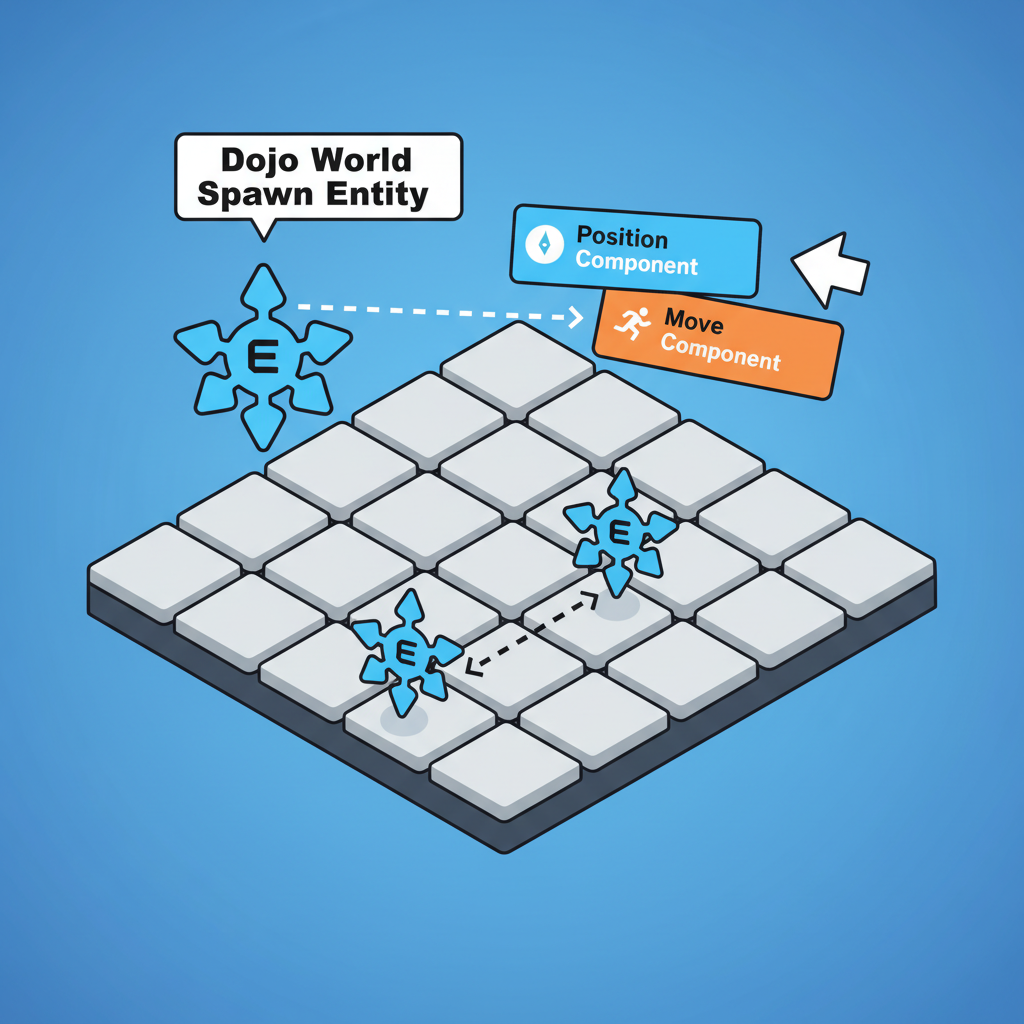
```cairo
let entity_id = world.spawn(
vec![],
Position { x: 0, y: 0 },
Move { direction: 'right', speed: 5 }
).entity;
```
Actionable tip: Use Sozo to build and Katana for local testing—watch your entity pop into existence!
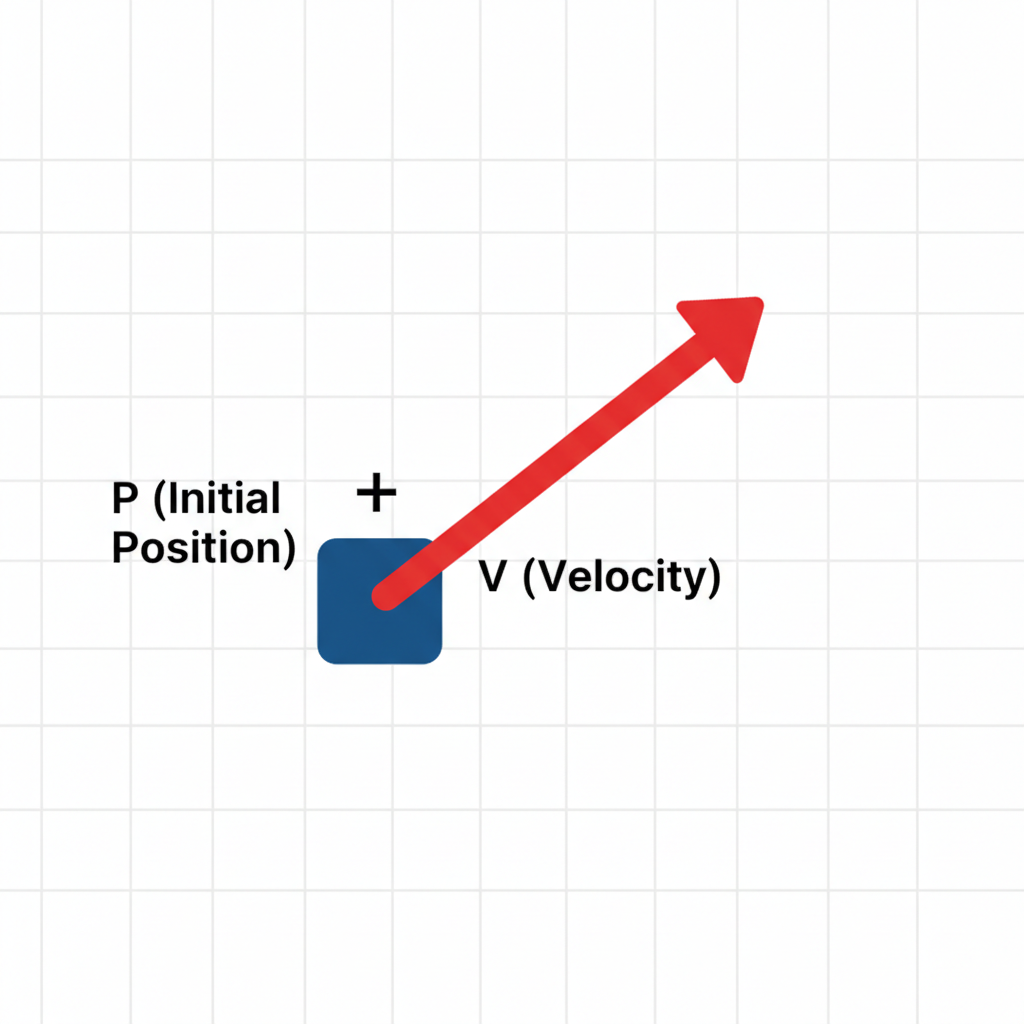
```cairo
fn move_system(world: IWorldDispatcher) {
let entity = get_entity(world, ...);
let move_comp = get!(world, entity, (Move));
let mut pos = get!(world, entity, (Position));
// Update logic: pos.x += move_comp.speed * dir_factor;
set!(world, (pos));
delete!(world, entity, Move);
}
```
Execute via `world.exec(move_system);`—on-chain magic!
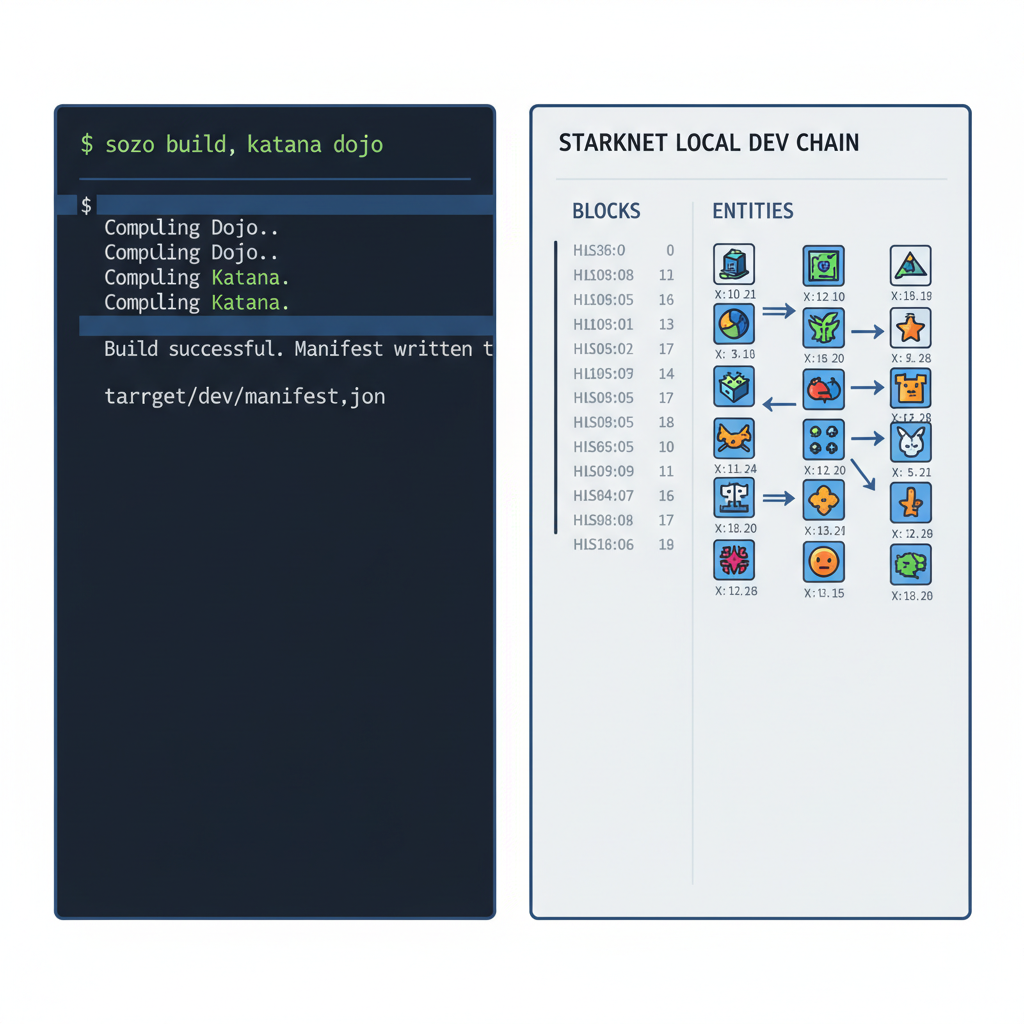
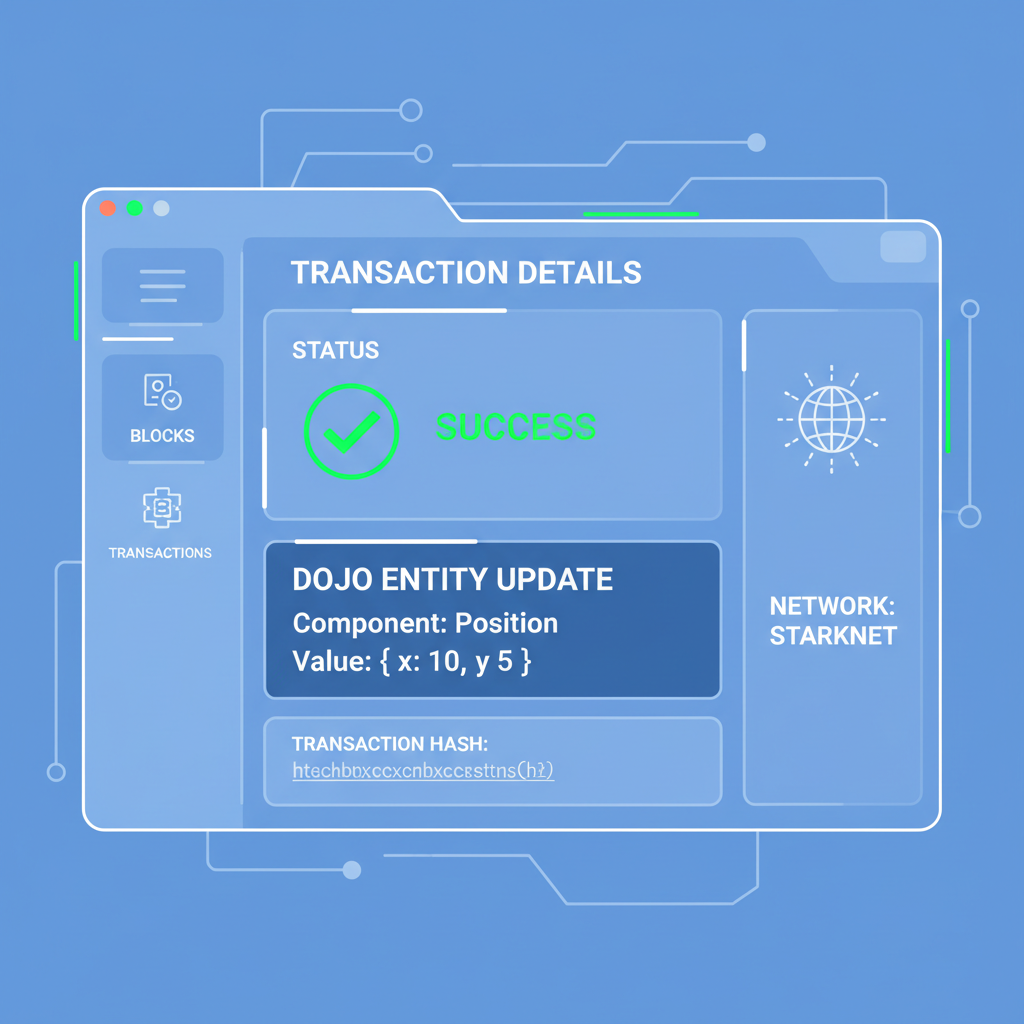
Hook systems into your world config, then trigger them from frontend actions or other systems. Chain reactions emerge naturally - a spawn system creates entities, movement updates positions, collision detects booms. I've seen Dojo games handle 10k and entities per tick; that's mud dojo starknet development flexing against L1 limits. Pro move: use filters to target subsets, like only moving alive players.
Assembling the Puzzle: A Battle Arena Example
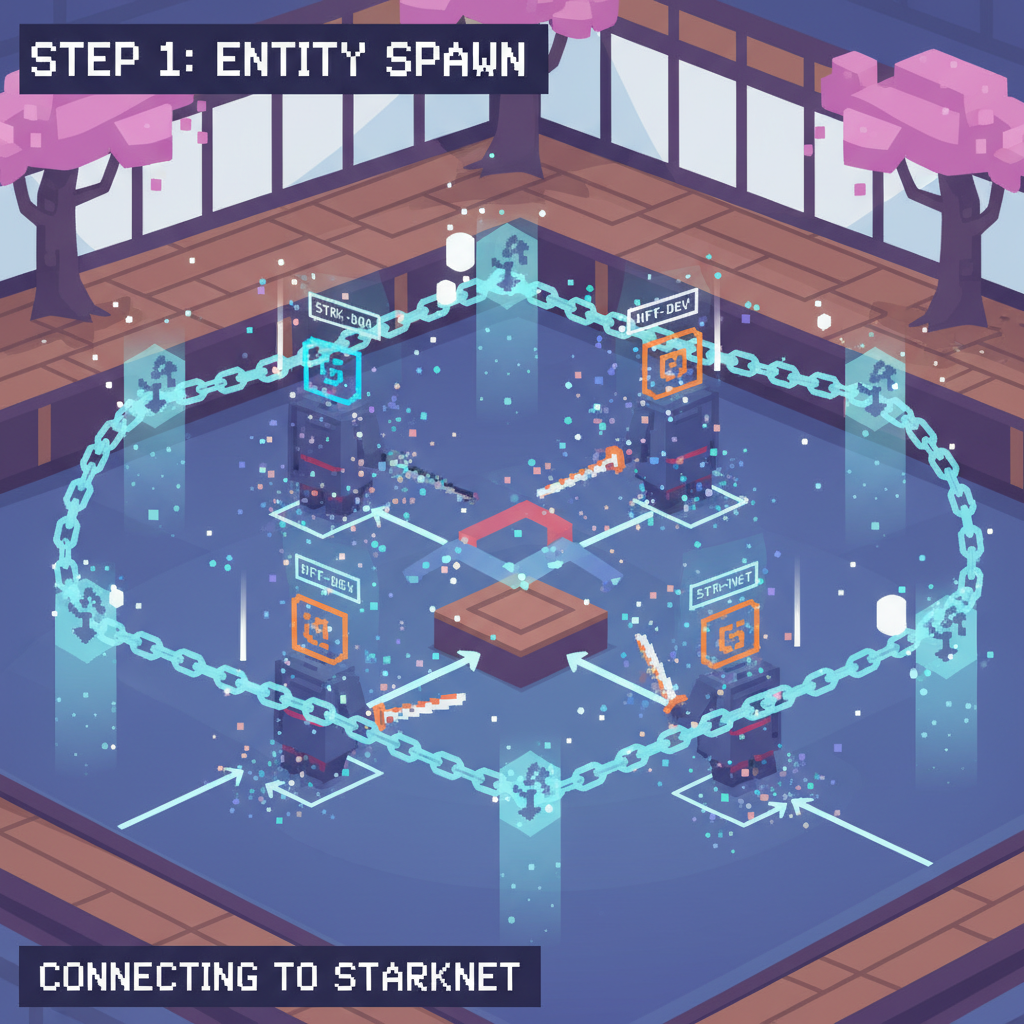
Let's wire a mini arena. Spawn players as entities with Position, Health (100), and Attack (20). Movement system shifts them toward foes. Combat system checks proximity, subtracts Attack from Health, despawns at zero. All in Cairo, tested locally with Katana.
- Define components: Position, Health, Attack.
- Build spawn_system to mint entities on player join.
- Layer move_system for WASD inputs.
- Top with combat_system for auto-battles.
- Frontend queries Torii GraphQL for real-time sync.
This blueprint scales to MOBAs or RTS. Peek at multiplayer strategy builds crushing it in 2025; now amp it for 2026 metas. Your game loop? Frontend sends actions, world dispatches systems, blockchain settles truth.
🚀 Build Epic On-Chain Games: Dojo ECS Setup, Entities, Components & Systems!
Torii's GraphQL shines here - subscribe to entity changes, render seamless UIs. No polling hell, just reactive magic. Test rigorously: sozo test simulates worlds, catches reverts. Katana's fork mode replays mainnet for edge cases.
From Local to Live: Deploy and Dominate
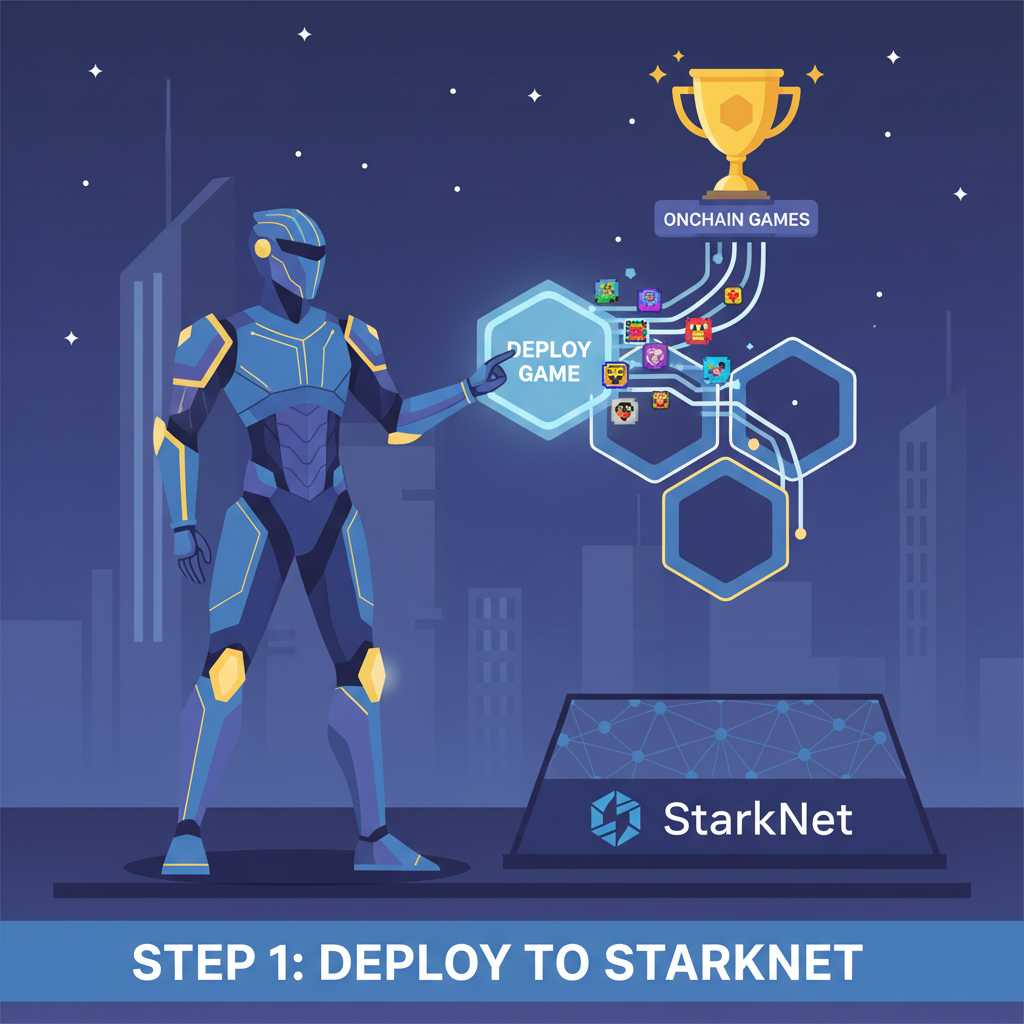
Polish passed? sozo deploy blasts to Starknet. Fund your deployer, watch contracts bloom. Torii indexes live, frontends light up. Monitor with Sozo's logs, iterate fast. Session keys? Lock in for gasless player txs - game-changer for retention.
Advanced hacks: parallel systems for ZK speedups, foreign calls to oracles for randomness. Dojo's world contracts manage access, upgrades via proxies. Battle-tested in jams, powering hits that mint real tokens. Trade those early - I've flipped 5x on Dojo alpha plays.
Armed with entities as IDs, components as data Lego, systems as rule engines, you're primed for dojo engine tutorial mastery. Fork a repo, hack that arena, deploy tonight. Starknet's on-chain revolution waits for builders who execute. Ride the ECS wave, stack wins, respect the gas. Your provable empire starts now.