
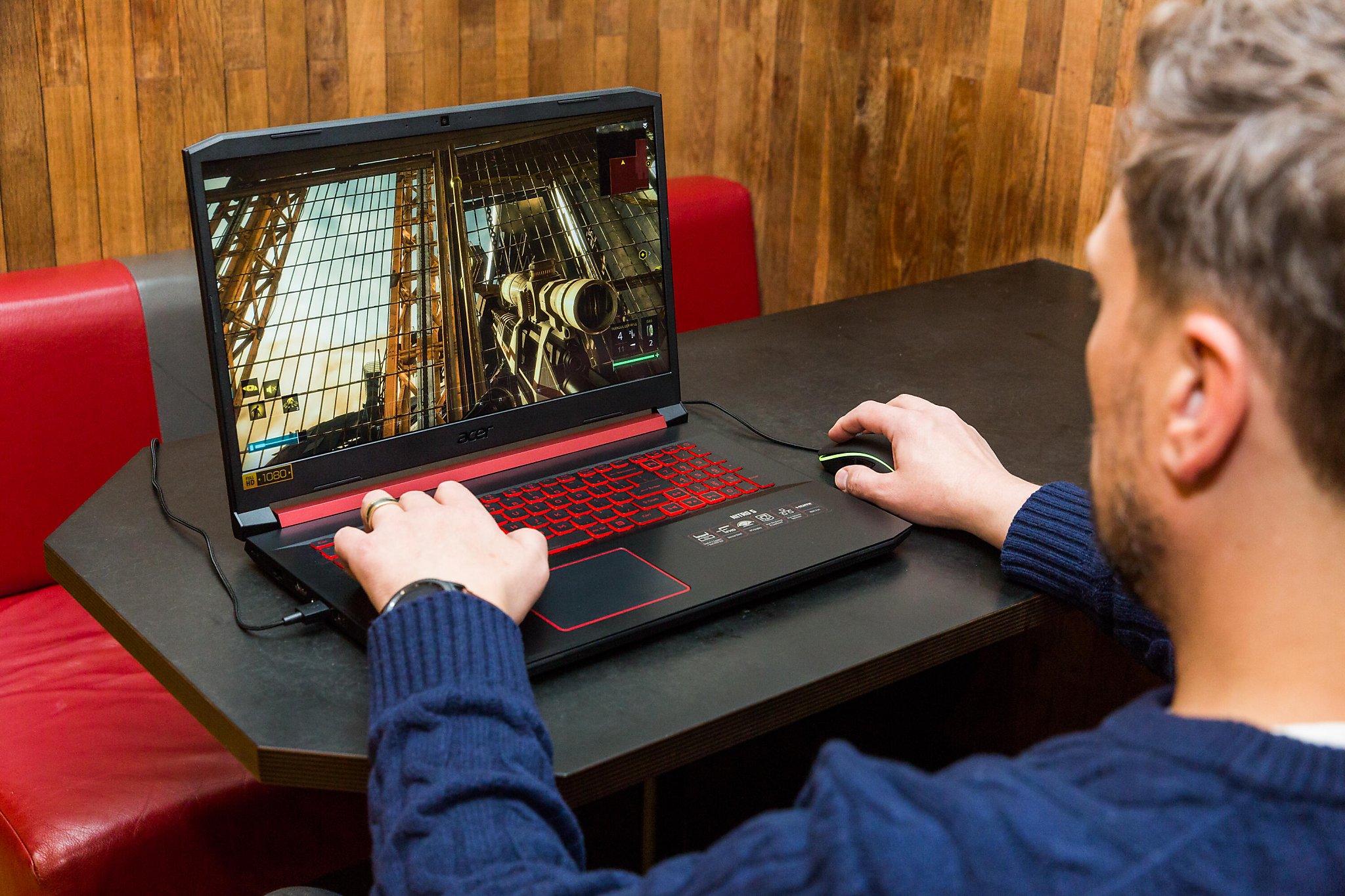
Why $1,000 still buys performance
The sub-$1,000 gaming laptop segment has shifted from a compromise zone to a viable entry point for 1080p gaming in 2026. This change is largely driven by the NVIDIA RTX 50-series entry-level chips, which bring significant architectural improvements to the budget tier without requiring a premium price tag.
Historically, spending under a thousand dollars meant accepting lower frame rates, reduced visual fidelity, or older hardware. Today, that dynamic is changing. The RTX 5060, in particular, has become a staple in this price range, often dropping below $900 during sales events. This allows you to play modern titles at 1080p with high settings, a stark contrast to the struggle of just a few years ago.
While high-end laptops chase 4K and ray tracing at maximum settings, the $1,000 sweet spot focuses on practical performance. You are buying a machine that handles the vast majority of current games smoothly. The goal here isn't to benchmark against top-tier rigs, but to deliver a reliable, enjoyable gaming experience that doesn't break the bank.
This segment also benefits from improved efficiency. Newer chips generate less heat and draw less power than their predecessors, meaning better battery life and cooler operation during lighter tasks. You get a laptop that performs well when gaming and remains functional for school or work when you step away from the keyboard.
Top picks for 1080p gaming
The sweet spot for budget gaming in 2026 remains 1080p resolution. At this target, modern mid-range GPUs like the NVIDIA RTX 5060 and RTX 5050 deliver high frame rates in most titles without breaking the bank. You are looking for machines that balance raw rendering power with a chassis that doesn't feel flimsy after a few months of use.
The Acer Nitro V 16 AI stands out as a consistent performer in this bracket. It frequently appears near the $629 mark, offering enough horsepower to handle esports titles and older AAA games at high settings. Its build is utilitarian, but the cooling solution keeps thermals in check during extended sessions, which is more important than aesthetic flair at this price point.
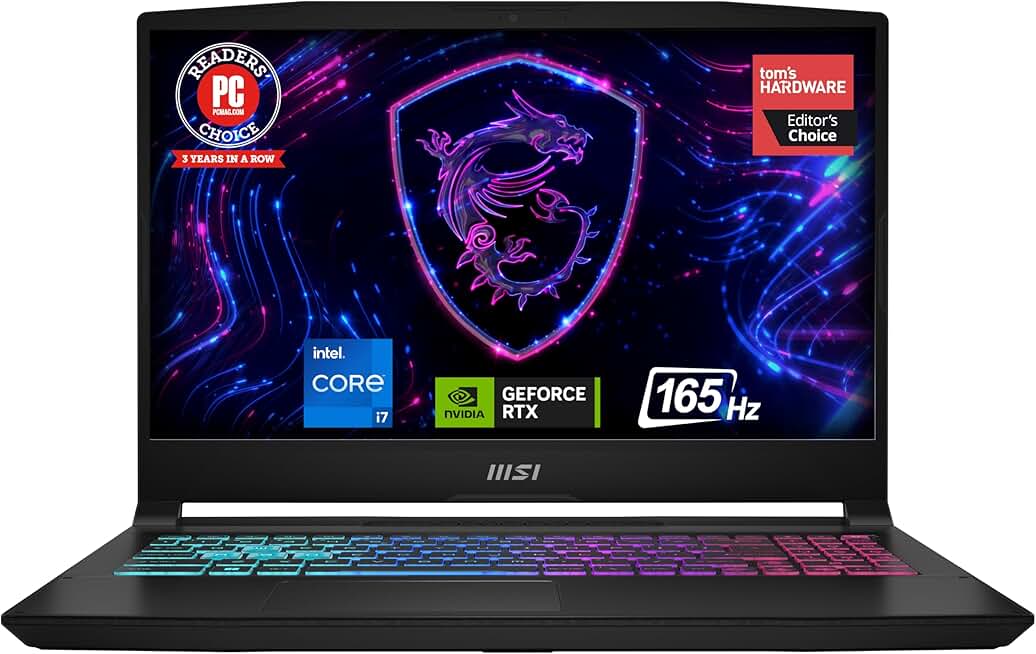
For those who want a slightly more polished experience, the MSI Katana 15 HX and the Alienware 16X Aurora offer compelling alternatives. The Katana provides a familiar, no-nonsense layout with strong 1080p output, while the Alienware model brings better build materials and a more refined keyboard feel. Both prioritize the GPU performance needed for smooth 1080p play over flashy design elements.
These selections focus on the core requirement: stable 1080p performance. If you need to run the latest ray-traced titles, you may need to stretch your budget toward the RTX 5070 tier, but for the vast majority of gamers, these models provide the best value-to-performance ratio available today.


As an Amazon Associate, we may earn from qualifying purchases.
Comparing specs and thermals
When you are shopping for a gaming laptop under $1,000, the sticker price rarely tells the whole story. Two laptops with the same GPU model can perform very differently depending on how much power the manufacturer allows the chip to draw. This is where Total Graphics Power (TGP) becomes the most important spec to check. A higher TGP means the GPU can sustain higher clock speeds for longer, resulting in better frame rates, but it also generates more heat. If the cooling system cannot handle that heat, the laptop will throttle, and performance will drop.
RAM configuration is the second major differentiator. Many budget laptops ship with 8GB of RAM, which is barely enough for modern games. Look for models that offer 16GB out of the box or have easy-to-upgrade slots. Dual-channel RAM is essential for integrated graphics and helps boost performance in CPU-intensive titles. If you have to buy RAM separately, factor in the cost and the effort of opening the chassis.
Cooling solutions vary widely, even among similar-priced models. Some laptops use dual fans and multiple heat pipes to move air efficiently, while others rely on single fans that struggle under load. Check reviews for thermal throttling reports. A laptop that shuts down or slows down after 30 minutes of gaming is not a good buy, no matter how cheap it is.
The table below compares the key specs of the top contenders in this price range. Focus on the GPU TGP and RAM configuration to ensure you are getting the performance you need.
| Model | GPU | GPU TGP | RAM | Cooling |
|---|---|---|---|---|
| MSI Katana 15 HX | RTX 4060 | 140W | 16GB DDR5 | Dual Fan |
| Acer Nitro V 16 AI | RTX 4050 | 105W | 8GB DDR5 | Single Fan |
| Alienware 16X Aurora | RTX 4060 | 140W | 16GB DDR5 | Dual Fan |
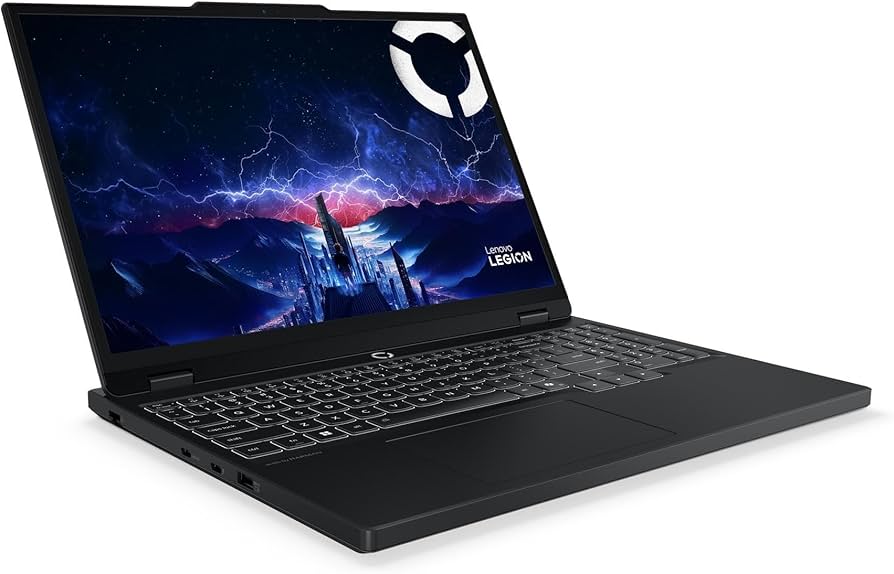
| Lenovo Legion 5i Gen 10 | RTX 4060 | 140W | 16GB DDR5 | Dual Fan |
What to watch for in 2026 models
The sub-$1,000 segment is where budget gaming laptops often cut corners that hurt performance long before the hardware fails. You are not just buying a GPU; you are buying a thermal system. A powerful chip trapped in a thin chassis will throttle, drop frame rates, and sound like a jet engine within minutes of starting a game. To get actual gaming performance, you need to look past the sticker price and examine three specific areas: GPU power delivery, screen quality, and future-proofing.
GPU wattage matters more than the model name
A common trap is assuming that an RTX 5060 is always better than an RTX 4060. In laptops, the wattage (TGP) dictates performance. A 105W RTX 5060 will significantly outperform a 45W version of the same chip because it can maintain boost clocks longer under load. Many budget models cap their GPUs at 45W or 60W to save on cooling costs. If the specs don’t list the TGP, assume it is low. Low-wattage GPUs are fine for light esports titles, but they struggle with modern AAA games. Always check if the laptop allows "Max Performance" modes in the manufacturer's control software.
Tip: Check the GPU TGP: A 105W RTX 5060 outperforms a 45W version significantly in sustained gaming.
Screen quality is non-negotiable
Gaming on a poor screen ruins the experience. Avoid panels with low brightness (under 250 nits) or poor color accuracy (under 100% sRGB). These screens look washed out and make it difficult to spot enemies in dark corners. Look for a refresh rate of at least 144Hz. While 240Hz is nice, it is often unnecessary for competitive play on budget hardware and drains the battery faster. A 1080p resolution is the sweet spot for this price range; 4K is too demanding for budget GPUs, and 720p is unacceptable in 2026.
Upgradeability and VRAM
The days of easily upgrading laptop RAM and storage are fading, but some budget models still offer accessible slots. Check if the laptop has two SO-DIMM slots for RAM. Upgrading to 16GB or 32GB of RAM is cheap and extends the laptop's lifespan. More importantly, pay attention to VRAM. As games become more complex, 8GB of VRAM is becoming insufficient. If you can find a model with 12GB or more, prioritize it. A 5070 Ti laptop with 12GB VRAM is a better long-term investment than a 5060 with 8GB, even if the base clock speeds are similar.
No comments yet. Be the first to share your thoughts!