
How we picked the best gaming monitors
We tested the best gaming monitors 2026 has to offer by focusing on three core metrics: response time, color accuracy, and panel technology. Rather than relying on manufacturer marketing claims, we use calibrated equipment to measure pixel transition speeds and color gamut coverage in real-world conditions. This approach ensures that the ASUS ROG Swift OLED PG27UCDM, for example, earns its spot not just because of its 240Hz refresh rate, but because its QD-OLED panel delivers the fastest pixel response times and deepest blacks we have measured this year.
Our evaluation process involves running a variety of game genres, from fast-paced shooters to color-critical RPGs, to see how each display handles motion blur and color fidelity. We also examine build quality, OSD usability, and connectivity options to ensure the monitor fits into a modern gaming setup. By combining objective lab data with subjective gaming experience, we narrow down the field to the few models that truly stand out in the 2026 landscape.
The best overall gaming monitor
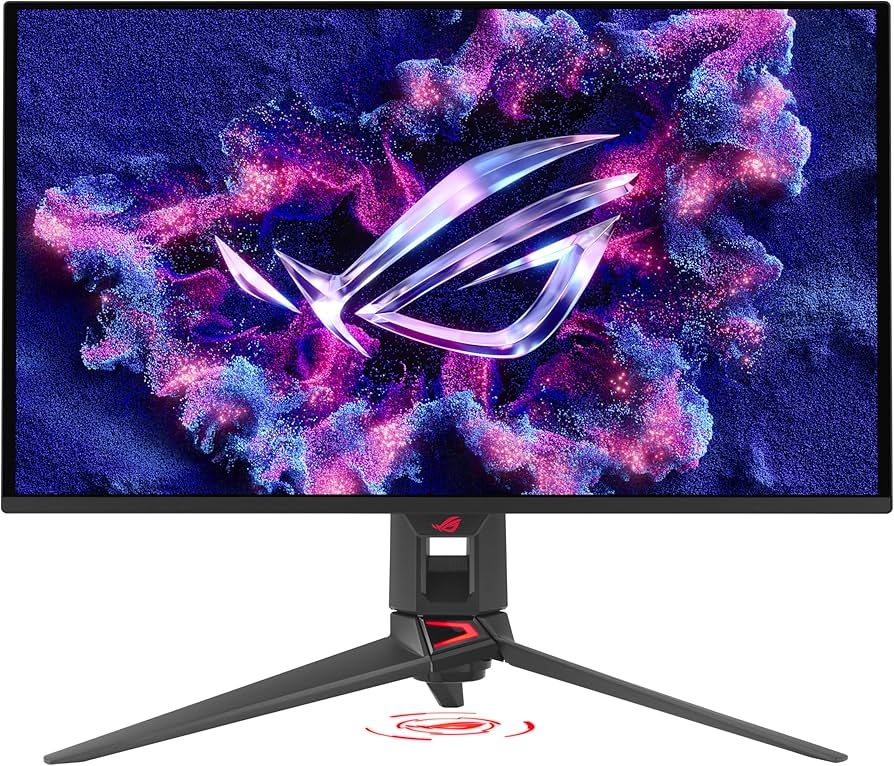
The ASUS ROG Swift OLED PG27UCDM remains the definitive all-rounder for 2026. It strikes a rare balance between the deep blacks and infinite contrast of a QD-OLED panel and the blistering speed needed for competitive play. With a 27-inch 4K resolution and a 240Hz refresh rate, it handles everything from cinematic single-player campaigns to fast-paced shooters without compromise.
This monitor uses a quantum dot overlay on the OLED matrix to boost brightness and color volume beyond standard OLED capabilities. The result is vibrant, accurate colors that don't wash out even at peak brightness. For most gamers, this 27-inch form factor offers the ideal pixel density for 4K content, keeping text sharp and images detailed without requiring a massive desk footprint.
While premium, the PG27UCDM justifies its position by avoiding the common pitfalls of high-end displays. It includes thoughtful features like a built-in KVM switch for managing multiple PCs and a sturdy stand that allows for full ergonomic adjustment. It is the monitor to beat if you want one screen to rule them all.


As an Amazon Associate, we may earn from qualifying purchases.
Best for competitive esports
In high-stakes FPS titles, milliseconds matter more than pixel density. For competitive players, the priority is ultra-high refresh rates—360Hz or 500Hz—that eliminate motion blur and input lag. Resolution takes a backseat to speed, with 1080p often preferred because it allows GPUs to push higher frame counts consistently.
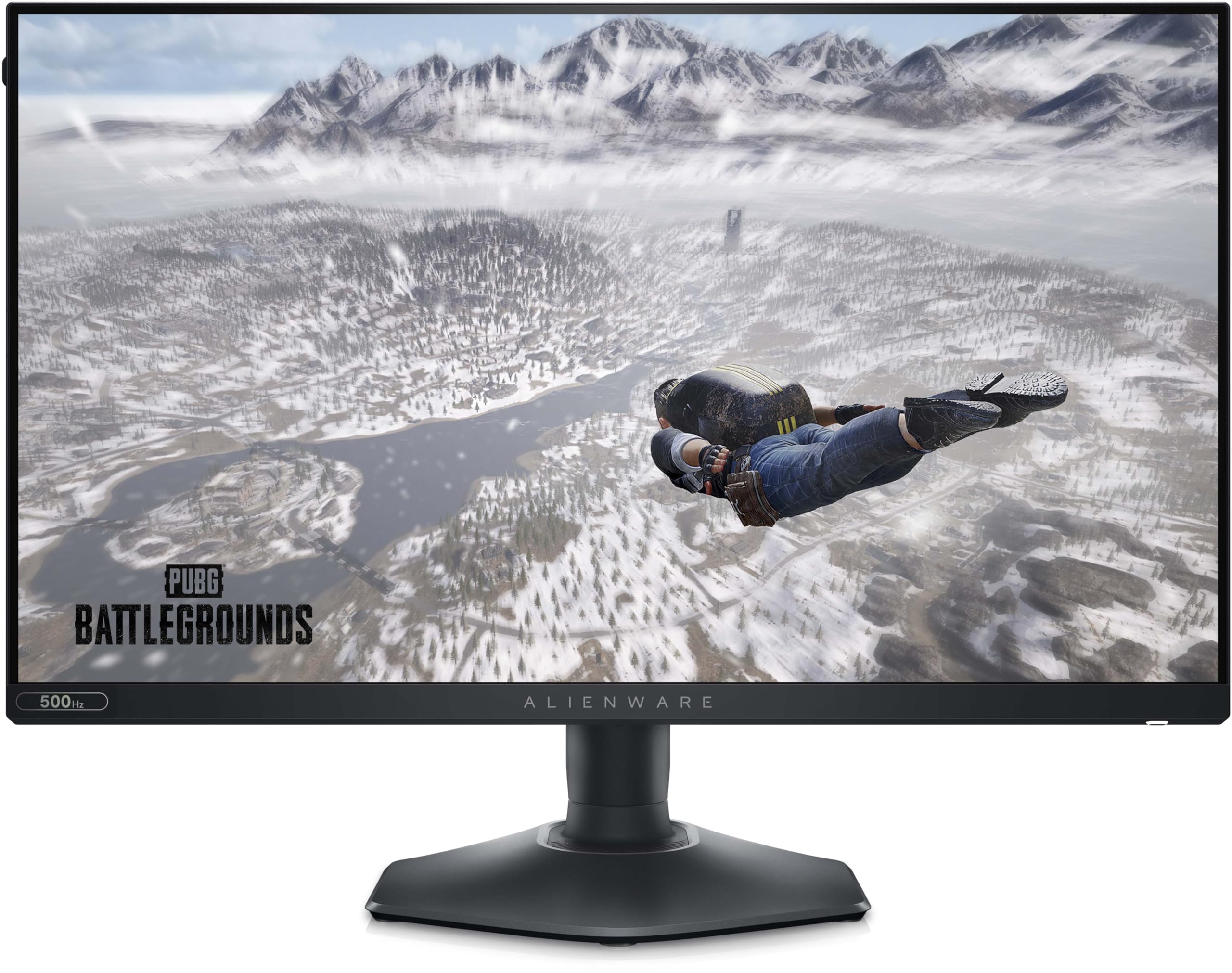
The Alienware AW2524HF leads this category with a blistering 500Hz refresh rate, offering the fastest response times available for pure speed-focused gameplay. Meanwhile, the ASUS ROG Swift OLED PG27UCDM bridges the gap for players who want OLED contrast and high refresh rates, though it targets a slightly different use case with its 4K resolution. For those prioritizing pure competitive edge over visual fidelity, the Alienware AW2524HF remains the benchmark.

As an Amazon Associate, we may earn from qualifying purchases.
Best budget and value monitors
You don't need to spend a fortune to get a high-refresh-rate display that keeps up with modern titles. The sweet spot for value lies in 1080p and 1440p panels that prioritize fast response times and solid color accuracy over expensive OLED panels or ultra-wide aspect ratios. These monitors strip away premium features like local dimming zones or HDR certification to deliver the raw performance gamers actually need.
The Dell S2722DGM remains a staple in the budget category, offering a 27-inch IPS panel with a 165Hz refresh rate for around $250. It provides a comfortable viewing distance and wide color gamut, making it versatile for both gaming and productivity. For those pushing higher frame rates on mid-range GPUs, the Alienware AW2524HF delivers a blistering 500Hz at 1080p, ensuring input latency is virtually non-existent for competitive shooters.
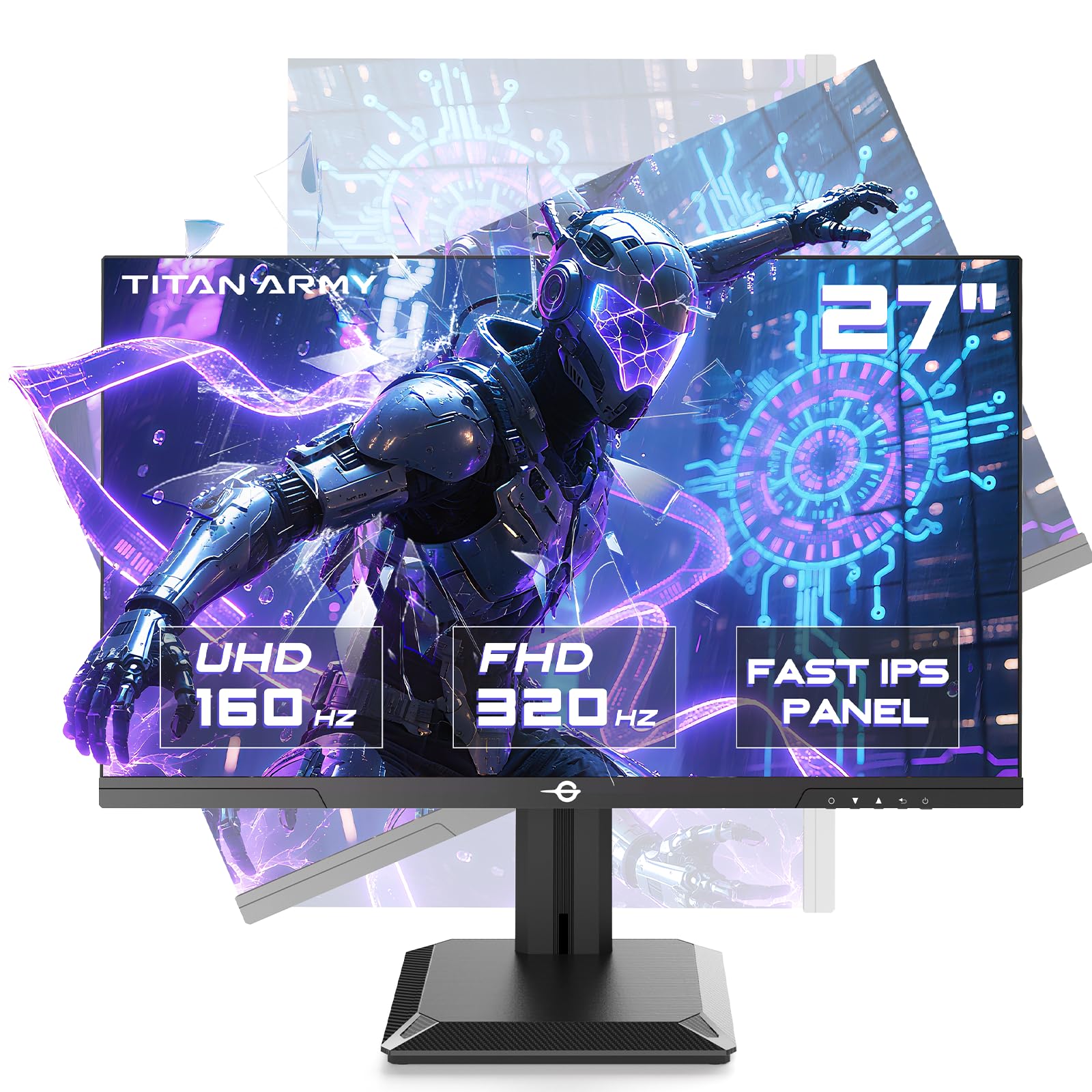
If you prefer a curved field of view without breaking the bank, the Titan Army P2712V offers a 27-inch 1440p curved display at a fraction of the cost of name-brand equivalents. It captures the immersive feel of higher-end monitors while keeping the price accessible. These options prove that the "best gaming monitors 2026" list doesn't have to be dominated by $800+ price tags.

As an Amazon Associate, we may earn from qualifying purchases.
OLED vs Mini-LED for gaming
Choosing between OLED and Mini-LED defines the character of your setup. OLED delivers perfect blacks and instant pixel response, making it the king of contrast and motion clarity. Mini-LED relies on local dimming zones to approximate depth, offering higher peak brightness but often at the cost of halo artifacts in dark scenes. For the best gaming monitors in 2026, this trade-off usually comes down to whether you prioritize cinematic immersion or raw HDR punch.
OLED panels, such as the ASUS ROG Swift OLED PG27UCDM, use self-emissive pixels that turn off completely for true black. This results in infinite contrast ratios that Mini-LED cannot match. Mini-LED monitors, like the Samsung Odyssey Neo G9, stack thousands of tiny LEDs behind the LCD layer. While they can reach much higher brightness levels—crucial for HDR games with intense sunlight or explosions—they struggle with uniformity in dark environments.
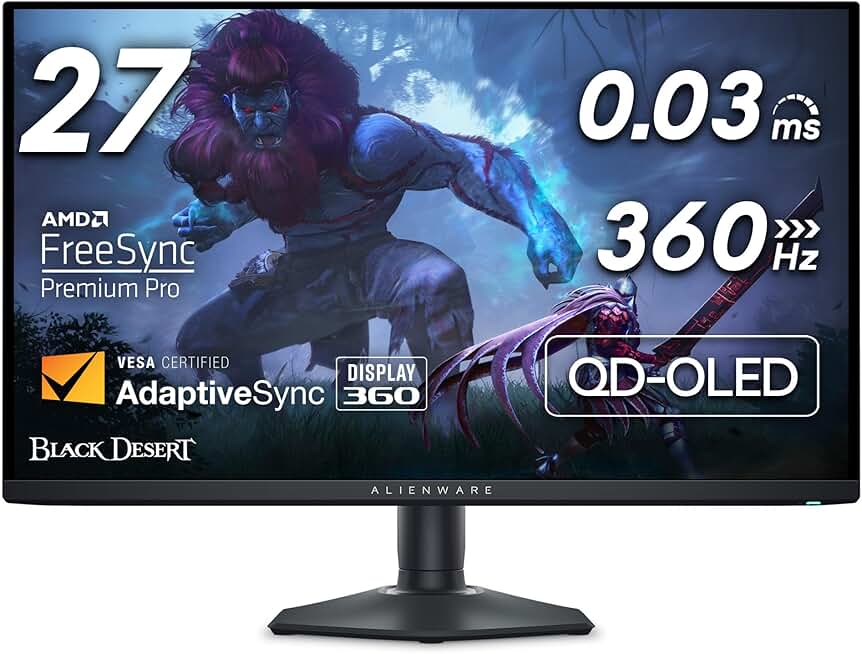
Response time is another deciding factor. OLED pixels switch states in under 0.03ms, virtually eliminating motion blur. Mini-LED panels typically rely on faster IPS or VA LCDs, which still exhibit slight ghosting during rapid camera movements. However, Mini-LED screens are generally more resistant to burn-in, a persistent concern for OLED users who leave static UI elements on screen for hundreds of hours.
| Feature | OLED | Mini-LED |
|---|---|---|
| Contrast | Infinite (perfect blacks) | High (local dimming zones) |
| Peak Brightness | Moderate (400-1000 nits) | Very High (1000-2000+ nits) |
| Response Time | ~0.03ms (near instant) | 1-5ms (fast LCD) |
| Burn-in Risk | Present (mitigated by tech) | None |
| Feature | OLED | Mini-LED |
|---|---|---|
| Contrast | Infinite | High |
| Peak Brightness | Moderate | Very High |
| Response Time | ~0.03ms | 1-5ms |
| Burn-in Risk | Present | None |
Best OLED Gaming Monitors
OLED monitors are ideal for competitive shooters and narrative-driven games where contrast matters most. The ASUS ROG Swift OLED PG27UCDM offers a 27-inch 4K QD-OLED panel with a 240Hz refresh rate, balancing sharpness with fluid motion. Its color accuracy and viewing angles make it a versatile choice for both gaming and content creation.
As an Amazon Associate, we may earn from qualifying purchases.
Best Mini-LED Gaming Monitors
Mini-LED monitors excel in bright rooms and HDR gaming where peak brightness is critical. The Samsung Odyssey Neo G9 features a 49-inch curved screen with thousands of local dimming zones, delivering immersive HDR that OLEDs often struggle to match in terms of sheer luminance. It’s a heavy hitter for sim racing and space sims.

As an Amazon Associate, we may earn from qualifying purchases.
Quick buying checklist
Before you finalize your purchase, verify that the monitor meets your specific hardware and usage requirements. The best gaming monitors 2026 picks all meet a high baseline, but individual needs vary.
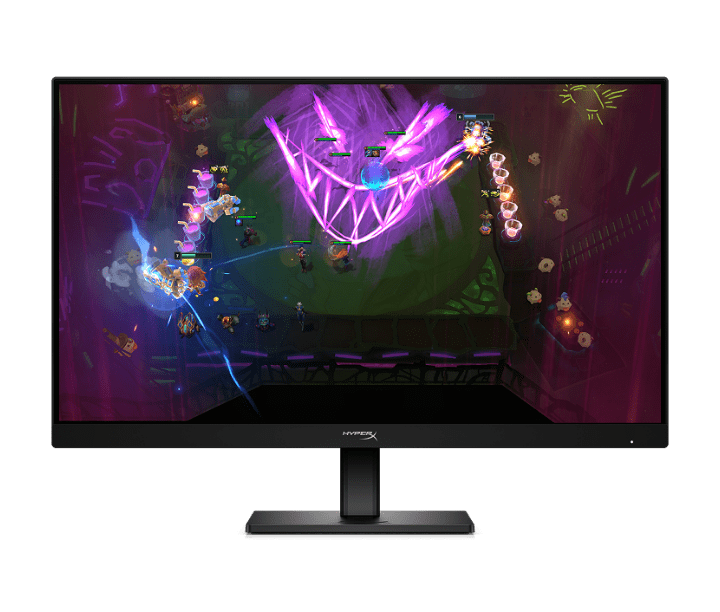
Ensure your graphics card supports the monitor’s interface. High-refresh 4K panels like the ASUS ROG Swift OLED PG27UCDM require HDMI 2.1 or DisplayPort 1.4. Without the right cable or port, you will lose refresh rate or resolution.
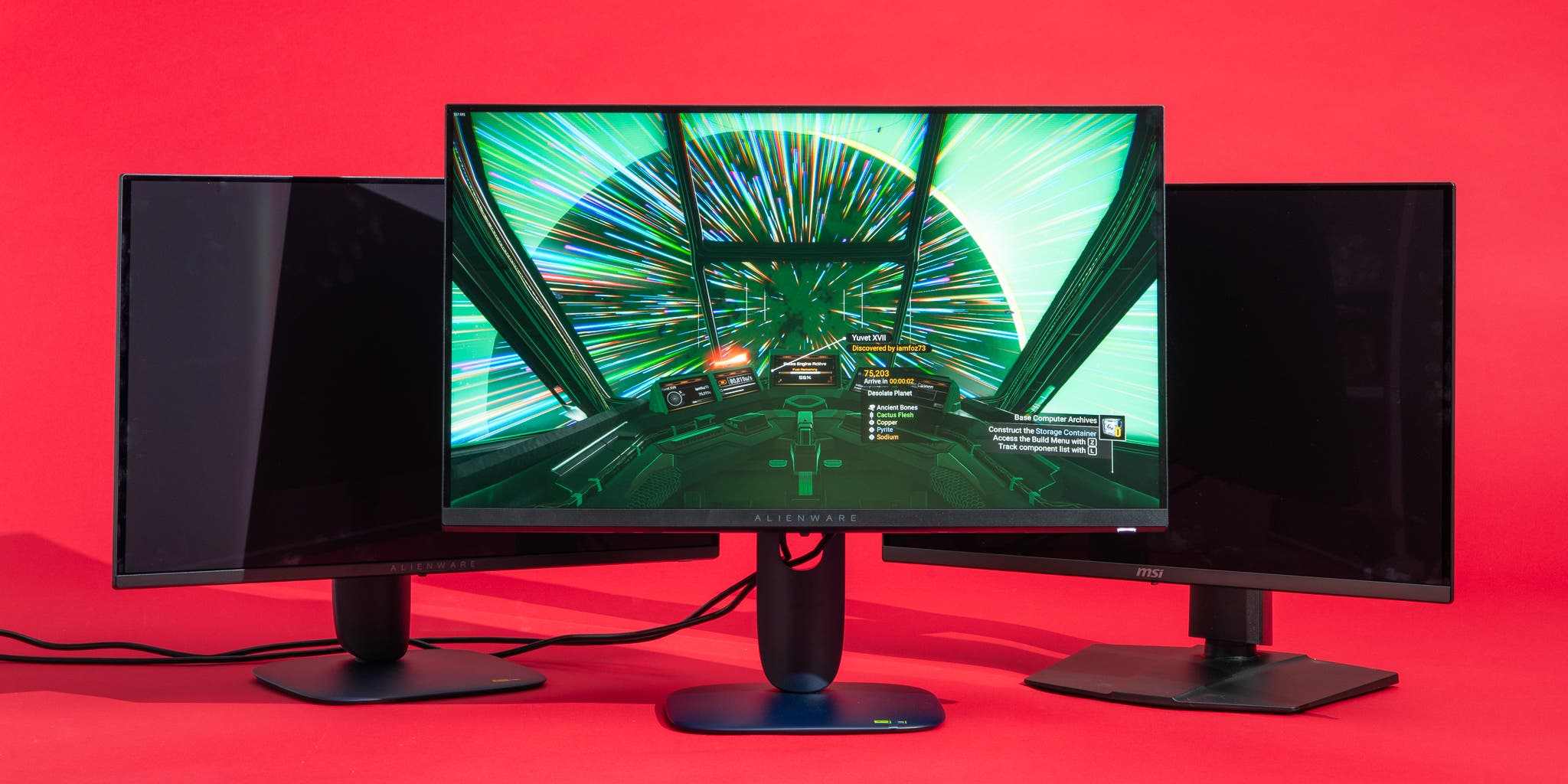
Match the monitor’s VRR technology to your GPU. NVIDIA users should prioritize G-Sync Compatible or Native G-Sync monitors like the Alienware AW2725DF. AMD users benefit from FreeSync Premium or Advanced support to eliminate screen tearing.
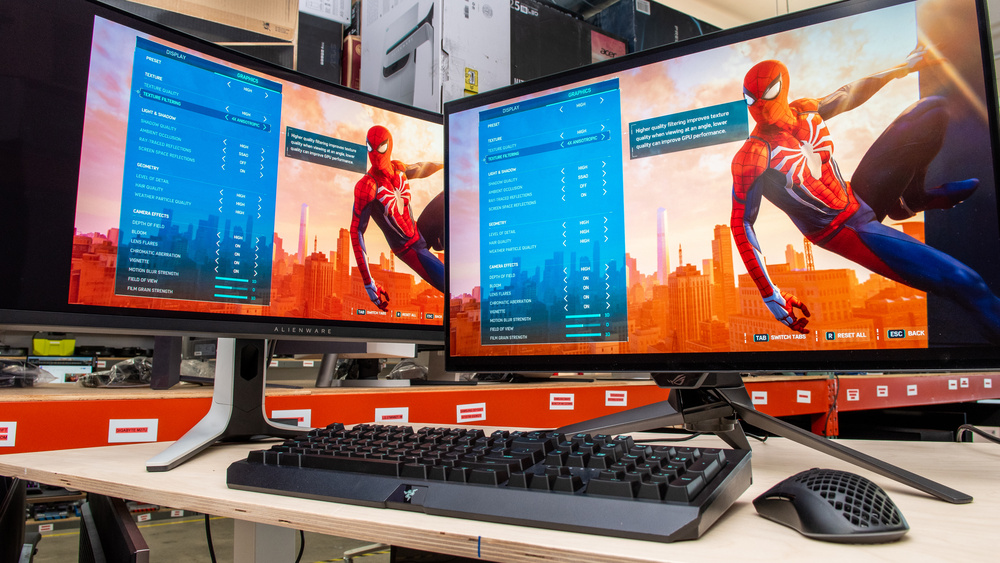
Decide between OLED, Mini-LED, or IPS based on your environment. OLED panels, found in the MSI MPG 321URX, offer perfect blacks and speed but may struggle in bright rooms. Mini-LED provides high brightness for HDR but can suffer from blooming in dark scenes.
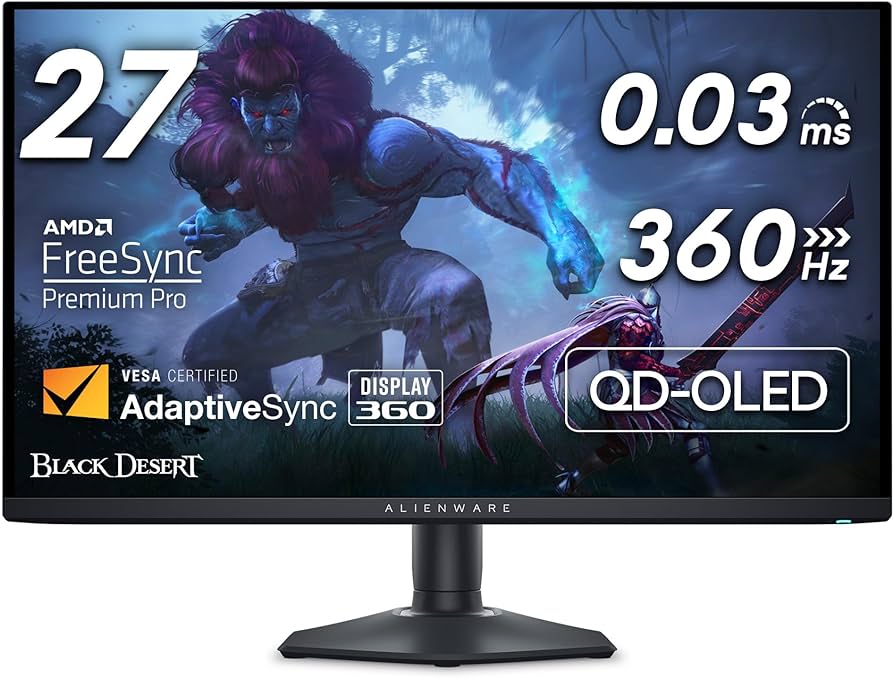

As an Amazon Associate, we may earn from qualifying purchases.
Common questions about gaming monitors
Is OLED prone to burn-in in 2026? Modern OLED panels, like the QD-OLED in the ASUS ROG Swift OLED PG27UCDM, use pixel shifting and logo dimming to prevent static image retention. While early OLEDs were fragile, 2026 models have significantly improved longevity, making burn-in a rare issue for typical gaming sessions.
Do I need HDMI 2.1 for the best gaming monitors 2026? Yes, if you want to utilize the latest features. HDMI 2.1 provides the bandwidth necessary for 4K at 120Hz or higher and supports Variable Refresh Rate (VRR) without compression. It is essential for PS5 and Xbox Series X owners, while PC gamers can often rely on DisplayPort 1.4 or 2.1.
Is 4K or 1440p better for gaming? 4K offers sharper visuals but demands more from your GPU. 1440p remains the sweet spot for high refresh rates (144Hz–240Hz) on mid-range cards. Choose 4K for immersive single-player games and 1440p for competitive shooters where frame rate matters most.
No comments yet. Be the first to share your thoughts!