
Why low latency defines 2026 gaming gear
The gap between "good" and "competitive" gaming peripherals has narrowed to milliseconds. In 2026, the defining feature of high-end controllers and mice is no longer build quality or battery life, but raw input latency. This shift is driven by proprietary wireless protocols that bypass the bottlenecks of standard Bluetooth connections, delivering signal transmission speeds that feel instant.
Standard Bluetooth connections often introduce input lag ranging from 10 to 20 milliseconds due to polling rate limitations and interference. In contrast, modern 2.4GHz dongles and proprietary low-latency protocols can reduce this to under 1 millisecond. For fast-paced shooters and fighting games, this difference is the difference between reacting to an enemy and predicting their movement.
This technological leap means manufacturers are now competing on how quickly a physical press translates to an on-screen action. As we explore the best peripherals of the year, look for specifications highlighting "low-latency wireless" or "proprietary 2.4GHz" connections. These features ensure your gear keeps pace with the speed of the game.
The following products represent the current leaders in this race for speed. They have been selected based on their ability to deliver consistent, ultra-low latency performance across PC and console platforms.


As an Amazon Associate, we may earn from qualifying purchases.
Top cross-platform controllers for 2026
The biggest shift in controller design this year is the move toward universal compatibility. You no longer need to buy separate gamepads for your PC, PlayStation, Xbox, and Switch. Manufacturers are standardizing on Bluetooth and wired USB-C connections that work across all major ecosystems, letting you keep one controller in your rotation.
When shopping for a cross-platform controller, prioritize build quality and latency. A controller that feels cheap or has input lag will hurt your performance regardless of which device it’s connected to. Look for controllers with dedicated PC support, low-latency Bluetooth, and physical buttons that map correctly to Steam Input or native PC titles.
The following controllers represent the current best options for gamers who want a single, reliable gamepad for every device in their home.


As an Amazon Associate, we may earn from qualifying purchases.
Keyboards and mice for competitive play
Speed and durability define the difference between a casual setup and a competitive rig. In 2026, the standard for mechanical keyboards and gaming mice has shifted toward ultra-low latency and build quality that withstands thousands of hours of intense use. We focused on devices that prioritize raw performance metrics like polling rates and switch actuation over unnecessary RGB flair.
The Razer Huntsman V3 Pro and Logitech G Pro X Superlight 2 remain top contenders for their industry-leading response times. These peripherals eliminate input lag, ensuring that every keystroke and click registers the instant you intend it. Durability is equally critical; switches rated for 100 million clicks and mice with reinforced scroll wheels ensure your gear lasts through long tournament runs.
We’ve curated a selection of the most reliable options available for immediate purchase. These picks balance speed, comfort, and longevity to support your highest-level play.


As an Amazon Associate, we may earn from qualifying purchases.
To help you compare the technical specifications that matter most for competitive gaming, we’ve broken down the key metrics for these top-tier devices.
| Device | Switch Type | Polling Rate | Connectivity |
|---|---|---|---|
| Razer Huntsman V3 Pro | Optical | 8000 Hz | Wired |
| Logitech G Pro X Superlight 2 | N/A (Mouse) | 1000 Hz | Wireless |
| SteelSeries Apex Pro TKL | OmniPoint 2.0 | 1000 Hz | Wired |
Audio gear for immersive spatial sound
Low latency isn't just about your mouse and keyboard; your audio pipeline matters just as much. In 2026, the best gaming headsets combine 2.4GHz wireless dongles with spatial audio processing that places sound cues in 3D space. This setup removes the input lag inherent in Bluetooth and gives you the directional clarity needed for competitive titles.
We look for headsets that support Dolby Atmos or DTS Headphone:X natively, allowing the hardware to handle spatial rendering without taxing your PC's CPU. The goal is a clean, immediate connection where footsteps and gunfire arrive at the same instant as the visual trigger.


As an Amazon Associate, we may earn from qualifying purchases.
How to choose the right peripheral setup
Building a gaming rig isn't about buying the flashiest gear; it's about matching tools to your specific constraints. A setup that feels responsive on a high-refresh PC monitor might feel sluggish on a standard TV. Start by locking in your primary platform and genre. Competitive shooters demand the lowest possible input latency, often favoring wired connections or 2.4GHz dongles over Bluetooth. Conversely, if you're playing single-player RPGs on a couch, comfort and wireless freedom take precedence over millisecond advantages.
Once you've defined the platform, evaluate the physical demands of your genre. A heavy, high-dpi mouse suits tactical shooters but might fatigue your hand during long MMO sessions. Similarly, mechanical switches vary wildly in actuation force. If you play rhythm games or fast-paced fighters, linear switches with a light touch can prevent accidental inputs, while tactile clicks offer feedback for precision typing and strategy games. Check the controller's battery life and charging speed; nothing breaks immersion like a dead device mid-match.
Budget acts as the final filter. Instead of spreading funds across ten accessories, prioritize the two items that directly impact your performance: the input device (mouse, keyboard, or controller) and the audio solution. A poor headset can hide crucial audio cues, while a laggy mouse ruins aim. Look for products with verified low-latency specs rather than marketing buzzwords. Use the comparison below to weigh features against your actual needs, ensuring every dollar spent improves your gameplay rather than just your desk's aesthetics.
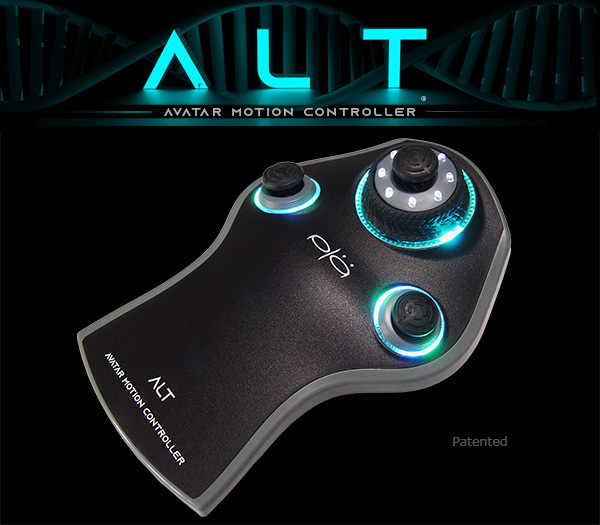
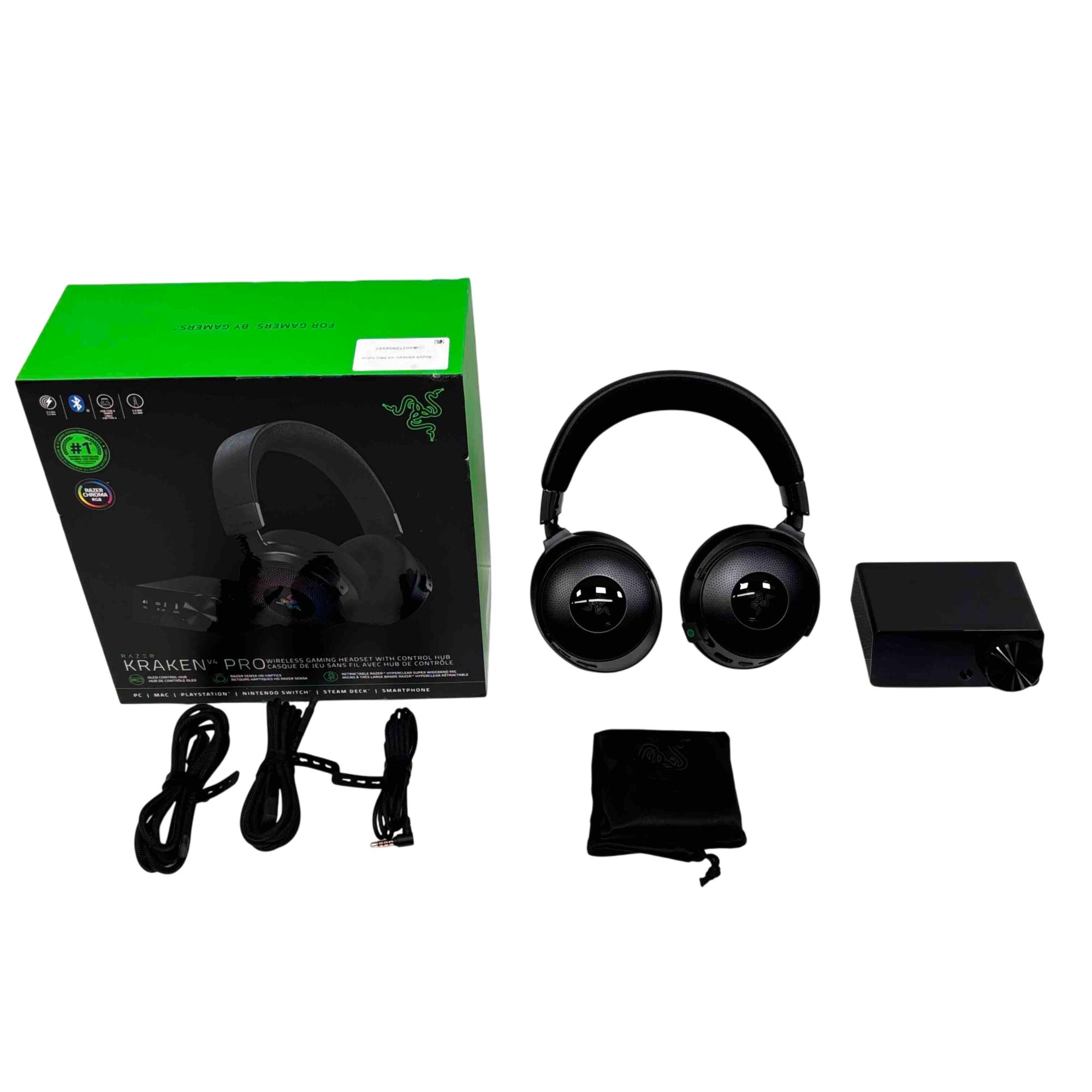
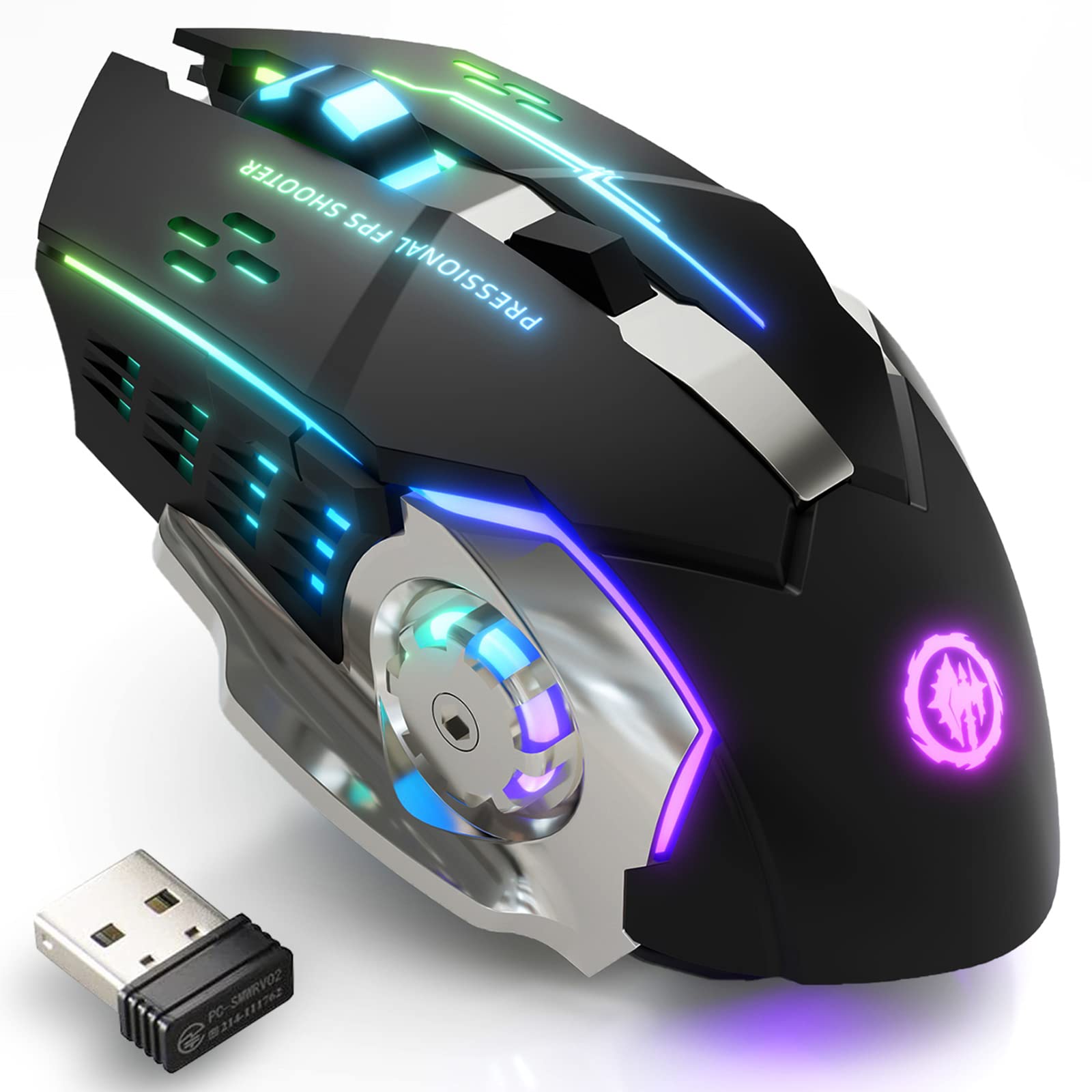
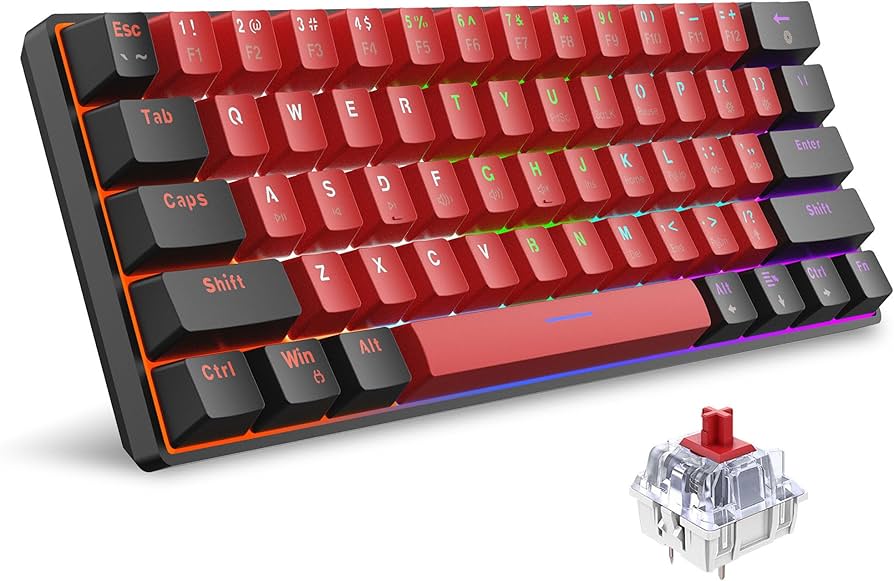

As an Amazon Associate, we may earn from qualifying purchases.
Common questions about 2026 gaming gear
Low-latency controllers have become the standard for competitive play, but compatibility varies by platform. Most modern wireless controllers, including the latest Xbox and PlayStation models, support cross-platform use via USB-C or dedicated 2.4GHz dongles. However, features like haptic feedback or adaptive triggers often remain locked to their native ecosystems. If you plan to switch between PC and console, check the manufacturer’s specs for universal Bluetooth support.
When it comes to wireless protocols, 2.4GHz is still the gold standard for gaming mice and controllers. It offers a direct connection to a receiver, bypassing the latency and interference issues common with Bluetooth. While Bluetooth has improved, it can still struggle in crowded rooms with multiple devices. For serious gaming, always prioritize gear that includes a dedicated 2.4GHz USB receiver for the most stable, low-latency connection.
No comments yet. Be the first to share your thoughts!