
Budget gaming keyboards in 2026
Finding a cheap keyboard that doesn't feel like a toy requires checking three things: build quality, switch type, and age. The budget market in 2026 is split between durable plastic boards that last years and newer aluminum options that are pushing the price ceiling. If you are buying used, condition matters more than the brand name.
Plastic cases in this price range are light and prone to flexing. Look for boards with a metal backplate or a thickened base to reduce that wobble. Switches are the next tradeoff. Mechanical switches offer better longevity and feel, but cheap variants can be scratchy. Optical or Hall Effect (magnetic) switches are becoming common in the sub-$100 space, offering faster response times and no physical wear points.
Age and condition are critical if you shop pre-owned. Keycaps wear down, especially the WASD and spacebar keys. Check for shine or smoothing on the plastic. Switches can also develop contact issues over time. A $50 used board with worn keycaps is often a worse value than a new $80 board with fresh components.
Aula F75
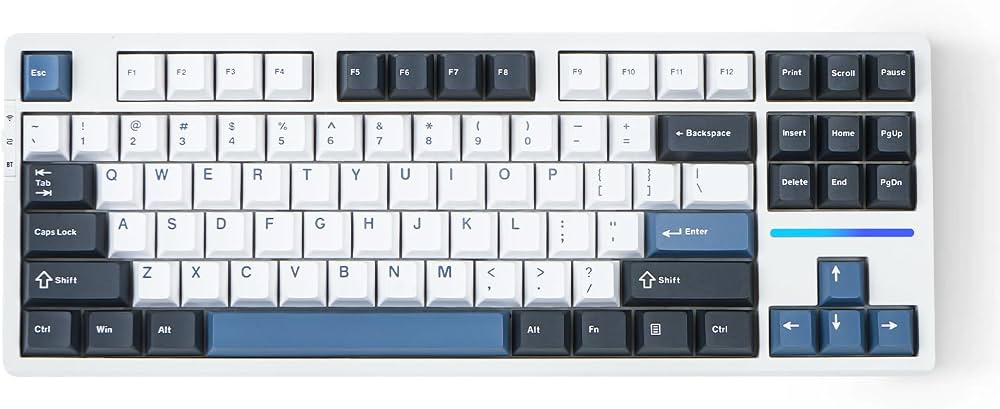
The Aula F75 is frequently cited as the best value option in 2026. It offers a compact 75% layout with hot-swappable switches, allowing you to change them out if one fails. The build quality is solid for the price, and the RGB lighting is bright and customizable.

VGN N75
VGN has entered the budget space with the N75, competing directly on features and price. It features a similar hot-swap layout and a robust build for its category. The typing experience is generally smoother out of the box compared to many competitors in this price bracket.

Keychron Q3 HE
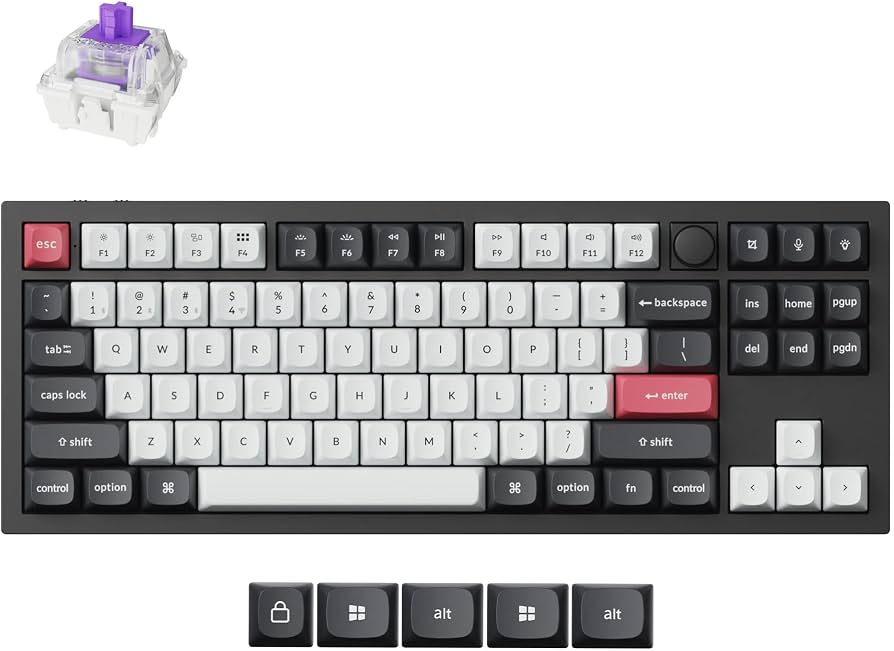
For those willing to stretch the budget slightly, the Keychron Q3 HE brings Hall Effect technology to a more affordable price point. The aluminum body provides a premium feel and durability that plastic boards lack. The magnetic switches offer rapid trigger capabilities, which is a significant advantage for competitive gaming.

Shortlist real options
Use this section to make the Best Gaming Keyboards of decision easier to compare in real life, not just on paper. Start with the reader's actual constraint, then separate must-have requirements from details that are merely nice to have. A practical choice should survive normal use, maintenance, timing, and budget. If a recommendation only works in an ideal situation, call that out plainly and give the reader a fallback path.
| Factor | What to check | Why it matters |
|---|---|---|
| Fit | Match the option to the primary use case. | A good deal still fails if it does not fit the job. |
| Condition | Verify age, wear, and service history. | Hidden condition issues erase upfront savings. |
| Cost | Compare purchase price with likely upkeep. | The cheapest option is not always the lowest-cost option. |
Inspect the expensive parts
When a gaming keyboard fails, it is usually because a high-cost component wore out or broke. These parts cost the most to replace, so checking them first saves time and money. Focus your inspection on the switches, the stabilizers, and the main PCB.
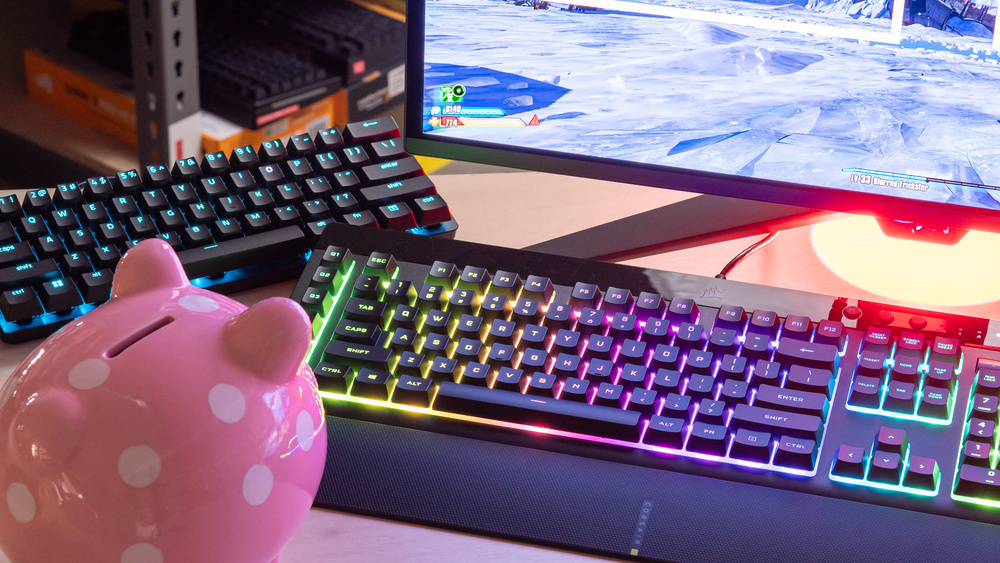
Press every key firmly. Look for keys that feel mushy, stick, or require double-presses to register. In mechanical keyboards, individual switches are the most common point of failure. If only a few keys are faulty, you can often replace just those switches without buying a new board.
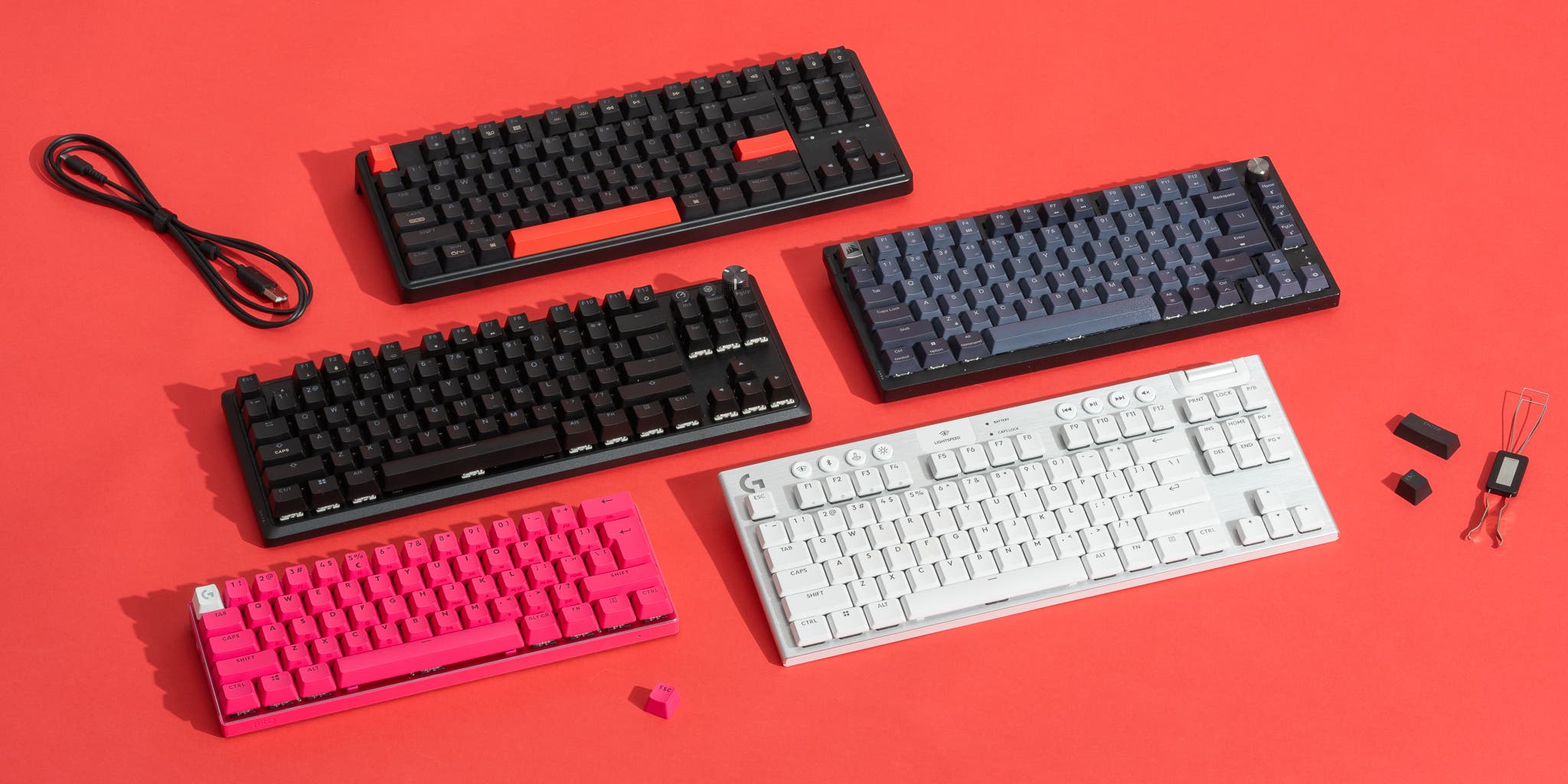
Hit the spacebar, shift, and enter keys. Listen for rattling, buzzing, or uneven travel. Stabilizers are large metal bars that hold down these big keys. If they are loose or dry, the keyboard will feel cheap and unresponsive. Lubricating or replacing these wires is a common repair.
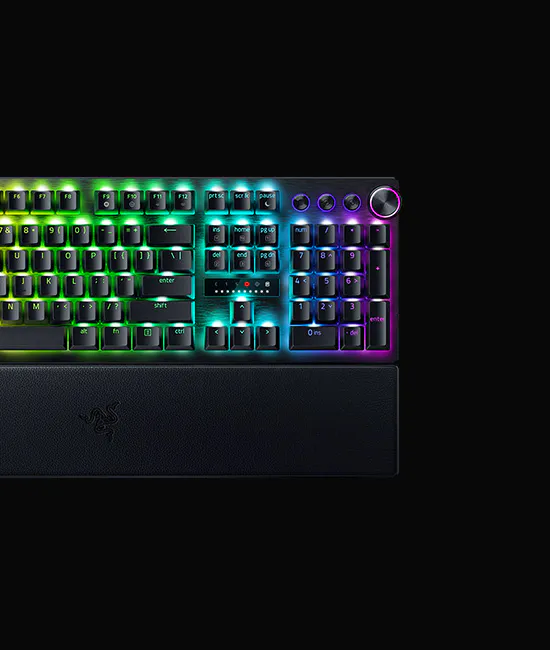
Look for cracked solder points under the switches, especially around the corners of the board. Physical impact or aggressive cleaning can break these connections. If keys are completely dead and not fixed by switch replacement, the circuit board itself may be damaged. This is the most expensive failure point.
If these components are intact but the keyboard still misbehaves, the issue likely lies in the firmware or the wireless receiver. In those cases, a firmware update or a simple reset often resolves the problem without any hardware repair.
Plan for ownership costs
A $50 keyboard can cost more than a $150 model over three years if you replace switches, cables, or keycaps twice. The sticker price is only the first line item. True ownership cost includes replacement parts, cleaning supplies, and the time spent disassembling a board to fix a dead row.
The hidden expenses that add up
Most modern gaming keyboards use hot-swappable sockets, which sounds like a feature until a socket breaks. Replacing a single socket costs pennies, but you need a hot-swap tool and steady hands. If you buy a soldered board to save $20 upfront, you are paying with labor or total replacement later.
Cables are another silent cost. Cheap braided cables fray at the strain relief within a year. A good replacement USB-C cable costs $10–$15. Keycaps wear down from the oils in your fingers. PBT keycaps last longer than ABS, but if you buy an ABS board, you will likely replace the legends or the entire set within 18 months.
When cheap stops being cheap
Entry-level boards often cut costs on the PCB and stabilizers. Loose stabilizers rattle and require lubrication or replacement. A single lubed stabilizer kit costs $5–$10 per bar. If your board has five bars, that is $25–$50 in maintenance just to keep it quiet.
Compare this to a mid-range board like the Wooting 80HE or VGN V87. These models come pre-lubed with better stabilizers and durable PBT keycaps. You spend more upfront, but you avoid the $100+ total replacement cost of a budget board that fails or becomes unbearable to use. The math favors quality if you plan to keep the keyboard for more than two years.
As an Amazon Associate, we may earn from qualifying purchases.
Gaming keyboards 2026: what to check next
We answer the most common questions about choosing a gaming keyboard in 2026, based on testing data from multiple industry sources.
What is the #1 gaming keyboard?
The Wooting 80HE is widely considered the best gaming keyboard of 2026. Its magnetic switches allow you to adjust the actuation point, giving you a significant competitive edge in fast-paced games.
What keyboard to buy in 2026?
For most gamers, the Asus ROG Strix Scope II 96 Wireless offers the best balance of features, build quality, and wireless reliability. It is a top choice for those who want a full-featured board without compromise.
What are the top 5 gaming keyboards?
Beyond the Wooting 80HE, the Asus ROG Strix Scope II 96 Wireless, Razer BlackWidow V4 Pro, Lemokey L3, and SteelSeries Apex Pro round out the top five. These boards cover different preferences, from compact layouts to premium mechanical switches.
What is the fastest gaming keyboard in 2026?
The Wooting 80HE is the fastest due to its analog magnetic switches. This technology enables "Rapid Trigger," which resets the key the moment you lift your finger slightly, allowing for incredibly fast repeated inputs.
No comments yet. Be the first to share your thoughts!