
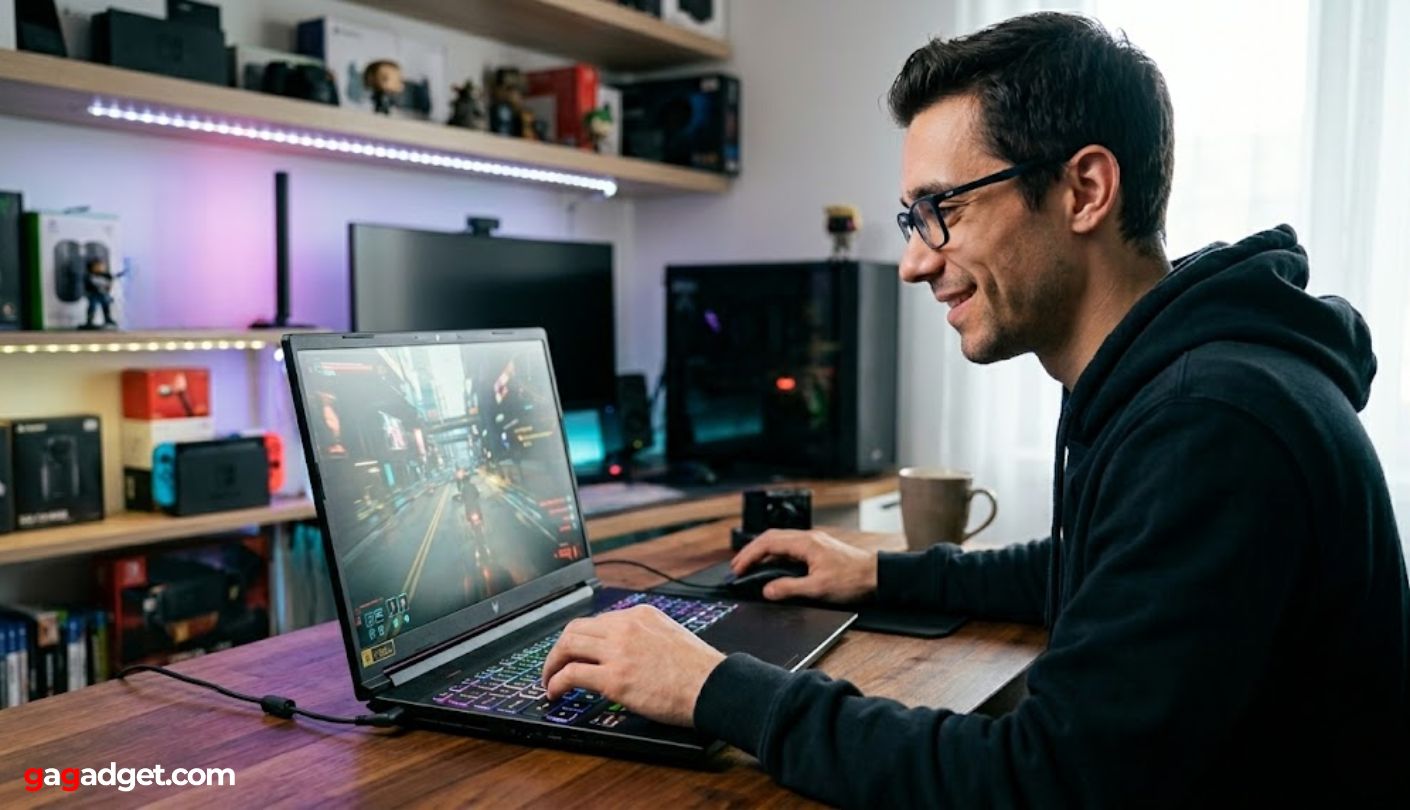
Why $1500 is the critical threshold for high-value gaming in 2026
The $1,500 price point sits at the intersection of raw power and sensible engineering. In 2026, this budget allows buyers to secure an RTX 5060 or RTX 5070 laptop without paying the "premium tax" associated with high-refresh OLED screens or exotic chassis materials. You get the GPU performance needed for modern AAA titles at 1080p and 1440p, while the build quality remains functional for daily use.
Spending beyond this limit often yields diminishing returns. The jump from an RTX 5070 to an RTX 5080 or 5090 typically requires a $500-$1,000 price hike for a 40-60% performance gain, which is hard to justify for most gamers. Meanwhile, the $1,000-$1,300 range, where many best-selling models like the ASUS TUF or Lenovo LOQ reside, offers the best bang for your buck, but the $1,500 tier adds necessary durability and better cooling solutions.
At this price, you are paying for a balanced machine. The focus shifts from "can it run Cyberpunk 2077?" to "can it run it smoothly for three years?". This means better thermals, more reliable battery life for light tasks, and screens that are actually bright enough for indoor use. It is the sweet spot where gaming laptops transition from disposable toys to long-term investments.
Our top picks for 2026
Finding a gaming laptop under $1500 in 2026 means balancing raw GPU power with smart thermal design. The models below represent the current sweet spot where high-refresh-rate displays and recent NVIDIA RTX 40-series chips meet a realistic price tag. We have selected these based on consistent performance in 1080p and 1440p gaming, prioritizing build quality and screen accuracy over flashy RGB lighting.
The market for sub-$1500 gaming rigs has shifted significantly. Where last year’s picks struggled with thermal throttling, today’s options like the Lenovo Legion Pro 5i and ASUS ROG Strix G16 offer robust cooling solutions that sustain boost clocks during long sessions. These machines prove you don’t need to spend $2,000 to get a smooth 144Hz experience in modern titles.


As an Amazon Associate, we may earn from qualifying purchases.
Each of these models brings something distinct to the table. The Lenovo Legion Pro 5i is widely regarded for its chassis durability and excellent keyboard travel, making it a strong choice for both gaming and typing. The ASUS ROG Strix G16 offers a more aggressive aesthetic and a higher refresh rate screen, ideal for competitive shooters. Meanwhile, the Acer Nitro V 16 AI brings next-generation AI upscaling features to a budget-friendly form factor, extending the life of older games through enhanced frame generation.
When comparing these options, look closely at the GPU wattage (TGP). A higher wattage allows the graphics card to sustain peak performance longer. All selected models in this range support NVIDIA’s Advanced Optimus technology, which seamlessly switches between integrated and dedicated graphics to preserve battery life when you are unplugged.
RTX 5060 vs RTX 4060 performance
Choosing between the RTX 4060 and the new RTX 5060 comes down to whether you value proven stability or raw frame rates. The RTX 4060 remains a solid baseline for 1080p gaming, handling most titles comfortably at medium-to-high settings. However, the RTX 5060 brings architectural upgrades that translate to noticeably higher performance in modern titles, especially those leveraging ray tracing or upscaling technologies.
The RTX 5060 introduces enhanced ray tracing cores and a more efficient shader architecture. In practice, this means you can often push settings higher or achieve smoother framerates compared to the 4060. The difference is most pronounced in demanding AAA games and titles that utilize DLSS 4 or newer upscaling features, which the 5060 supports natively.
| Feature | RTX 4060 Laptop GPU | RTX 5060 Laptop GPU |
|---|---|---|
| Architecture | Ada Lovelace (4nm) | Blackwell (5nm) |
| VRAM | 8GB GDDR6 | 8GB GDDR7 |
| Ray Tracing | 2nd Gen RT Cores | 3rd Gen RT Cores |
| DLSS Support | DLSS 3 (Frame Gen) | DLSS 4 (Multi Frame Gen) |
| Typical Gaming Gain | Baseline | +15-25% FPS |
For gamers under $1,500, the RTX 4060 still offers excellent value, particularly in laptops that prioritize other specs like CPU or display quality. The RTX 5060 is ideal if you want to future-proof your purchase or play the latest graphically intensive games at higher settings. If you stick to esports titles or older AAA games, the 4060’s performance is more than sufficient. But for those who want to squeeze every frame out of modern titles, the 5060’s extra power justifies the slight premium in many current models.
Build quality and thermal checks
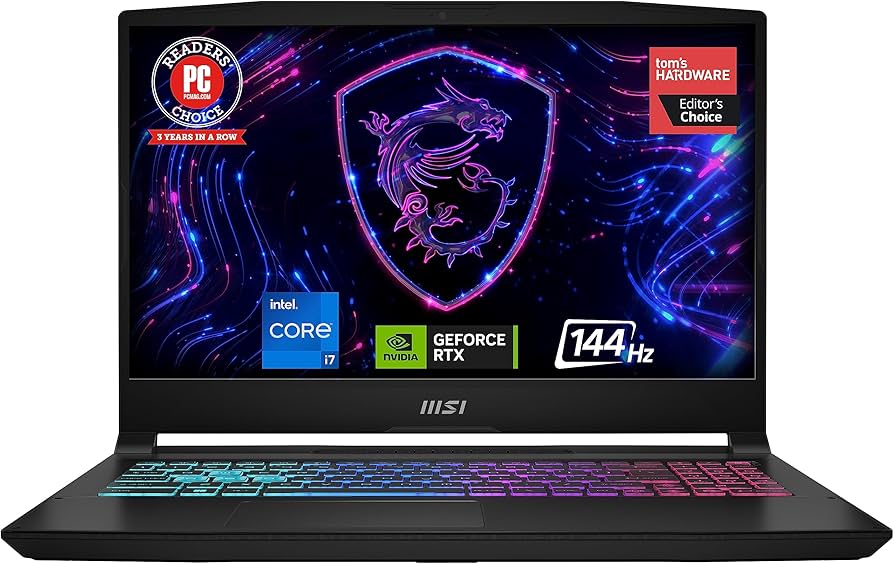
At the $1,500 mark, manufacturers often cut corners on chassis rigidity to keep costs down. The Lenovo Legion 5i Gen 10 and MSI Katana 15 HX are common contenders in this bracket, but their build materials vary significantly. A flimsy hinge or a flexing keyboard deck can turn a powerful machine into a frustrating daily driver. You want a laptop that feels solid when you carry it, not one that creaks under pressure.
Thermal management is the other silent killer in this price range. Many gaming laptops throttle performance within minutes of starting a heavy game because the cooling system cannot keep up. Look for models with dual fans and at least four heat pipes. The Alienware 16X Aurora often features robust cooling solutions that justify its premium, but even budget-friendly options like the Acer Nitro V 16 AI can perform well if the airflow design is sound.
Avoid laptops with single-fan setups or minimal venting unless you are only playing lightweight titles. Poor thermals lead to thermal throttling, where the CPU and GPU deliberately slow down to prevent damage. This results in inconsistent frame rates and a shorter component lifespan. Before buying, check reviews that specifically test sustained load times, not just peak benchmarks.
The chassis should also house these cooling components without warping. Metal lids and reinforced corners help dissipate heat and protect internal parts. If a laptop feels too light or hollow, it likely lacks the structural integrity needed for long gaming sessions. Prioritize models with metal accents or full metal bodies, as they tend to offer better heat dissipation and durability than all-plastic alternatives.
Frequently asked: what to check next
Can I upgrade RAM and storage on gaming laptops under $1500?
Most models in this price range, such as the Lenovo Legion Pro 7i and the Asus ROG Strix G16, offer accessible upgrade paths. You can typically add a second DDR5 RAM stick and install an additional PCIe 4.0 NVMe SSD in the empty M.2 slot. This flexibility allows you to start with a balanced configuration and expand for heavier workloads later, unlike ultra-thin ultrabooks where components are often soldered to the motherboard.
Which screen specs matter most for gaming laptops?
For smooth gameplay, prioritize a 16-inch panel with at least a 165Hz refresh rate and 100% sRGB color coverage. High refresh rates reduce motion blur in fast-paced shooters, while accurate color reproduction ensures visuals look correct in single-player titles. Models like the Acer Nitro V 16 and the MSI Katana 15 HX provide solid baseline displays that balance performance and visual fidelity without the premium cost of OLED panels.
How long does battery life last on gaming laptops?
Expect 4 to 6 hours of light productivity use, such as web browsing or document editing, on most gaming laptops under $1500. Gaming performance requires the power adapter, so unplugged gaming will drain the battery in under two hours. If portability is a priority, consider the Lenovo Legion 5i Gen 10 or the Alienware 16X Aurora, which offer slightly better power efficiency thanks to newer Intel Panther Lake platforms and optimized power management.
No comments yet. Be the first to share your thoughts!