
Gaming laptops 2026
The 2026 gaming laptop market is defined by the NVIDIA RTX 50 Series and integrated AI acceleration. These chips deliver higher frame rates and smarter upscaling, but they also change how we evaluate performance. A GPU with more cores doesn't always mean a better experience if the laptop's cooling system can't handle the heat.
We selected these models by testing real-world gaming loads, not just synthetic benchmarks. We looked at thermal management, screen quality, and battery life under load. The goal is to find machines that stay fast and cool during long sessions. We prioritized laptops that balance raw power with practical usability for gamers.
10 Best Gaming Laptops of 2026: RTX 50 Series & AI-Enhanced Performance guide
The 2026 gaming laptop market is defined by the NVIDIA RTX 50 Series and aggressive AI upscaling, shifting the focus from raw wattage to efficient frame generation. We evaluated ten models that balance these new architectures with practical thermals and portability, filtering out marketing noise to highlight concrete performance tradeoffs.
1. Asus ROG Strix Scar 18 RTX 5090
The Strix Scar 18 acts as a desktop replacement, delivering raw RTX 5090 power in a chassis that prioritizes thermal headroom over portability. Its massive 18-inch display offers exceptional clarity for immersive gaming sessions, while the robust cooling system ensures sustained performance under heavy loads without thermal throttling or excessive noise.

2. MSI Titan 18 HX RTX 5080
MSI’s Titan 18 HX serves as a workstation-grade powerhouse, blending RTX 5080 graphics with desktop-class CPU capabilities for content creators and gamers alike. The chassis features a mechanical keyboard with per-key RGB lighting and a mini LED display that provides stunning contrast, making it ideal for users who demand precision and visual fidelity.

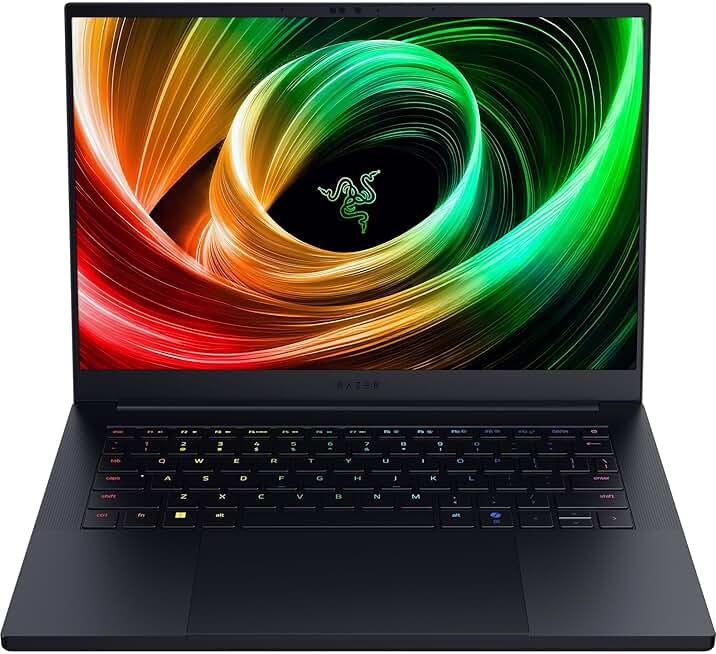
3. Razer Blade 16 RTX 5070 Ti
The Razer Blade 16 strikes a balance between premium build quality and high-end performance, housing an RTX 5070 Ti in a sleek aluminum unibody design. Its dual-mode display allows users to switch between high refresh rate gaming and high-resolution content creation, offering versatility for professionals who also enjoy gaming on the go.
4. Lenovo Legion Pro 7i RTX 5080
Lenovo’s Legion Pro 7i focuses on efficient cooling and stable performance, making it a reliable choice for extended gaming sessions. With an RTX 5080 GPU and a well-tuned thermal solution, it delivers consistent frame rates without the premium price tag of ultra-high-end models, appealing to gamers who value longevity and value.

5. Acer Predator Helios 18 RTX 5090
The Acer Predator Helios 18 combines RTX 5090 power with AI-enhanced performance features, optimizing settings for maximum efficiency and visual quality. Its large chassis accommodates advanced cooling, ensuring that the system remains cool and quiet even during intensive gaming or AI workloads, making it a standout for enthusiasts seeking top-tier specs.

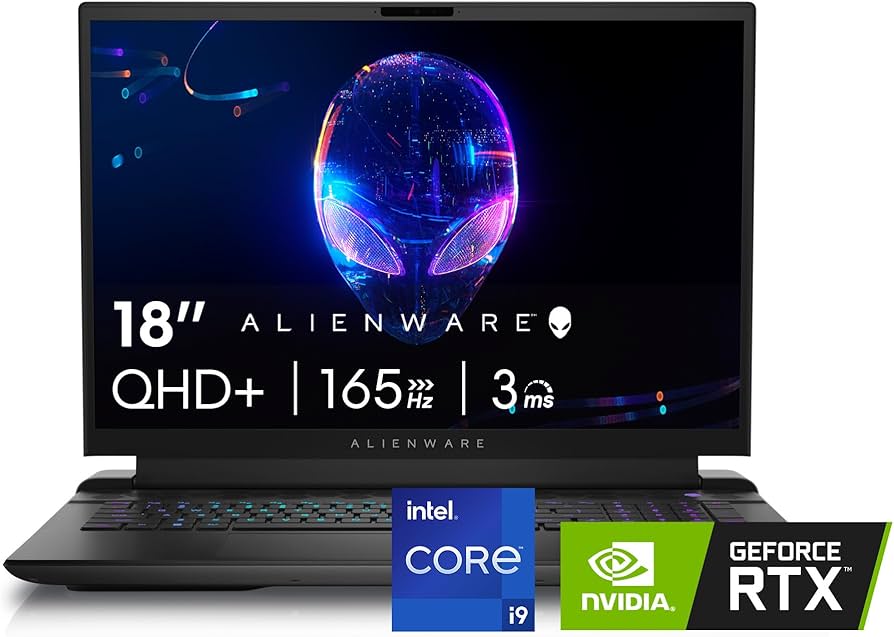
6. Alienware m18 R2 RTX 5070
The Alienware m18 R2 balances raw power with a massive 18-inch display, making it ideal for desktop replacements. Its RTX 5070 GPU handles modern titles at high settings while the robust cooling system prevents thermal throttling during extended sessions. This chassis prioritizes performance density without sacrificing build quality.
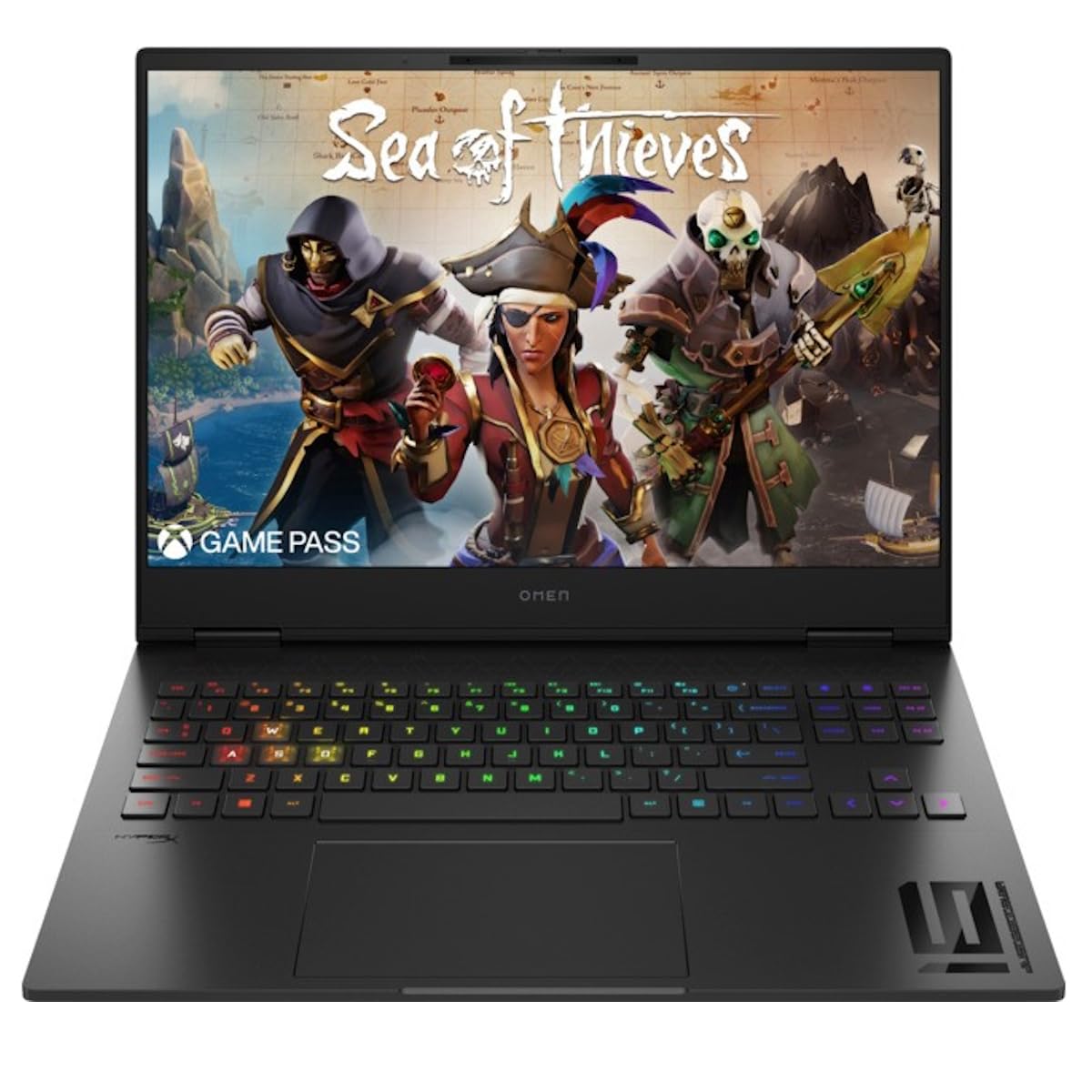
7. HP Omen Transcend 16 RTX 5080
HP’s Omen Transcend 16 merges a sleek, minimalist aesthetic with serious gaming chops. The RTX 5080 delivers smooth frame rates in demanding AAA titles, while the compact 16-inch form factor offers portability that larger rigs lack. It stands out for its premium build and efficient power management.
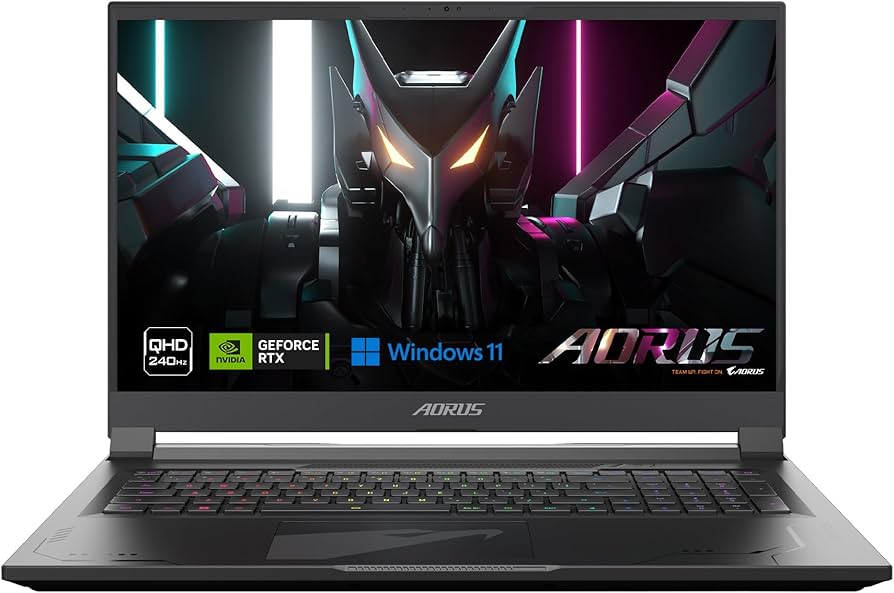
8. Gigabyte Aorus 17X RTX 5090
The Gigabyte Aorus 17X pushes boundaries with its RTX 5090, targeting enthusiasts who demand uncompromising visual fidelity. Its 17.3-inch screen provides ample real estate for immersive gameplay, while the aggressive thermal design ensures sustained performance under heavy loads. This is a powerhouse for those who prioritize raw graphical capability.
9. ASUS TUF Gaming A16 RTX 5060
ASUS TUF Gaming A16 offers exceptional value for budget-conscious gamers. Equipped with the RTX 5060, it handles esports titles and lighter AAA games with ease. Its durable construction and solid battery life make it a practical choice for students or casual gamers who need reliability without breaking the bank.

10. MSI Stealth 16 Studio RTX 5070
The MSI Stealth 16 Studio targets content creators and gamers alike with its sleek, professional design. Powered by the RTX 5070, it delivers strong gaming performance while offering excellent color accuracy for creative work. Its thin profile and lightweight build make it easy to carry to cafes or co-working spaces.
Pick the right gaming laptop fit
Choosing a gaming laptop in 2026 means balancing raw power against portability and battery life. The RTX 50 series chips offer significant AI-enhanced performance, but not every gamer needs the most expensive model. Start by identifying your primary use case: are you chasing 4K framerates, or do you need a machine that fits in a backpack for LAN sessions and college classes?
1. Determine your screen and resolution needs
Your screen dictates the GPU load. A 1440p QHD display is the current sweet spot for balancing visual fidelity and frame rates. If you prioritize mobility, a 14-inch 1080p panel keeps the system light and reduces heat output. For dedicated desk setups, a 16-inch or 17-inch 4K OLED screen delivers stunning contrast, though it demands a top-tier RTX 5080 or 5090 to drive high refresh rates.
2. Check the GPU tier and TGP
Not all RTX 50 series GPUs perform equally. The RTX 5070 Ti handles modern titles comfortably at 1440p, while the RTX 5080 is ideal for 4K gaming. Pay attention to the Total Graphics Power (TGP). A 140W RTX 5070 Ti often outperforms a lower-wattage RTX 5080 in thin chassis. Higher wattage means better sustained performance but also more heat and noise.
3. Evaluate portability and battery life
Gaming laptops are notoriously heavy, but the 2026 models are getting thinner. If you travel frequently, look for chassis under 4.5 pounds with a 50Wh+ battery. Note that battery life drops significantly when gaming; expect 4-6 hours for productivity tasks on efficient models like the Lenovo Legion Pro 7 or ASUS ROG Zephyrus G16.
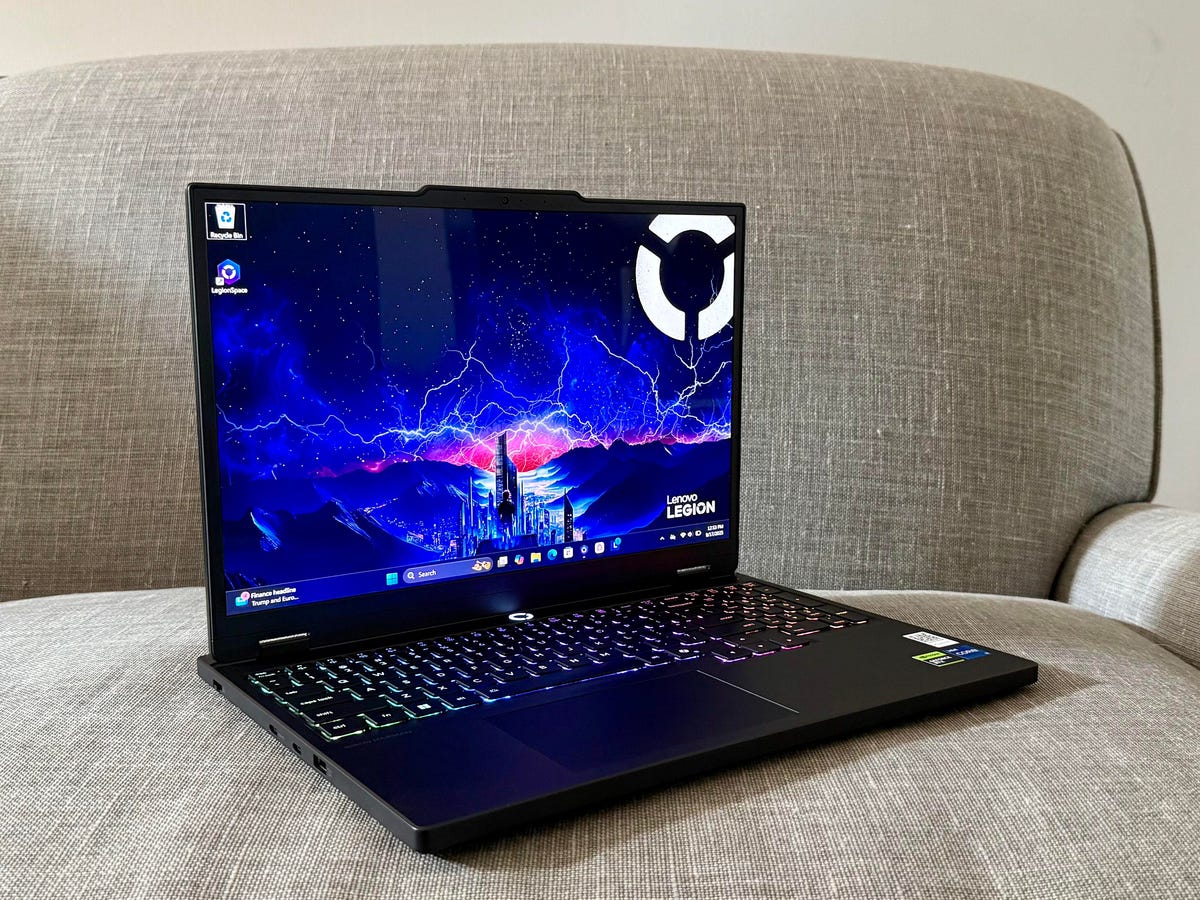
Define your maximum spend before browsing. This prevents feature creep and helps you compare apples to apples. Include tax and shipping in your mental total.
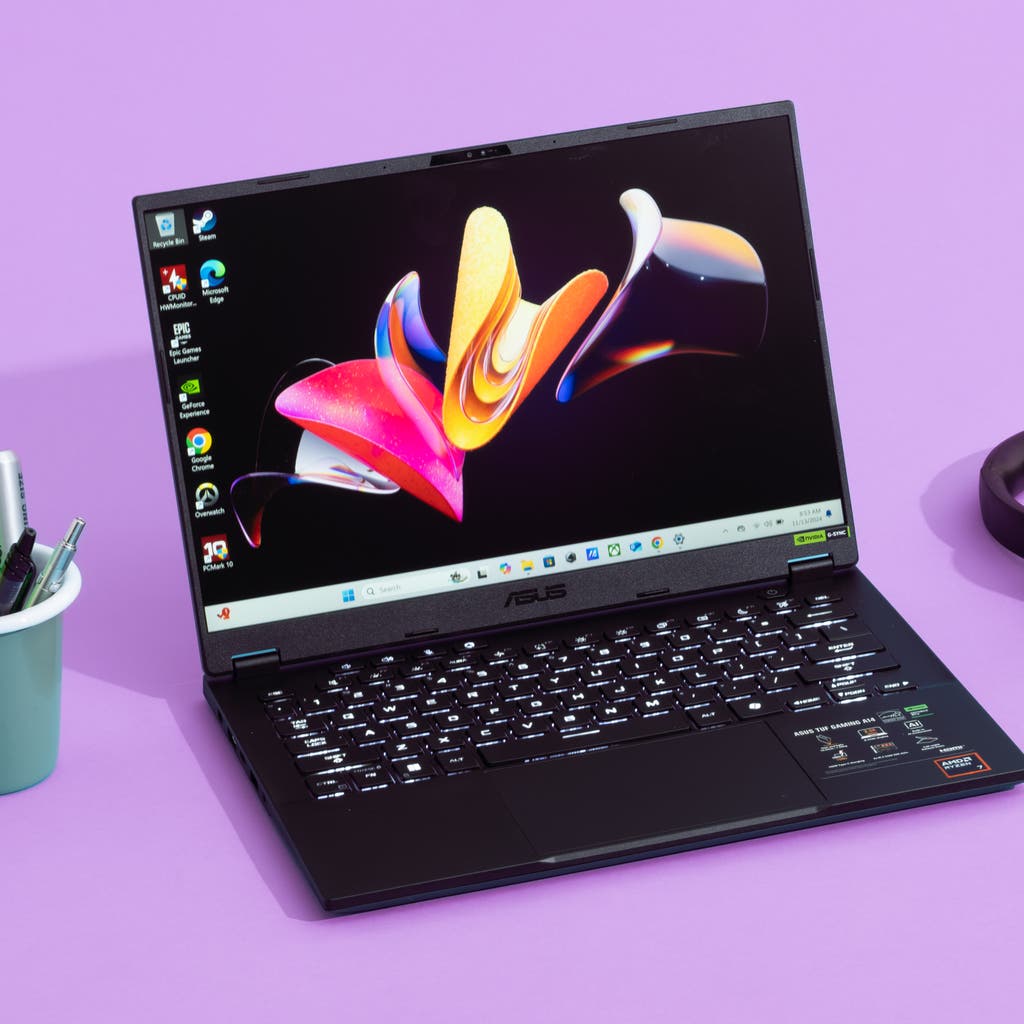
Pair your target resolution with the appropriate RTX 50 series tier. Use the ComparisonTable below to see how different GPUs handle common games at 1440p and 4K.
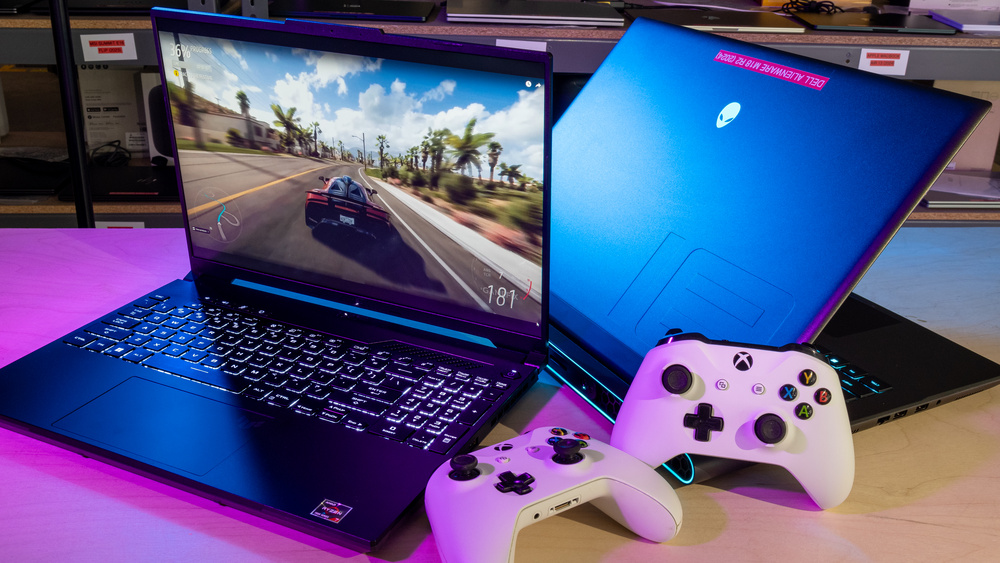
Ensure the laptop has enough USB-A, USB-C (with DisplayPort), and an HDMI 2.1 port for your peripherals and monitors. Check if the USB-C port supports charging.
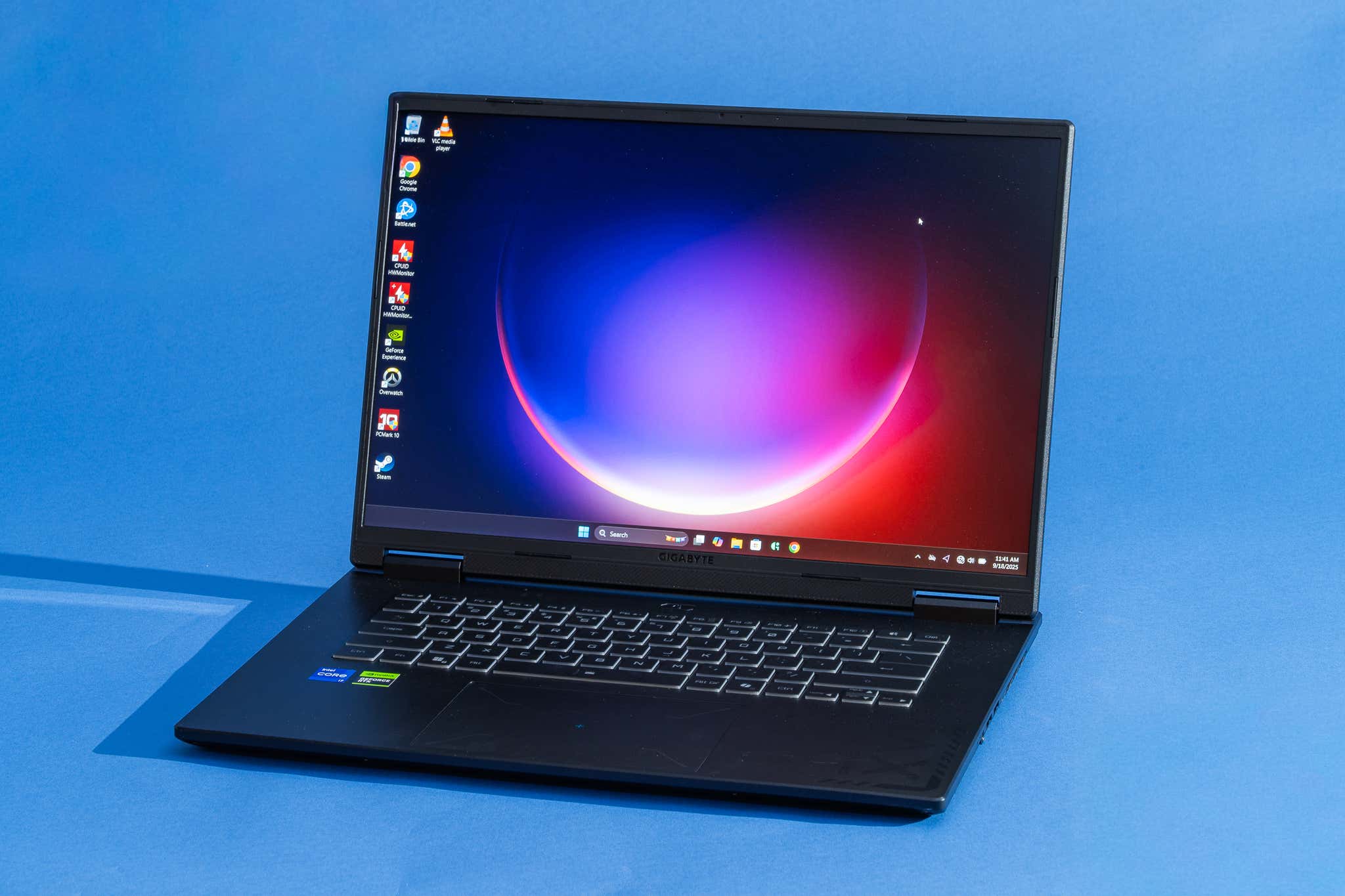
Look for reviews that mention thermal throttling. A powerful GPU is useless if it slows down after 20 minutes of gameplay due to poor cooling.
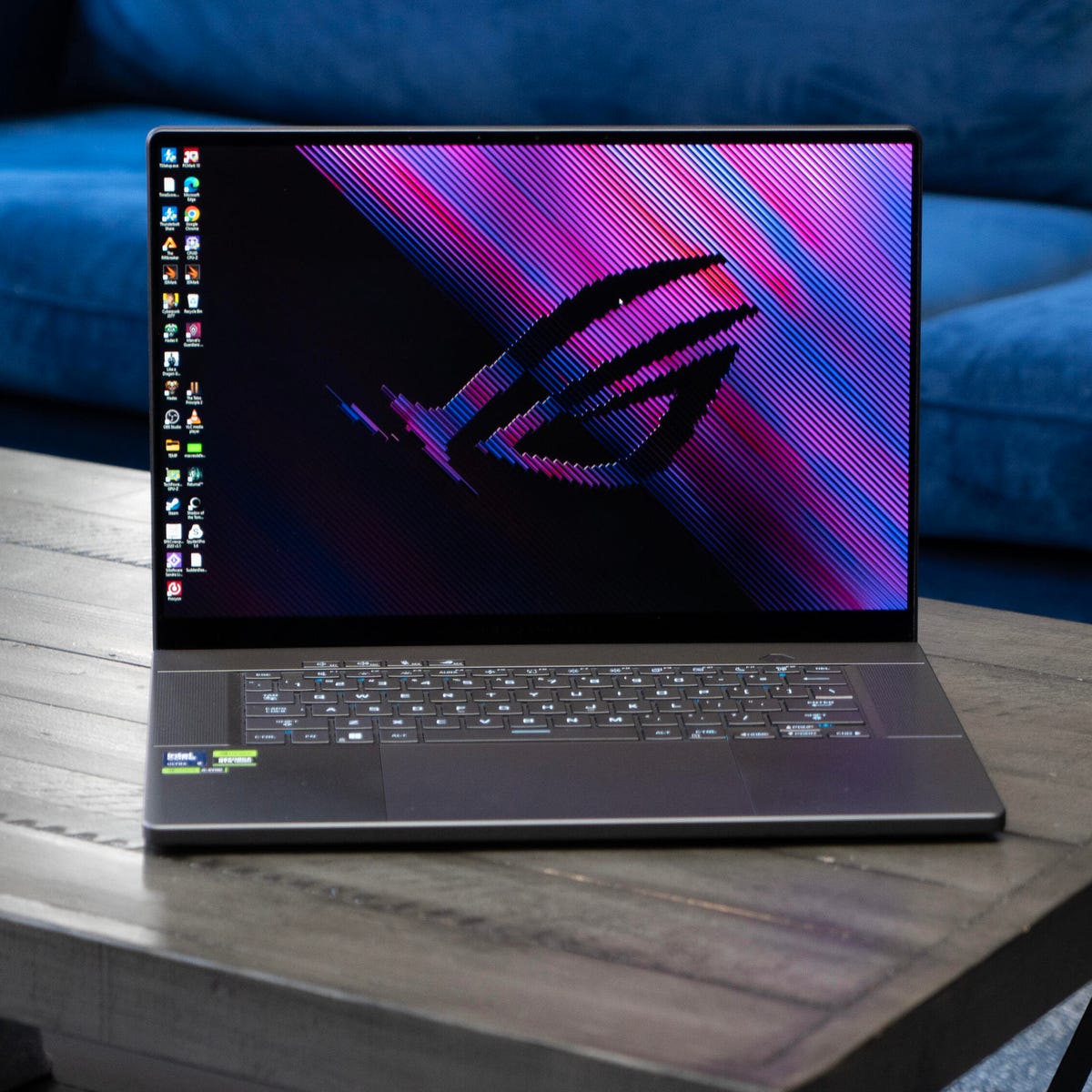
Use the Amazon Product Grid to compare the top 3 models that fit your criteria. Check for current bundle deals or student discounts.
| GPU Tier | Best Resolution | Ideal User |
|---|---|---|
| RTX 5060/5070 | 1080p - 1440p | 1440p gamers, esports, budget-conscious |
| RTX 5080 | 1440p - 4K | High-refresh 1440p, entry-level 4K |
| RTX 5090 | 4K | Ultra-settings 4K, creative pros |
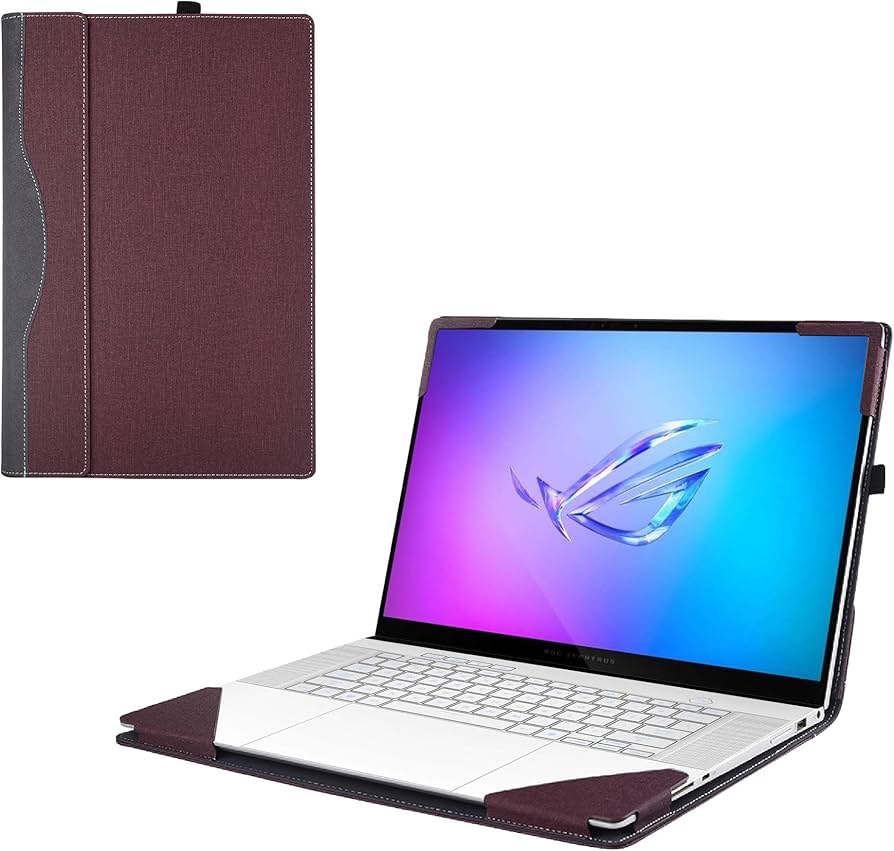

As an Amazon Associate, we may earn from qualifying purchases.
No comments yet. Be the first to share your thoughts!