
Why the RTX 50 series changes budget gaming
The arrival of Nvidia’s Blackwell GPU architecture marks a distinct turning point for the sub-$1,000 market. For years, budget gaming laptops were forced to compromise on resolution or visual fidelity to maintain playable frame rates. The RTX 50-series, particularly in the 5060 and 5070 configurations, dismantles that compromise by leveraging next-generation tensor cores and improved ray tracing performance.
The primary driver for this shift is DLSS 5. Unlike previous iterations that primarily upscaled lower-resolution renders, DLSS 5 introduces more aggressive frame generation and refined reconstruction algorithms. This allows mid-range mobile GPUs to output high-resolution frames without the thermal and power penalties associated with native rendering. Consequently, laptops equipped with RTX 50-series chips can deliver high-end visual experiences that previously required significantly more expensive hardware.
This efficiency gain means manufacturers like Acer, Alienware, Lenovo, and MSI can now place powerful silicon into thinner, more affordable chassis. You are no longer paying a premium for the GPU alone; you are paying for a complete system that balances performance with portability. The result is a market where high-fidelity gaming is accessible without breaking the bank.
Top picks for best gaming laptops 2026
Balancing raw power against thermal efficiency is the key to finding the best gaming laptops 2026 under $1,000. The RTX 50-series launch has shifted the baseline for entry-level performance, allowing models with RTX 5060 and RTX 5070 Ti variants to deliver 1440p-capable frame rates that previous generations couldn't touch. We focused on machines that keep the GPU boost clocks stable without throttling, ensuring you get consistent performance during long sessions.
The Acer Nitro V 16 AI remains the volume leader for a reason. It packs an RTX 5060 into a chassis that handles sustained loads better than most competitors in this price bracket. For those willing to stretch toward the upper limit of the budget, the Alienware 16X Aurora offers superior build quality and better thermals, which translates to quieter operation and less thermal throttling. The Lenovo Legion 5i Gen 10 and MSI Katana 15 HX round out the list with distinct strengths in display quality and portability, respectively.
Acer Nitro V 16 AI
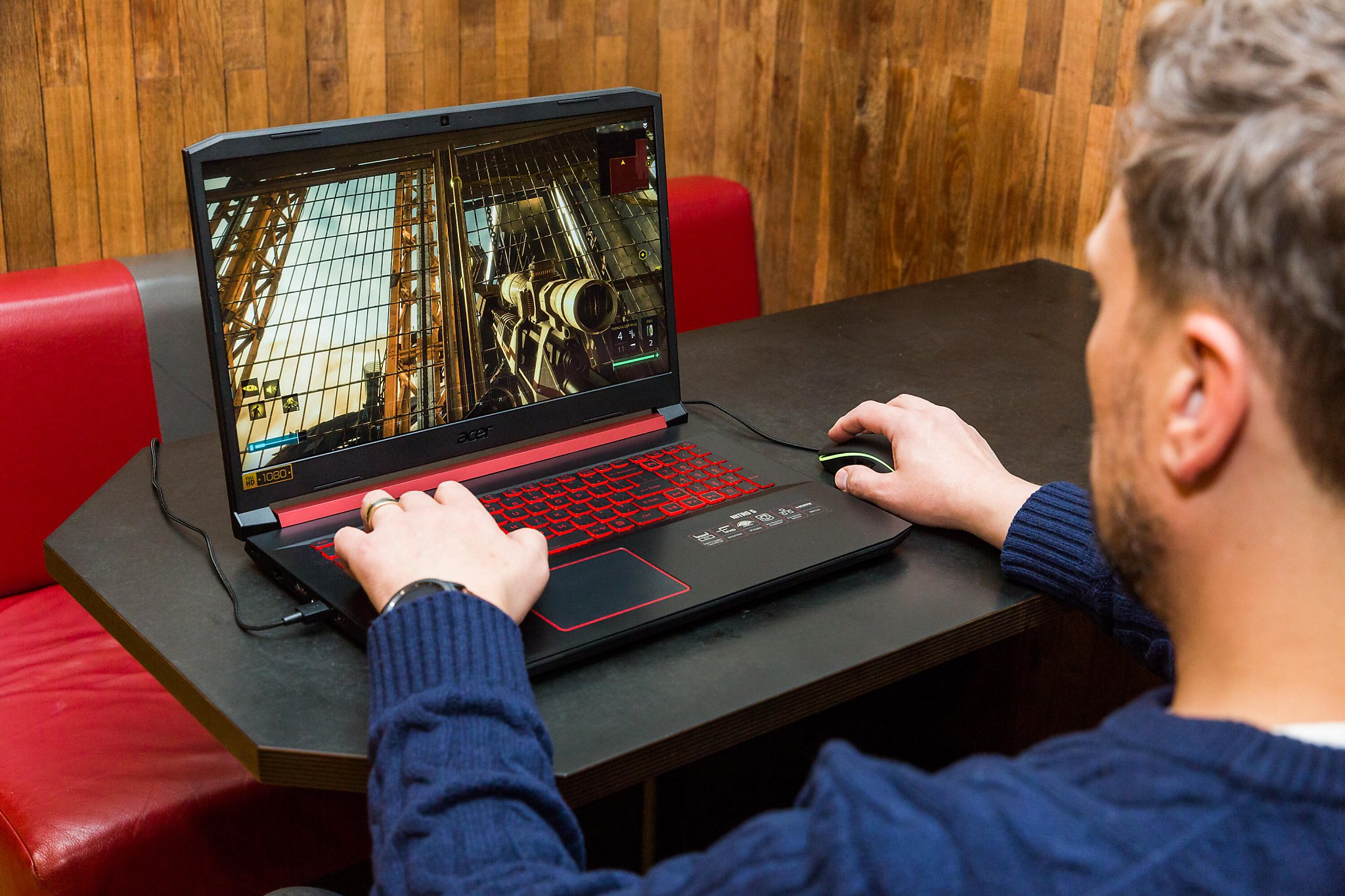
The Acer Nitro V 16 AI is the benchmark for budget performance. It utilizes an RTX 5060 paired with a 144Hz display, offering a smooth gaming experience for competitive titles like Valorant and CS2. The chassis is utilitarian, but the cooling solution is robust enough to maintain boost clocks during extended gameplay. It lacks the premium materials of higher-tier models, but for the price, the value proposition is unmatched.
Alienware 16X Aurora
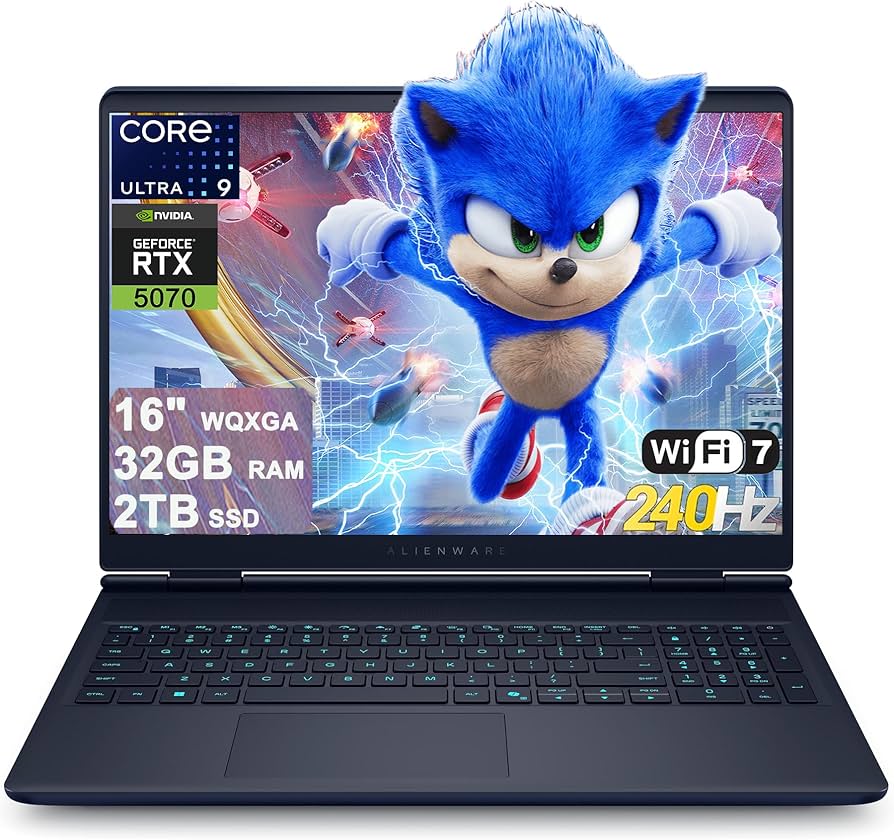
Alienware’s 16X Aurora brings a more refined aesthetic and better thermal management to the sub-$1,000 category. The RTX 5060 Ti variant in this model runs cooler than most, allowing for higher sustained performance. The keyboard is excellent for typing and gaming, and the build quality feels significantly more durable than the plastic-heavy competition. It is the best choice for users who prioritize longevity and noise levels.
Lenovo Legion 5i Gen 10
Lenovo continues to dominate the mid-range market with the Legion 5i Gen 10. This model stands out for its high-quality 16-inch display with excellent color accuracy, making it suitable for content creators who also game. The RTX 5060 provides ample power for modern titles, and the Legion True Strike keyboard offers a satisfying tactile response. It is a well-rounded machine that doesn't cut corners on the screen or input devices.
MSI Katana 15 HX
The MSI Katana 15 HX is the lightweight contender in this group. It features an RTX 5070 Ti variant in some configurations, offering a significant performance jump over the 5060 models. While the battery life is average and the speakers are mediocre, the raw gaming performance per dollar is high. It is an ideal choice for gamers who prioritize frame rates over peripheral features and plan to use an external monitor and headset.
| Model | GPU | Display | Weight |
|---|---|---|---|
| Acer Nitro V 16 AI | RTX 5060 | 144Hz IPS | 2.5 kg |
| Alienware 16X Aurora | RTX 5060 Ti | 165Hz QHD | 2.9 kg |
| Lenovo Legion 5i Gen 10 | RTX 5060 | 165Hz 2.5K | 2.6 kg |
| MSI Katana 15 HX | RTX 5070 Ti | 144Hz FHD | 2.2 kg |



As an Amazon Associate, we may earn from qualifying purchases.
How DLSS 5 extends laptop lifespan
The defining constraint for the best gaming laptops 2026 under $1,000 is not just raw silicon, but how effectively the software stretches that hardware. With the RTX 50-series, NVIDIA’s DLSS 5 (often referred to as frame generation and upscaling in the 50-series context) shifts the burden from the GPU’s rasterization power to its AI tensor cores. This allows budget models, such as the Acer Nitro or Lenovo Legion Slim, to run next-generation titles that would otherwise choke older architectures.
In practical terms, DLSS 5 allows a laptop with 8GB or 12GB of VRAM to output 4K or high-refresh 1440p images by rendering the base frame at a lower resolution and reconstructing it using AI. For a $900 Alienware or MSI laptop, this means you can play demanding AAA games at playable framerates without needing to downgrade graphics settings to "Low." The visual fidelity remains high, but the performance hit is absorbed by the upscaler rather than the core GPU.
This technology effectively decouples your visual experience from your hardware’s age. A laptop that might have struggled with ray tracing in 2024 can now handle it in 2026 because the AI upscaling compensates for the missing raw power. As one community discussion on Reddit highlighted, the shift toward higher VRAM requirements (like 12GB on the 5070 Ti) makes these upscaling tools even more critical for extending the usable life of mid-range machines. You aren't just buying a laptop; you are buying a device that can adapt to future software demands through software-driven efficiency.
What to check before buying a budget rig
When hunting for the best gaming laptops 2026, the $1,000 price point is a battleground where manufacturers often cut corners on memory to keep costs down. While the RTX 50-series offers impressive raw power, the real bottleneck for longevity is video RAM. As one user on r/GamingLaptops noted, you should start looking at 5070 Ti laptops at a minimum because of 12GB VRAM. A 5080 with 16GB is ideal, but in the budget segment, 12GB is the new floor. Anything less risks texture stuttering in modern AAA titles, rendering even a powerful GPU useless in heavy scenes.
VRAM RuleBeyond memory, thermal management in thin chassis is the second critical factor. Many brands, including Acer, Lenovo, and MSI, have pushed slim profiles into the sub-$1,000 category. These chassis look sleek but often struggle to dissipate the heat generated by high-performance components. When a laptop thermal throttles, performance drops significantly, and the fan noise becomes distracting. Look for models with dedicated vapor chambers or at least robust dual-fan setups rather than relying on single, small fans found in ultra-portable designs.
Alienware and MSI often strike a better balance between size and cooling in this price range, though they may sacrifice battery life. When evaluating options, prioritize models that explicitly mention "cooling" or "thermal solution" in their specs. A laptop that stays cool runs faster and lasts longer. Don't let a pretty exterior fool you; if the internals can't breathe, the performance won't hold up over time. Always check recent reviews for thermal stress tests before committing to a purchase.
Common questions about 2026 gaming laptops
Finding the best gaming laptops 2026 under $1,000 requires balancing raw GPU power against thermal constraints and upgrade paths. The RTX 50-series brings architectural shifts that change how budget hardware performs over time. Below are answers to the most frequent technical queries.
No comments yet. Be the first to share your thoughts!