
Gaming laptops 2026: RTX 50-series vs. AMD comparison
The split between NVIDIA RTX 50-series and next-generation AMD chips defines the 2026 landscape. Both paths deliver strong raw performance, but they solve different problems. Picking the right one depends on whether you prioritize frame consistency, visual fidelity, or budget efficiency.
NVIDIA’s latest architecture leans heavily on AI-driven upscaling and ray tracing. If you play demanding titles like Cyberpunk 2077 or Alan Wake 2, the RTX 50-series handles ray-traced lighting and frame generation more smoothly than its competitors. This comes at a cost: these laptops often run hotter and require larger cooling solutions, which can make them heavier and bulkier.
AMD’s approach focuses on raw rasterization power and memory efficiency. Its next-gen RDNA architecture offers excellent performance-per-dollar, particularly in traditional rendering tasks. You get more frames per dollar in standard gaming, but you miss out on the advanced AI features and ray tracing capabilities that define the high-end experience. This makes it a smarter choice for competitive shooters or games that don’t heavily utilize ray tracing.
The decision often comes down to your monitor and game library. If you play at 1080p or 1440p on a standard LCD, AMD’s efficiency shines. If you are pushing 4K or rely on ray tracing for immersion, NVIDIA’s ecosystem provides a more polished experience, even if it requires a larger investment.
Where each option wins
Choosing between an RTX 50-Series and Next-Gen AMD gaming laptop under $1,500 comes down to what you prioritize: raw rasterization power or efficiency and display quality.
RTX 50-Series (Nvidia) is the better choice for gamers who rely on ray tracing and DLSS 4. If you play heavy ray-traced titles like Cyberpunk 2077 or Alan Wake 2, the RTX 50-Series handles the lighting load far better than AMD’s current offerings. It also wins for creators who use GPU-accelerated video editing or 3D rendering apps that are optimized for CUDA cores.
Next-Gen AMD (Ryzen AI + Radeon) shines in battery life and visual fidelity. AMD’s efficiency often translates to longer unplugged sessions and cooler chassis operation. If you value high-refresh-rate OLED displays or prioritize local AI tasks over ray tracing, AMD’s integrated NPU and power-efficient architecture offer a smoother daily experience.
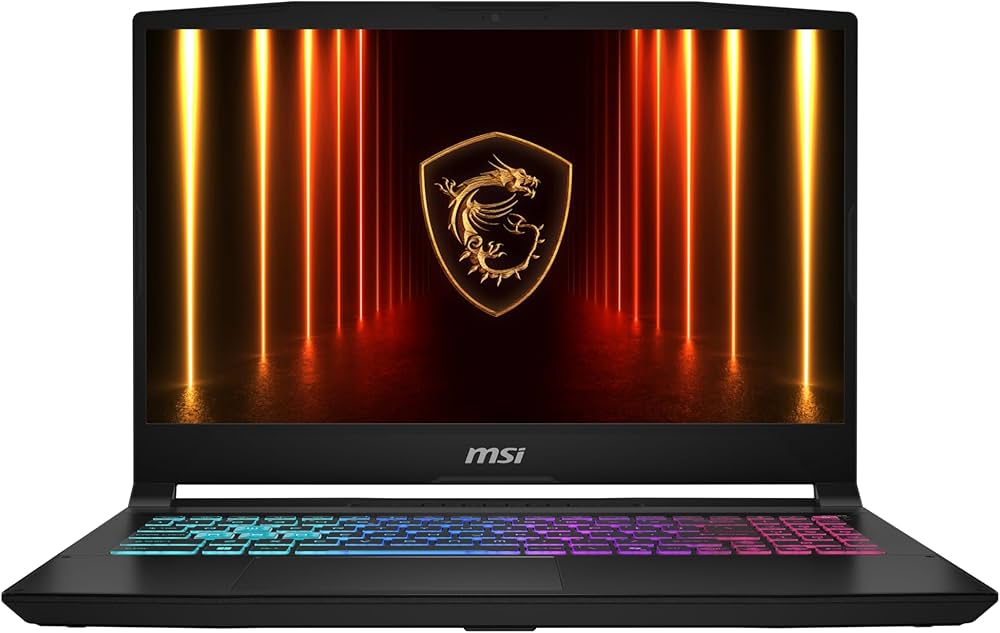


As an Amazon Associate, we may earn from qualifying purchases.
Details Worth Checking
The $1,500 price point for gaming laptops under $1,500 is a tight budget where manufacturers make silent trade-offs. You are not just buying a GPU; you are buying a complete system where cooling, battery life, and display quality often suffer to keep the price down. Before you commit to a specific model, verify these critical details to avoid buyer's remorse.
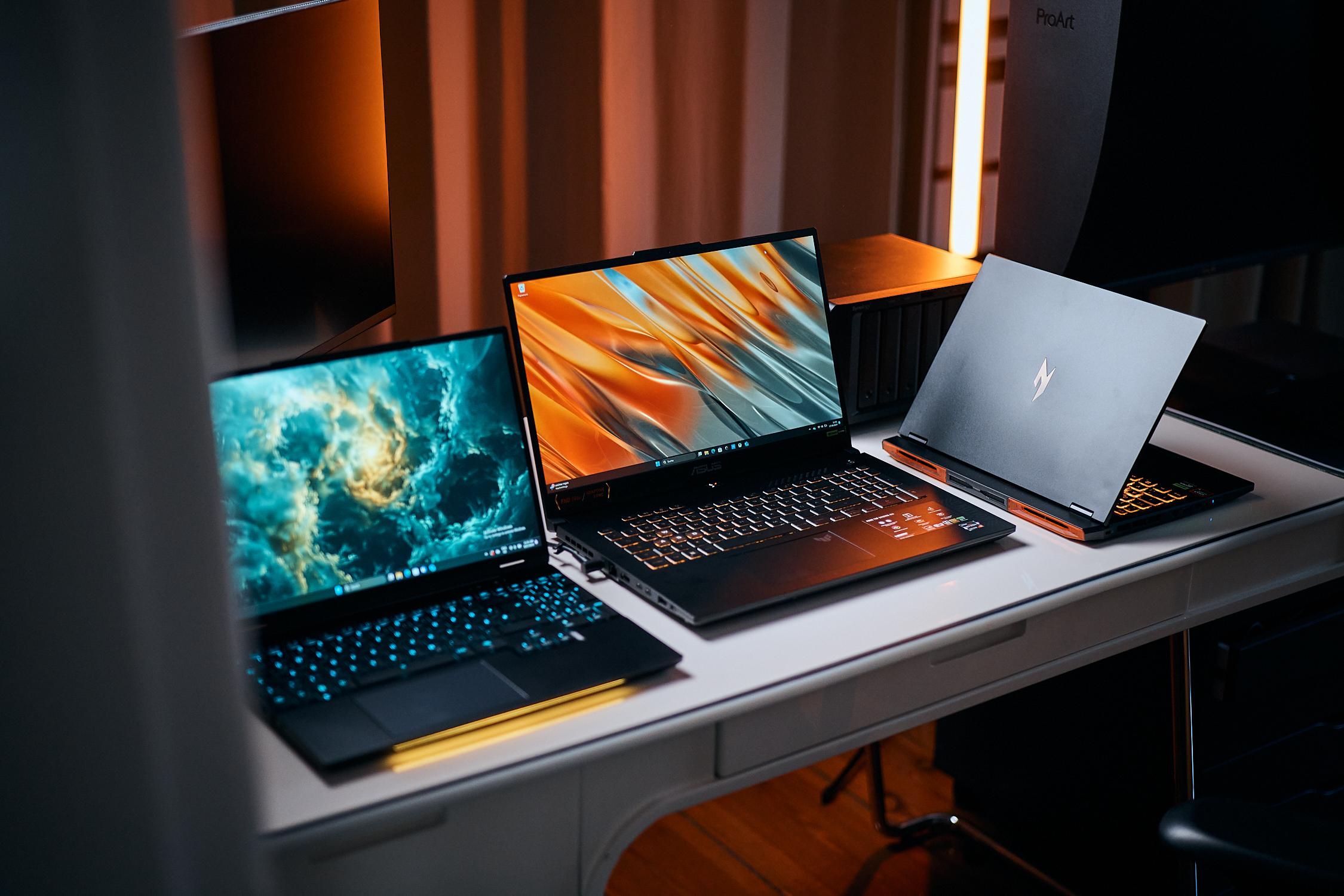
A GeForce RTX 4060 or 5060 in a desktop can draw 115W, but in a thin laptop, it might be limited to 60W. This wattage cap drastically reduces performance. Check the manufacturer’s specs for the specific model's Total Graphics Power (TGP). A 100W+ GPU is significantly better than a 45W version, even if they share the same name.
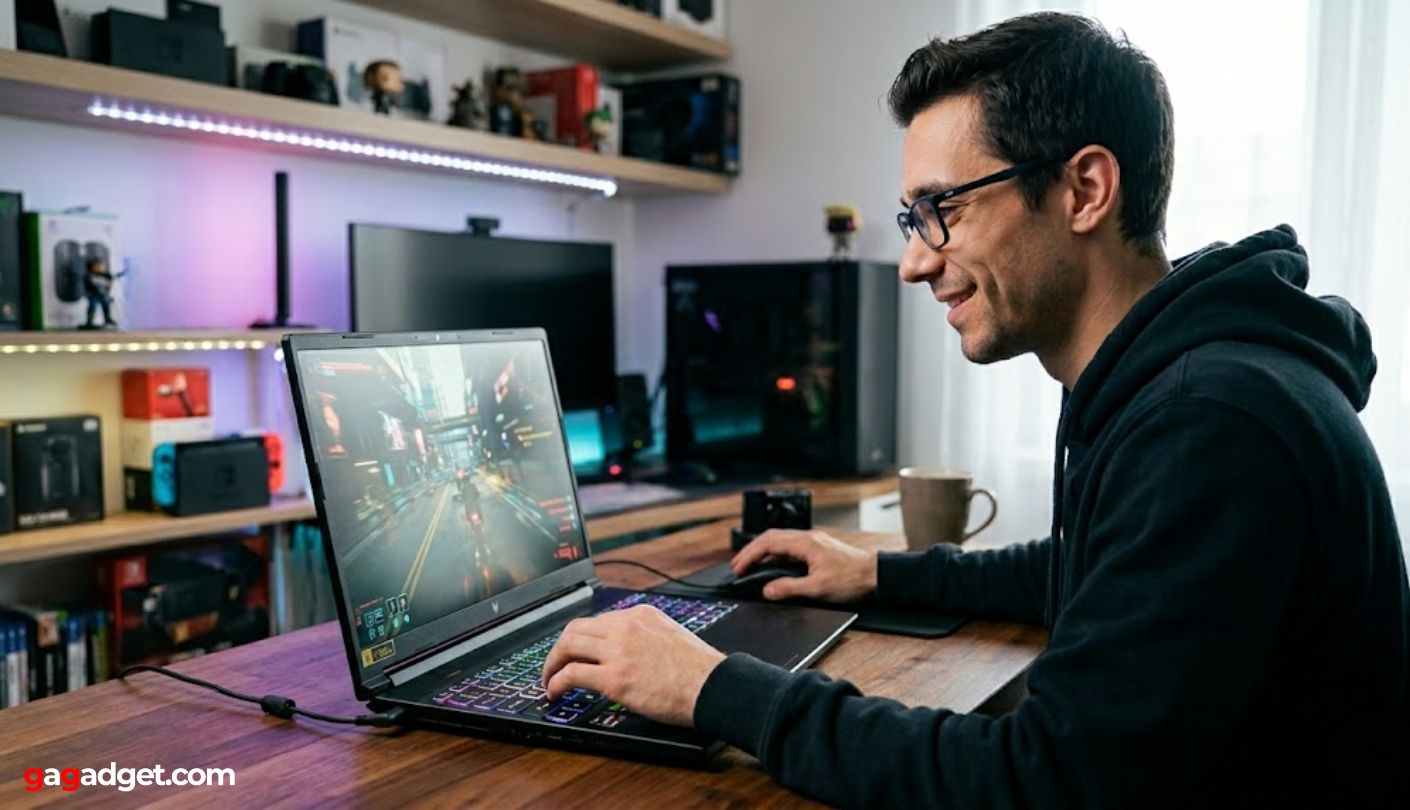
Budget gaming laptops often use cheaper LCD panels that pulse brightness to save power. This Pulse-Width Modulation (PWM) can cause eye strain or headaches during long sessions. If possible, test the screen at low brightness in a store, or read detailed panel reviews to see if it uses DC dimming instead.
Many modern thin-and-light gaming laptops solder the RAM directly to the motherboard. If you buy a 16GB model and need more later, you are stuck. Ensure the device has at least one accessible SODIMM slot for RAM and an empty M.2 slot for future SSD upgrades.
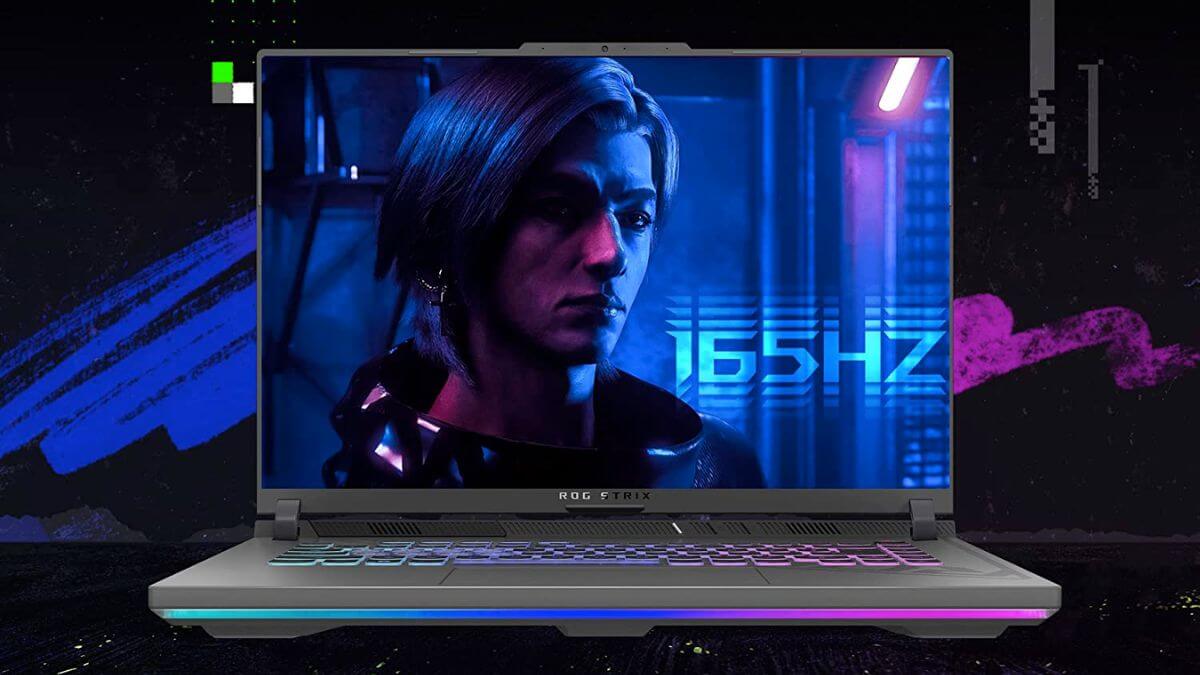
Look for reviews that mention thermal throttling. Laptops with heat pipes that don't span the full width of the motherboard or those with only two exhaust fans will struggle under load. A robust cooling design is the only thing keeping high-end components from slowing down after ten minutes of gaming.
Gaming laptops 2026: what to check next
Choosing a gaming laptop under $1,500 in 2026 means navigating a crowded market where the RTX 50-series and next-gen AMD chips compete for dominance. Before spending your money, it helps to understand how these components actually perform in real-world scenarios, not just on paper.
No comments yet. Be the first to share your thoughts!