
Gaming laptops 2026 choices that change the plan
The $1,500 ceiling forces hard choices. You can chase raw GPU power, but you will likely sacrifice screen quality, build materials, or battery life. The RTX 5060 dominates this price bracket because it offers the best performance-per-dollar, yet it is not the only variable that defines your daily experience.
When comparing models like the Lenovo Legion 5i Gen 10 or the Asus ROG Strix G16, look beyond the sticker price. A laptop with a lower GPU rating might outperform a pricier rival if it has better thermal management. Heat throttling kills performance faster than a slightly weaker chip. Check review scores for sustained clock speeds, not just peak burst numbers.
Screen technology is another major divider. At this price point, you often choose between a high-refresh-rate 1080p panel and a slower 1440p display. If you play competitive shooters, the 1080p 240Hz panel is usually the smarter buy. For single-player narratives, the sharper 1440p resolution provides better immersion, even if the refresh rate sits at 120Hz.
Portability and battery life are rarely highlighted in benchmarks but matter immensely. Thin-and-light gaming laptops like the Asus ROG Flow Z13 offer flexibility but struggle with sustained gaming sessions. Traditional blockier designs like the MSI Katana 15 HX keep temperatures lower and fans quieter but weigh significantly more in your backpack.
| Model | GPU | Screen | Weight | Best For |
|---|---|---|---|---|
| Lenovo Legion 5i Gen 10 | RTX 5060 | 16" 16:10 QHD 165Hz | 2.5 kg | Balanced productivity and gaming |
| Asus ROG Strix G16 | RTX 5060 | 16" 16:10 QHD 240Hz | 2.5 kg | Competitive esports |
| MSI Katana 15 HX | RTX 5060 | 15.6" FHD 144Hz | 2.2 kg | Budget-focused raw power |
| Asus ROG Flow Z13 | RTX 5060 (Mobile) | 13.4" QHD+ 120Hz | 1.3 kg | Portability and hybrid use |
Where each option wins
Choosing between an RTX 5060 laptop and next-gen mobile chips depends on whether you prioritize raw frame rates or intelligent upscaling. The RTX 5060 remains the king of value, delivering 1440p performance for most AAA titles without the premium price tag of flagship GPUs. It is the sensible choice for players who want high settings and stable framerates at a reasonable cost.
Next-generation mobile chips, often featuring AMD's RDNA 3.5 or Intel's Arc architecture, excel in efficiency and AI-driven features. These GPUs often include advanced upscaling technologies like FSR or XeSS, allowing them to maintain playable framerates in demanding titles that might struggle on a 5060. They are ideal for gamers who value battery life, lighter chassis designs, or specific engine optimizations.
If you play esports titles like Valorant or League of Legends, either option works well, but the RTX 5060 offers more headroom for ray tracing in supported games. For creative workloads like video editing or 3D rendering, next-gen chips often provide better multi-core CPU integration and faster media encoders. Your decision should hinge on whether you need raw rasterization power or smart, efficient rendering.


As an Amazon Associate, we may earn from qualifying purchases.
Details worth checking
Before you commit to a gaming laptop under $1,500, you need to look past the headline specs. The RTX 5060 is a capable chip, but manufacturers often cut corners on the rest of the system to hit that price point. Here is what you should verify before buying.
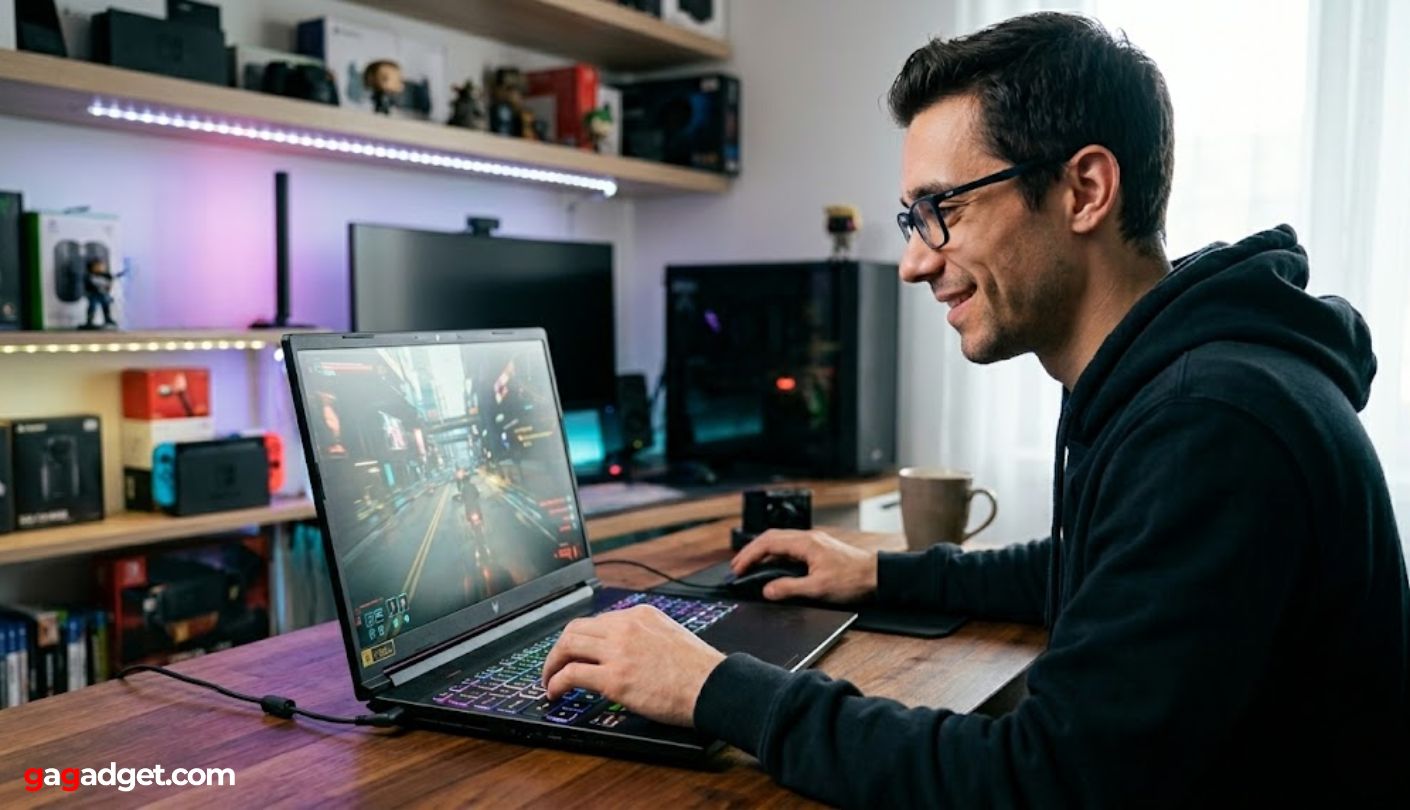
Many 5060 laptops ship with only 8GB of VRAM. This is fine for 1080p gaming, but it will bottleneck you at 1440p. If you plan to play future titles at higher resolutions, look for models that offer 12GB or more, or accept that you will need to lower texture settings.
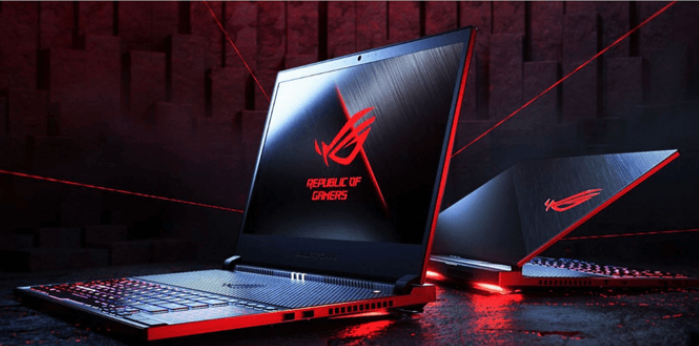
Not all 15-inch screens are created equal. Some budget models still use 60Hz panels, which feel sluggish in fast-paced shooters. Aim for at least a 144Hz panel with good color accuracy (100% sRGB). Avoid panels with poor brightness if you plan to game in well-lit rooms.
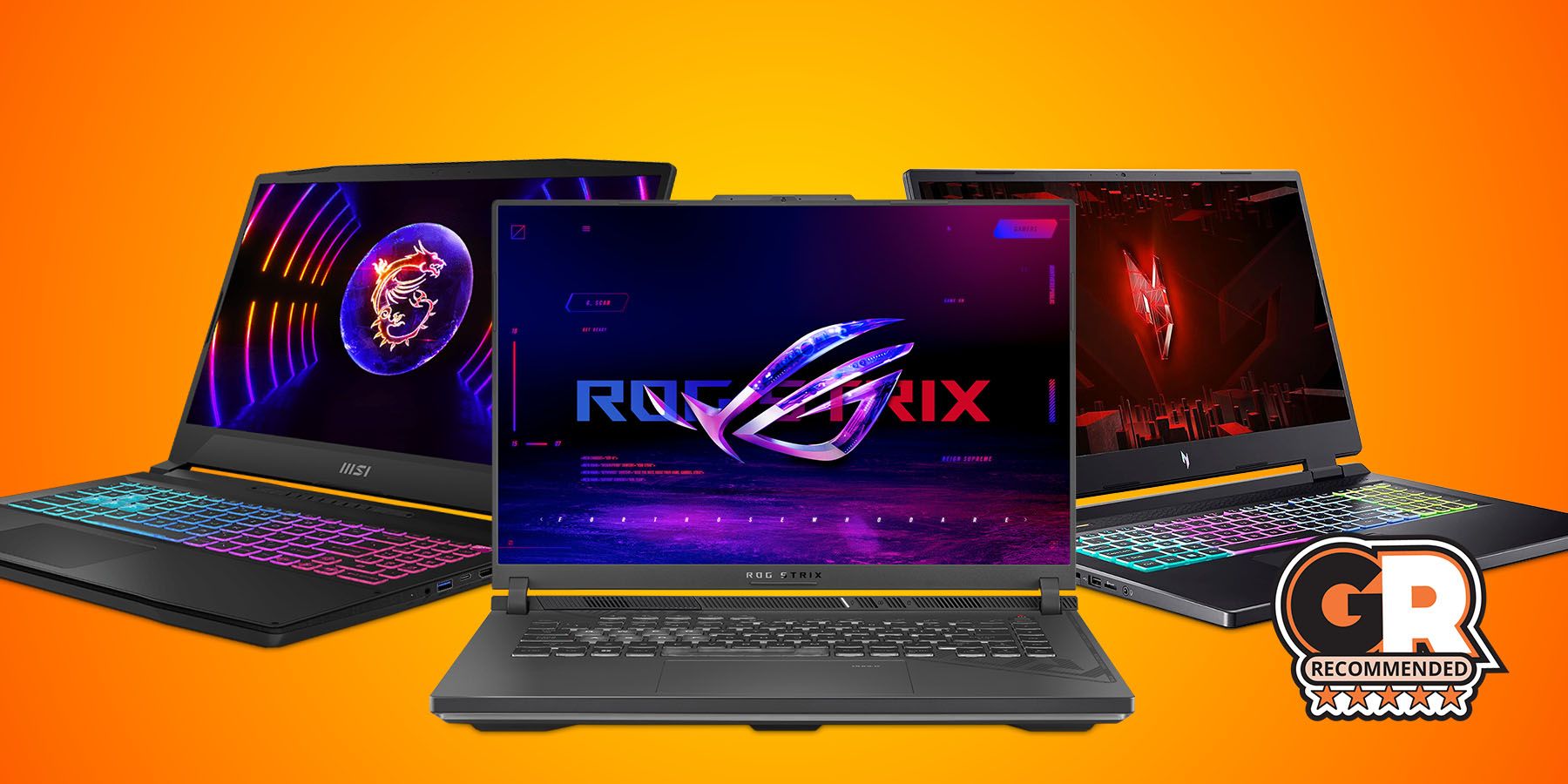
A powerful GPU is useless if it thermal throttles. Read reviews specifically mentioning fan noise and surface temperatures. Models with dual-fan setups and heat pipes that span the width of the laptop generally handle sustained loads better than single-fan designs.
Check if the RAM and storage are user-upgradeable. Some thin-and-light gaming laptops solder the RAM to the motherboard, locking you into the base configuration. Having accessible SODIMM slots allows you to add more memory later without replacing the entire machine.
Gaming laptops 2026: what to check next
Which laptop is best for gaming in 2026? The Lenovo Legion 7i Gen 10 and Asus ROG Strix Scar 16 consistently top reviews for balancing performance and value. For a budget-friendly option under $1,500, the Acer Nitro V 16 AI offers strong RTX 5060 performance without the premium price tag.
Is a gaming laptop worth it in 2026? Yes, if you need portability. Modern chips like the RTX 5060 deliver desktop-level frame rates in a mobile form factor. The trade-off is battery life and thermals, but for gaming on the go, they remain the most powerful portable solution available.
What is the newest gaming laptop 2026? CES 2026 introduced next-gen mobile silicon. The Asus ROG Flow Z13 and Lenovo Legion 9i are among the latest releases, featuring updated cooling systems and higher TGP configurations that maximize GPU performance compared to 2025 models.
What is the No. 1 gaming laptop? There is no single winner, as the MSI Katana 15 HX leads in raw budget performance while the Alienware 16X Aurora dominates in premium build quality and display technology. Choose based on whether you prioritize frame rates or chassis durability.
No comments yet. Be the first to share your thoughts!